How to use the /channels-search tool (Sandcastles MCP in Claude)
Understanding the `/channels-search` Tool
The `/channels-search` command is a powerful tool within Sandcastles designed to help you discover relevant channels based on specific criteria. It's particularly useful for brands or startups looking for creators to collaborate with.
How it Works
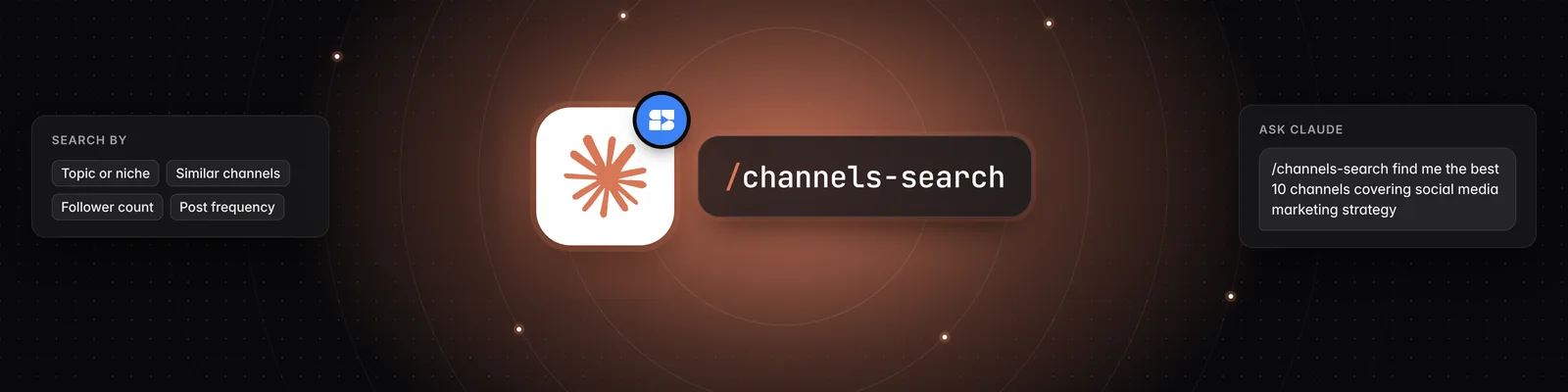
When you use the `/channels-search` command, you can specify various parameters to refine your search. The tool then queries Sandcastles' curated database of channels to find matches that fit your requirements. You can ask for channels that:
- Focus on a specific topic or niche.
- Are similar to a known successful channel.
- Meet certain follower count criteria.
- Have a specific posting frequency.
Example Usage
Let's say you're looking for Instagram channels focused on social media marketing strategy. You can use the `/channels-search` command with specific parameters:
- Initiate the command: Type `/channels-search` in the chat interface.
- Specify your criteria: You can then add details to narrow down your search. For example:
    /channels-search find me the best 10 channels covering social media marketing strategy.
    I only want them from Instagram and I only want 50-150K followers, that have posted at least 15 times in the month.
    I'm not looking for trend forward or trendy people, I want deep psychology or strategy that you don't typically hear.
- Refine your search (optional): If the initial results aren't quite right, you can ask for more specific information. For instance, if you found a channel like `@gracandrewss` and wanted to find similar ones:
    Can you give me 20 other accounts that are very similar to Grace Andrews? I'm willing to expand the follower range from 50 to 250K just on Instagram. Can you rank them best fit with Grace as number one all the way down to 20, and then give me links for each of their profiles so that I can open and see for myself?
    @graceandrewss
Benefits of Using `/channels-search`
- Discoverability: Uncover channels you might not have found through standard searches.
- Efficiency: Quickly identify potential collaborators that meet your specific needs.
- Data-Driven Insights: The tool can rank channels based on relevance and provide links for further investigation.
- Flexibility: You can be highly specific with your search parameters, ensuring you find the most suitable channels.
If you need further assistance or have questions about using the `/channels-search` tool, please contact support at support@sandcastles.ai.