How to use the /channels-suggest tool (Sandcastles MCP in Claude)
MCPUpdated October 5, 2026
What does /channels-suggest do?
/channels-suggest is a Sandcastles command you run in Claude. It recommends new channels to follow based on the channels already in your watchlist, and explains why each one fits.
Before you start
- You need a Pro, Visionary or Titan plan. The Sandcastles MCP isn't available on Starter.
- Connect Sandcastles to Claude first. See How to set up the Sandcastles MCP in Claude.
- Using
/channels-suggestis free. It doesn't use any credits.
How to use /channels-suggest
- Open Claude and start a new chat or Cowork task.
- Type
/channels-suggestin the message box and send it. - Review the list Claude returns. Ask follow-up questions in the same chat to narrow it down.
What you get back
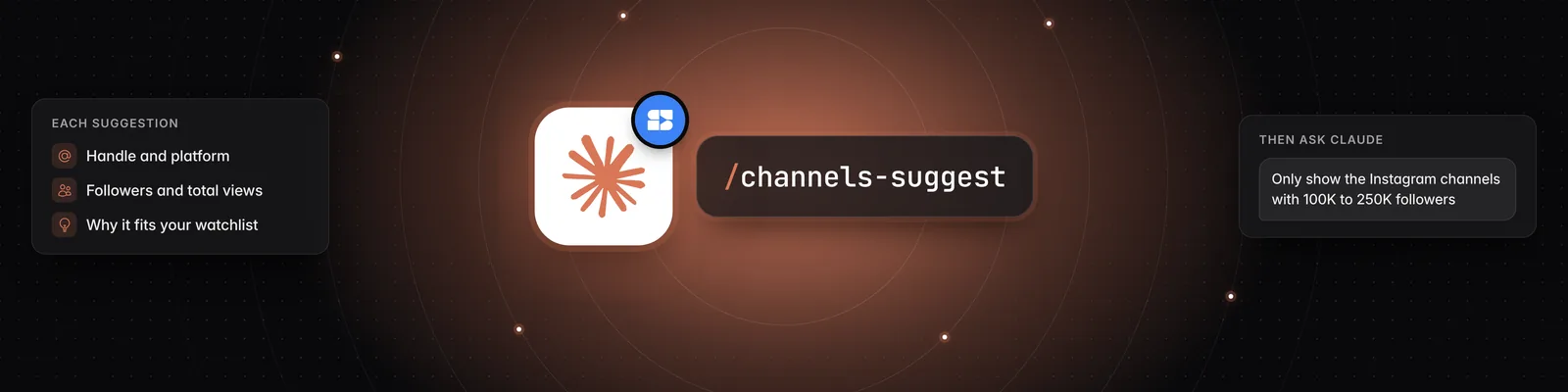
Claude returns up to 18 channels that aren't already in your watchlist. For each channel you'll see:
- The channel handle and platform (YouTube Shorts, TikTok or Instagram)
- Follower count and total views
- A short description of the channel and its category
- Why it fits your watchlist
Example follow-ups
After the suggestions appear, you can type requests like these in the same chat:
- "Only show the Instagram channels with 100K to 250K followers."
- "Which of these has the most views compared to its follower count?"
- "Add the top three to my watchlist."
To add channels directly, see How to use the /channels-add skill (Sandcastles MCP in Claude).
Important notes
- Suggestions are based on the channels in your watchlist, so they work best when your watchlist already has a few channels in it.
- Channels already in your watchlist are left out of the suggestions.
- Follow-ups like follower ranges and platforms filter the list Claude already returned. If too few channels match, run
/channels-suggestagain or ask Claude for more.
If you have any questions, please reach out to support@sandcastles.ai.