How to use the /videos-global tool (Sandcastles MCP in Claude)
Overview
The `/videos-global` tool within Sandcastles is designed to help you discover top-performing videos across all of Sandcastles based on specific topics or keywords. This tool is particularly useful for content creators looking to understand trends and identify successful content strategies.
How it Works
When you use the `/videos-global` tool, you can ask Claude to pull any video from the database about how to use Claude to set up a social media content workflow with AI. The tool will then analyze these videos. It will return these videos in order based on views, along with a link to each video.
Using the Tool
-
Access the tool: Navigate to the chat interface where you can interact with Claude.
-
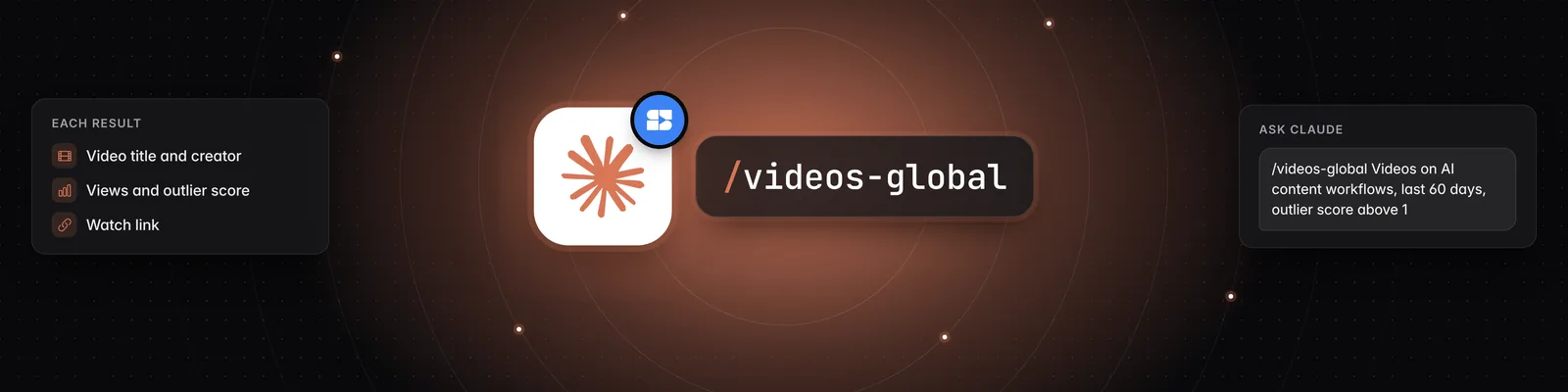
Input your query: Type `/videos-global` followed by your specific topic or keyword. For example, to find videos about setting up a social media content workflow with AI, you would type:
`/videos-global Can you pull any video in the database about how to use Claude to set up a social media content workflow with AI? That topic is what I want, as many videos posted in the last, let's say, 60 days with an outlier score above 1, I want you to return them in order based on views, with the link to the video.`
-
Initiate the search: Press Enter or click the send button to start the process.
Understanding the Results
The tool will process your request and return a list of relevant videos. The results are typically presented with:
- Video Title and Creator: Identifying the specific video and who posted it.
- View Count and Outlier Score: Providing metrics like total views and an outlier score to indicate performance.
- Description Snippets: Offering a brief summary of the video's content.
- Watch Link: A direct link to view the video.
Further Assistance
If you have any questions about using the `/videos-global` tool or need further assistance, please reach out to support@sandcastles.ai.