How to use the /videos-watchlist tool (Sandcastles MCP in Claude)
What does the /videos-watchlist command do?
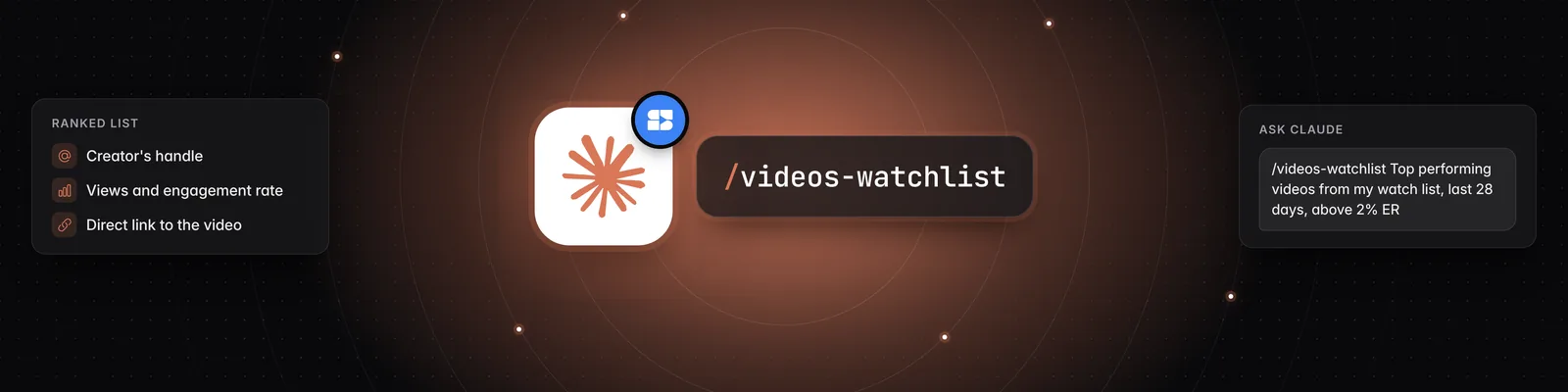
/videos-watchlist shows you the top-performing videos from the channels on your watchlist. Claude returns a ranked list with each video's views, engagement rate and outlier score, plus a link to the video.
Before You Start
You need:
- A Pro, Visionary or Titan plan. The Sandcastles MCP isn't available on the Starter plan.
- The Sandcastles connector and the Sandcastles plugin installed in Claude. See How to set up the Sandcastles MCP in Claude and How to update the Sandcastles MCP plugin in Claude.
- At least one channel on your watchlist.
Using the /videos-watchlist Command
You run /videos-watchlist in Claude, not in the Sandcastles web app.
- Open a chat in Claude.
- Type
/videos-watchlist. To narrow the results, add a topic or filters after the command. - Send the message.
- Reply with follow-up questions to change the filters or dig into a video.
For example:
/videos-watchlist Show me the top videos from my watchlist in the last 28 days with at least a 2% engagement rate, sorted by views. Include the link to each video and the creator who made it.
Default Settings
If you don't add anything after the command, /videos-watchlist returns up to 50 of your watchlist's top-performing videos:
- Posted in the last 30 days.
- Sorted by outlier score, highest first.
- No minimum views, engagement rate or outlier score.
Both analyzed and unanalyzed videos are included.
If you ask about your watchlist without the command, for example "What's new in my watchlist?", Claude shows your newest videos first, from any date.
Changing the Defaults
Ask Claude in plain words, either after the command or in a follow-up message. You can change:
- Time window: "in the last week", "in the last 60 days".
- Views: "with more than 100,000 views".
- Engagement rate and outlier score: "above 5% engagement", "outlier score above 2x".
- Platform: YouTube Shorts, TikTok or Instagram, for example "only TikTok".
- Topic: "about morning routines".
- Sort order: by views, newest first, outlier score or engagement rate.
- Number of videos: for example "show me 25 videos".
What You Get Back
For each video, Claude can show you:
- The creator's handle and platform.
- The video's caption or title.
- Views, likes, comments, engagement rate and outlier score.
- When it was posted.
- A link to the video in Sandcastles and on the original platform.
- Whether Sandcastles has analyzed it yet.
If some of the videos haven't been analyzed, Claude will offer to analyze them so you can see their hooks, formats, topics and narrative structure. It won't analyze anything until you confirm.
Credits
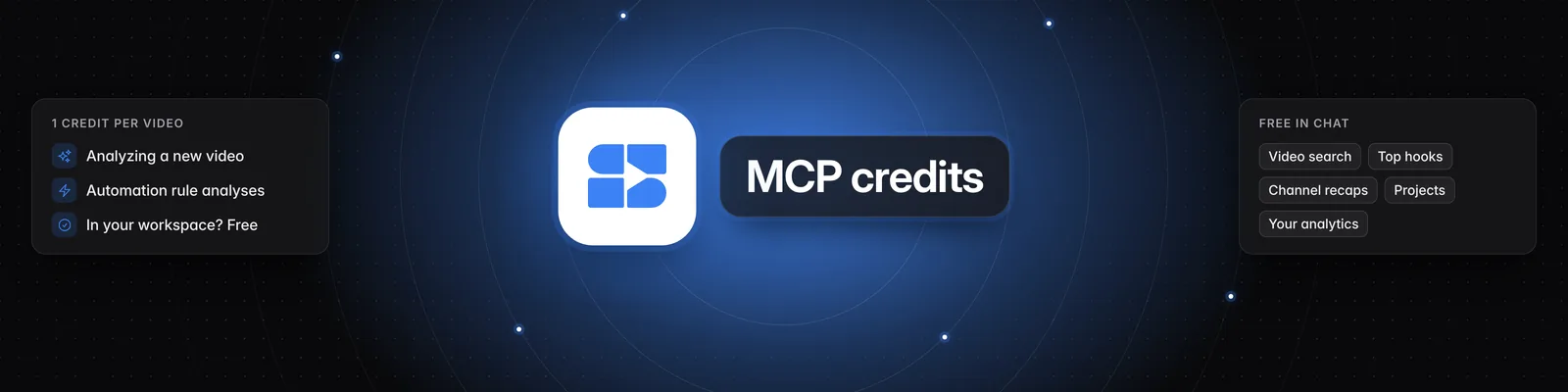
/videos-watchlistis free. It doesn't use credits.- If you ask Claude to analyze videos from the results, each new video uses 1 credit. Videos already analyzed in your current workspace don't use a credit again.
Troubleshooting
- Claude finds few or no videos: Ask Claude to look further back, or remove any minimum views, engagement rate or outlier score you asked for.
- The videos are from the wrong niche:
/videos-watchlistuses the watchlist in the workspace you're currently in. Ask Claude "Which workspace am I in?" and switch if needed. - "Your Sandcastles plan doesn't include MCP access": Upgrade to Pro, Visionary or Titan.
- The command doesn't appear: If
/videos-watchlistisn't listed when you type /, update your plugin by adding Sandcastles from the Claude directory at https://claude.ai/directory/sandcastles. See How to update the Sandcastles MCP plugin in Claude.
Related Articles
- How to use the /videos-global tool (Sandcastles MCP in Claude)
- How to set up the Sandcastles MCP in Claude
- How to update the Sandcastles MCP plugin in Claude
If you have any questions, please reach out to support@sandcastles.ai.