How to use the /analytics command (Sandcastles MCP in Claude)
Understanding the /analytics Command
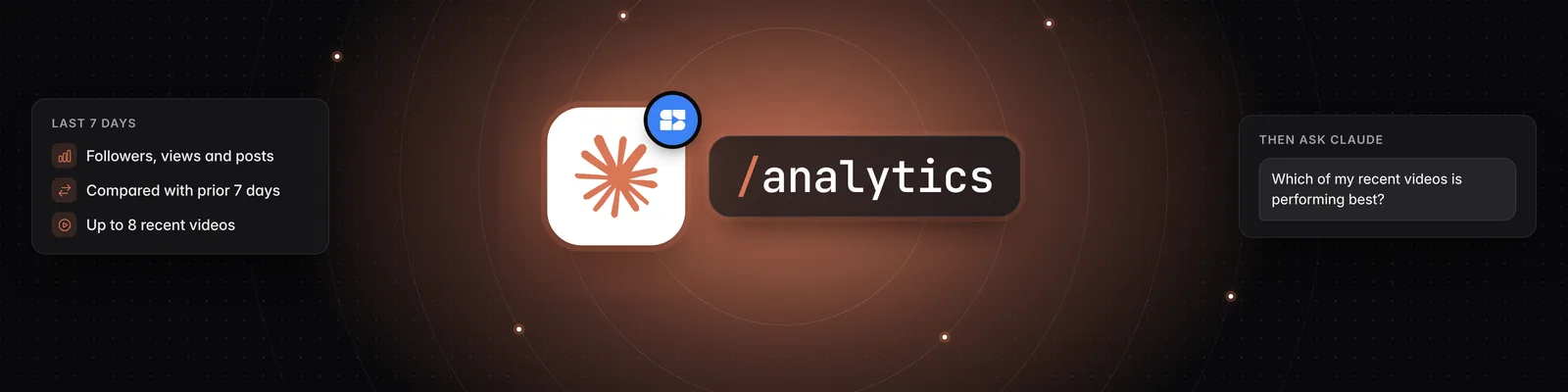
Yes, you can see your Sandcastles dashboard inside Claude. Type /analytics and Claude pulls your latest personal analytics, gives you a short summary of 3–4 key points, and then offers a full walkthrough or lets you ask your own questions.
Before You Start
You need:
- A Pro, Visionary or Titan plan. The Sandcastles MCP isn't available on the Starter plan.
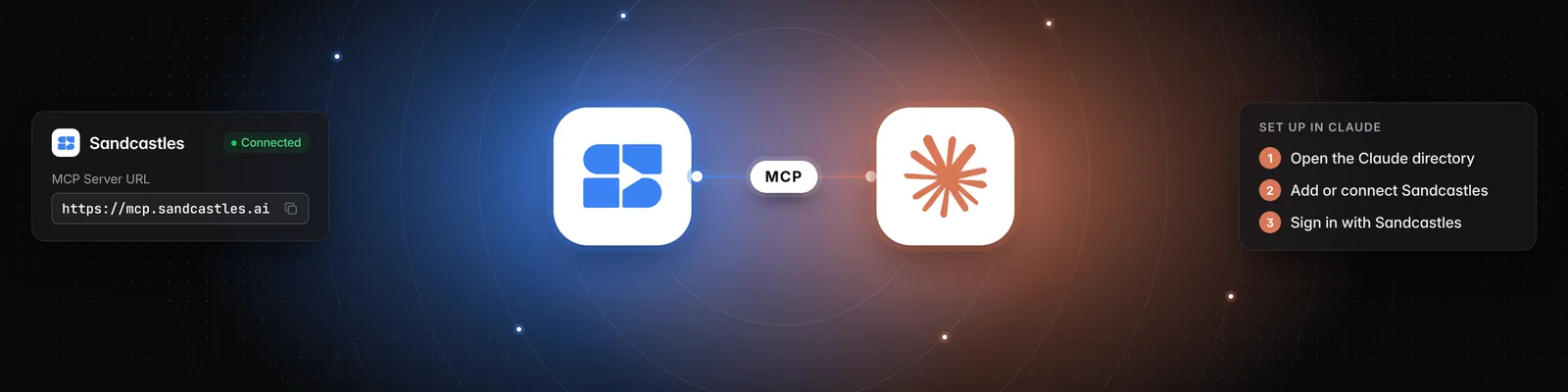
- The Sandcastles connector and the Sandcastles plugin installed in Claude.
- Personal analytics turned on and at least one verified social account in your workspace.
Using the /analytics Command
You run /analytics in Claude, not in the Sandcastles web app.
- Open a chat in Claude.
- Type
/analyticsand send it. - Read the short summary of your key numbers.
- Reply to choose a full walkthrough of every section, or ask your own questions.
You can also ask in plain words, such as "Show me my dashboard" or "How am I doing this week?" Claude uses the same Sandcastles tool.
What's Included
/analytics covers the last 7 days for all verified channels in your current workspace combined:
- Headline stats: total followers, followers gained, views and number of posts, each compared with the 7 days before.
- Daily numbers: views, followers and posts for each day.
- Recent videos: your most recent videos (up to 8), ranked by views.
The date range is always the last 7 days, and paid brand deals are included. To change the date range or exclude brand deals, use the Dashboard in Sandcastles.
/analytics shows numbers only. For written analysis of your topics, hooks, formats and scripting tactics, run a Content Strategy Audit from the Reports tab, then ask Claude to "pull my latest Content Strategy Audit report."
Example Follow-up Questions
- "Walk me through every section."
- "Which of my recent videos is performing best?"
- "How do my views this week compare to last week?"
- "Which day had the most views, and what did I post that day?"
- "Did I post more or less than the week before?"
Credits
/analyticsis free. Pulling your dashboard doesn't use credits.- If you ask Claude to analyze one of your videos as a follow-up, that uses 1 credit per video. Videos already in your workspace don't use a credit again.
Troubleshooting
- Claude says you need to verify a channel: Sandcastles found no verified accounts in your current workspace. Go to Settings > Social Verification, turn on Enable personal analytics, verify your account, then run
/analyticsagain. - You verified a channel, but Claude can't find it:
/analyticsreads the workspace you're currently in. Ask Claude "Which workspace am I in?" and switch if needed. Switching in Claude also switches your workspace in the Sandcastles web app. - "Your analytics are still being prepared": Wait a moment, then run
/analyticsagain. - "Your Sandcastles plan doesn't include MCP access": Upgrade to Pro, Visionary or Titan.
- The command doesn't appear: If
/analyticsisn't listed when you type /, get the latest plugin by adding Sandcastles from the Claude directory at https://claude.ai/directory/sandcastles. See How to update the Sandcastles MCP plugin in Claude.
Related Articles
- How to use the Personal Analytics Dashboard
- How to verify your social channels in Sandcastles
- How to set up the Sandcastles MCP in Claude
- How to update the Sandcastles MCP plugin in Claude
- How to use the Reports tab
If you have any questions, please reach out to support@sandcastles.ai.