How to update the Sandcastles MCP plugin in Claude
Getting the latest Sandcastles plugin in Claude
You no longer download the Claude plugin from Sandcastles or upload a zip file. To get the latest version, add Sandcastles from the Claude directory at https://claude.ai/directory/sandcastles.
Add Sandcastles from the Claude directory
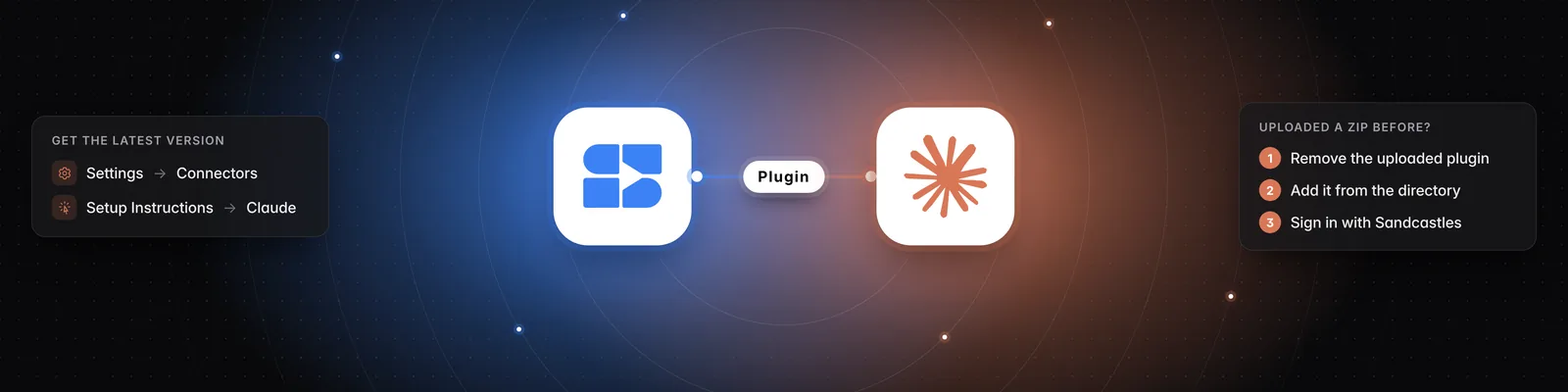
- In Sandcastles, go to Settings > Connectors.
- In the MCP section, under Install from Marketplace, click Claude. This opens the Sandcastles page in the Claude directory. You can also go straight to https://claude.ai/directory/sandcastles.
- Add Sandcastles in Claude.
- When Claude sends you to the Sandcastles sign-in page, log in with your Sandcastles account and approve access.
If you uploaded the plugin zip before
If you added Sandcastles to Claude by uploading a zip file such as sandcastles-claude-plugin-v1.0.6.zip, remove that copy first so you don't end up with two Sandcastles plugins.
- In Claude, find the Sandcastles plugin you uploaded in your personal plugins.
- Remove it.
- Add Sandcastles from the Claude directory, following the steps above.
Update the plugin in Claude Code
If you added the Sandcastles marketplace in Claude Code with /plugin marketplace add sandcastles-ai/plugins, run these two commands to get the latest version:
/plugin marketplace update sandcastles
/plugin install sandcastles@sandcastles
What's in the latest version
The plugin adds these slash commands:
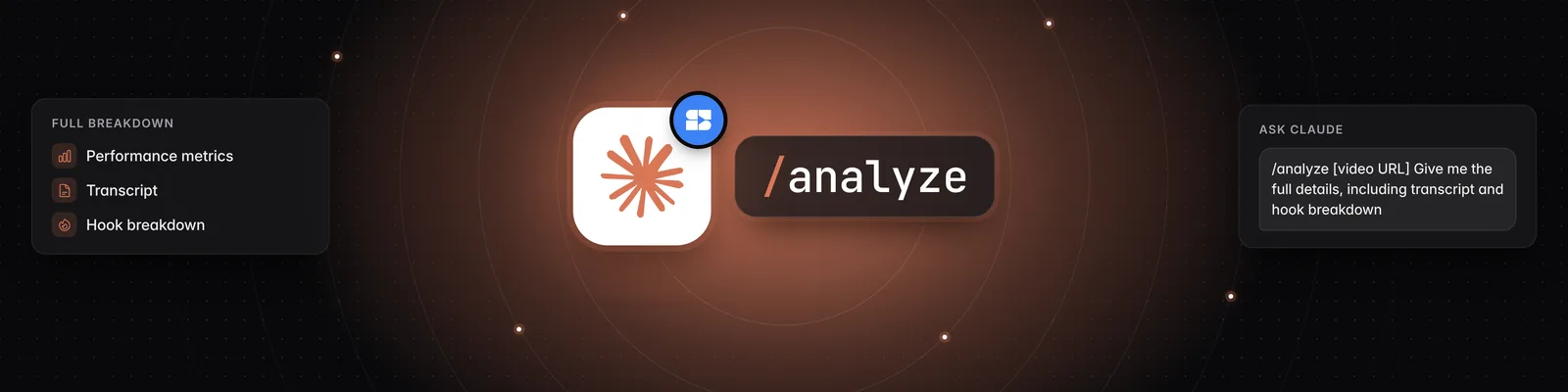
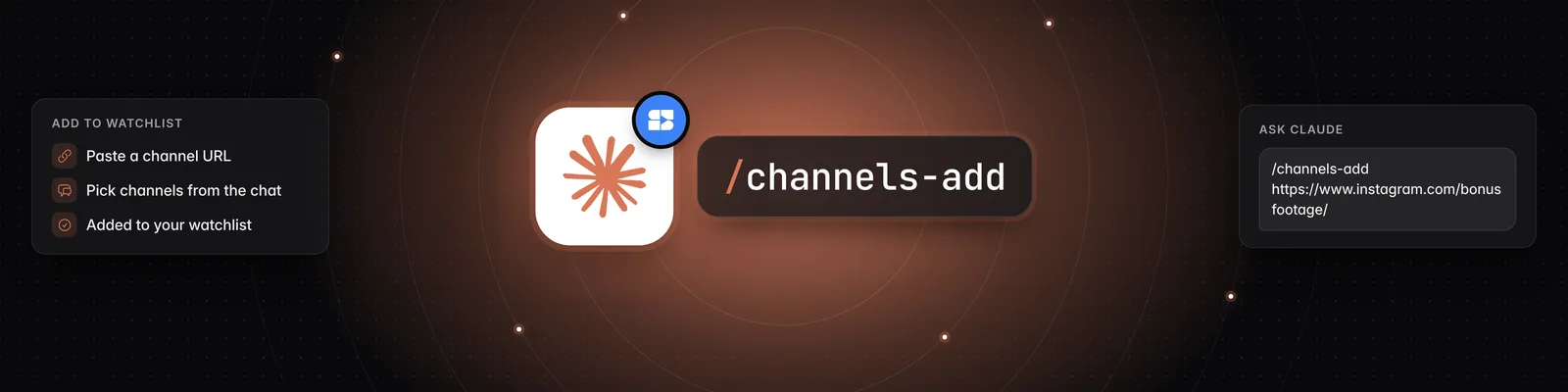
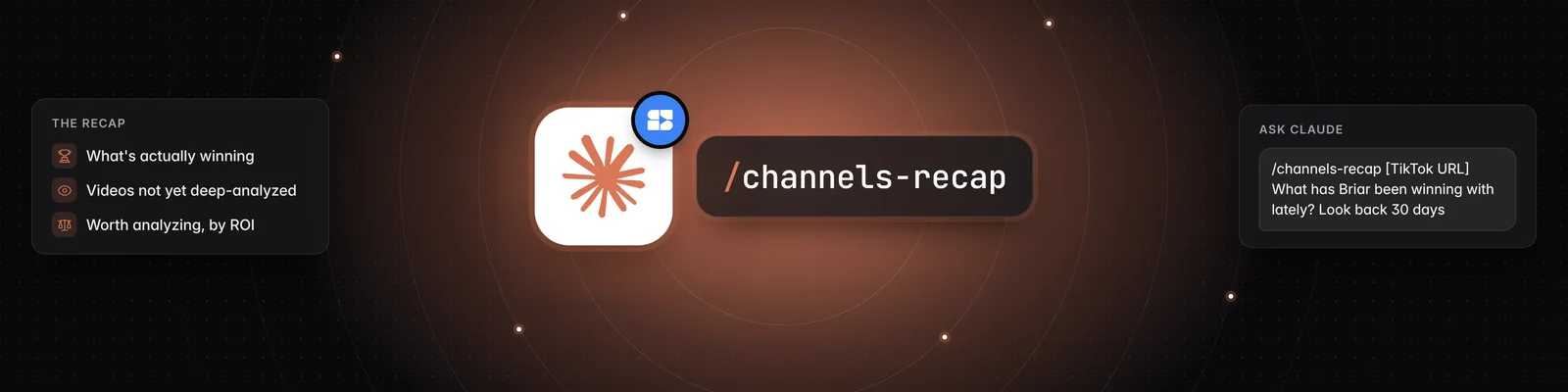
/analytics: see your personal analytics dashboard./analyze: analyze a single video./channels-add: add channels to your watchlist./channels-recap: get a brief on what a specific channel has been doing./channels-search: find channels that focus on a specific topic or niche./channels-suggest: get channel recommendations based on your watchlist./formats-global: see top video formats across all of Sandcastles./formats-watchlist: see top video formats from creators in your watchlist./hooks-global: see top hook patterns across all of Sandcastles./hooks-watchlist: see top hook patterns from creators in your watchlist./rules: see your automation rules./topics: see what topics are trending in your niche./video-suggest: get a ranked recommendation for what to make next./videos-global: see top performing videos across all of Sandcastles./videos-watchlist: see top performing videos from your watchlist.
The /insight command from older versions is no longer included. If one of the commands above doesn't appear when you type / in Claude, make sure you've removed any uploaded copy and added Sandcastles from the Claude directory.
Troubleshooting
- You don't see the Connectors tab: this tab only appears once you have an active plan.
- The MCP section shows a See plans button: you're on the Starter plan, which doesn't include the MCP. Upgrade to use Sandcastles in Claude.
- You're looking for the Download Claude plugin button: it has been removed. Add Sandcastles from the Claude directory instead.
Related articles
- How to set up the Sandcastles MCP in Claude
- How to set up the Sandcastles MCP in any AI assistant
- Does using the Sandcastles MCP cost credits?
- The Hook Machine workflow (Sandcastles MCP + Claude)
If you have any questions, please reach out to support@sandcastles.ai.