How to use the /channels-add skill (Sandcastles MCP in Claude)
Overview
The `/channels-add` skill in Sandcastles MCP allows you to quickly add any Instagram, TikTok, or YouTube channel to your watchlist. This is useful for keeping track of creators you find interesting or want to analyze further.
How to Add a Channel to Your Watchlist
There are two primary ways to use the `/channels-add` skill:
- Adding a specific channel: If you've found a channel you want to add, you can directly provide its URL.
- Adding channels found in the chat: If you're discussing channels in a chat and want to add them to your watchlist, you can use the skill to do so.
Step-by-Step Guide:
- Navigate to the Chat Interface: Ensure you are in the chat interface within Sandcastles MCP.
- Initiate the Skill: Type `/channels-add` into the message input field.
- Specify the Channel:
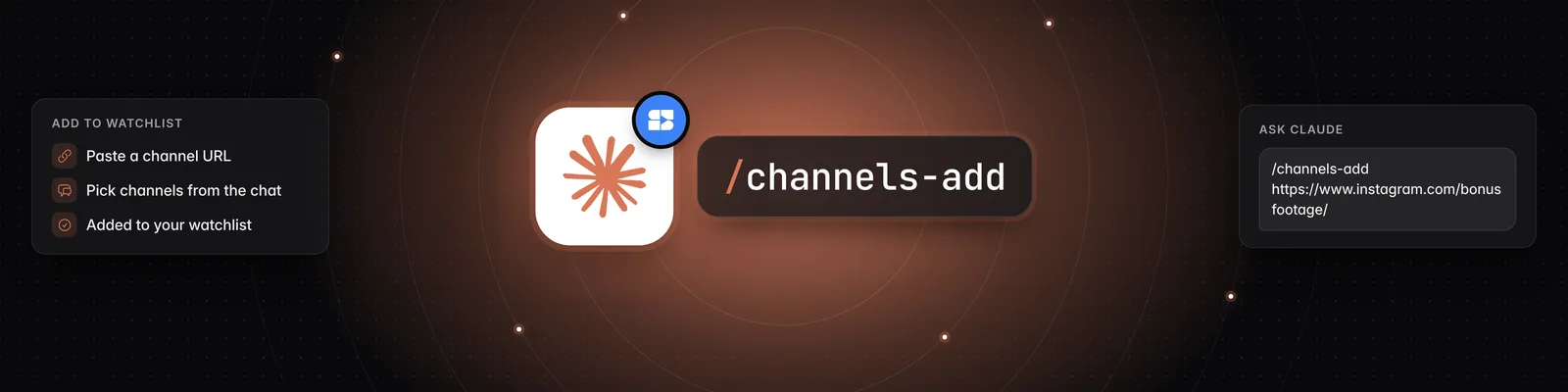
- For a specific channel: Paste the full URL of the channel you wish to add after `/channels-add`. For example:
/channels-add https://www.instagram.com/bonusfootage/
- For channels mentioned in chat: If you are in a conversation and want to add a channel that has been linked or discussed, you can often simply type `/channels-add` and the AI will prompt you to specify which channel(s) from the conversation you'd like to add.
- Add to Your Watchlist: Press Enter or click the send button. The system will then process your request.
Confirmation and Results
Upon successful execution, Sandcastles MCP will confirm that the channel has been added to your watchlist. You will see a message indicating:
- The name of the channel added (e.g., "Done. @bonusfootage (Instagram) is now in your Kallaway Marketing watchlist.").
- A summary of the action, such as:
- `Added: 1` (if the channel was new to your watchlist)
- `Submitted as new: 0` (if the channel was already in your watchlist and analyzed)
- `Skipped: 0` (if no channels were skipped)
- The updated total number of channels in your watchlist.
Seeing and Removing Channels in Your Watchlist
You can also ask Claude about your watchlist in plain words, without a command:
- See your watchlist: Ask "Which channels are in my watchlist?" Claude lists the same channels as the Channels tab.
- Remove channels: Ask "Remove @bonusfootage from my watchlist." You can name channels by handle or URL, and add the platform if the same handle is on more than one, for example "Remove @bonusfootage on Instagram." If you ask for something vague, like "Clean up my watchlist," Claude suggests channels to remove and waits for you to say which.
Removing a channel only takes it off your watchlist. Videos you've already saved or analyzed stay in your workspace. Seeing and removing channels is free and doesn't use credits.
If you're a guest in someone else's workspace, you can see its watchlist, but you can't add or remove channels.
Benefits of Using `/channels-add`
- Efficiency: Quickly add channels to your watchlist without manually navigating to the "Channels" section.
- Discovery: When used in conjunction with other chat functionalities, you can discover new channels and add them to your tracking list with ease.
- Organization: Keep your research focused by maintaining a curated watchlist of relevant creators and channels.
This skill streamlines the process of expanding your research by allowing you to add channels directly from your conversations or by providing a URL, ensuring you don't miss out on valuable content.