How to use the /channels-search tool (Sandcastles MCP in Claude)
What does the /channels-search command do?
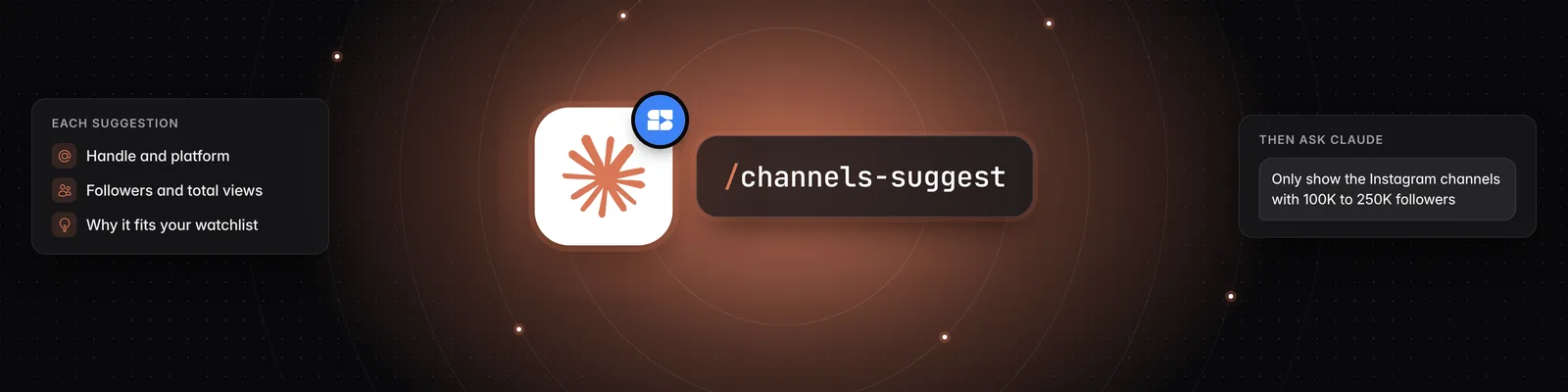
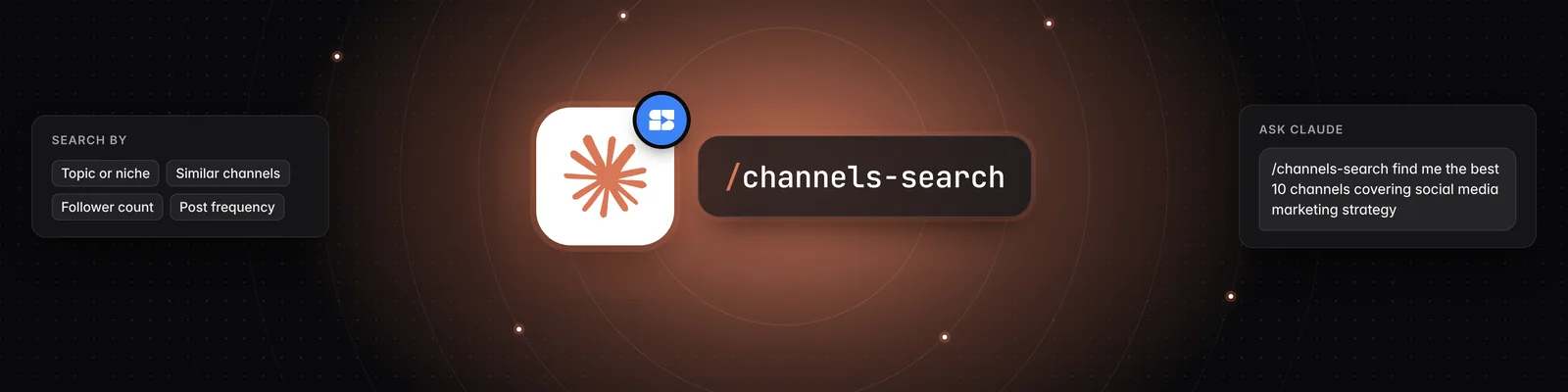
/channels-search finds channels on Sandcastles that focus on a topic or niche you name. Claude returns up to 18 channels that aren't already in your watchlist and explains why each one fits. It's useful for finding creators to follow or brands to collaborate with.
Before You Start
You need:
- A Pro, Visionary or Titan plan. The Sandcastles MCP isn't available on the Starter plan.
- The Sandcastles connector and the Sandcastles plugin installed in Claude. See How to set up the Sandcastles MCP in Claude and How to update the Sandcastles MCP plugin in Claude.
Using the /channels-search Command
You run /channels-search in Claude, either in a regular chat or in Cowork. You don't run it in the Sandcastles web app.
- Open a chat or a Cowork task in Claude.
- Type
/channels-searchfollowed by the topic or niche you're looking for, and send it. If you leave the topic out, Claude asks you for one. - Read the channels Claude returns.
- Reply with follow-up questions to narrow the list or find similar channels.
For example:
/channels-search social media marketing strategy. I'm not looking for trendy creators, I want deep psychology or strategy that you don't typically hear.
What You Get Back
Claude returns up to 18 channels, grouped by category when there's a natural grouping. For each channel you'll see:
- The channel handle and platform (YouTube Shorts, TikTok or Instagram)
- Follower count and total views
- A short description of the channel
- Why it fits your topic
How Results Are Chosen
- Channels already in your watchlist are left out.
- Results only include channels with at least 50,000 followers.
- If you name a language or the creator's gender, results only include channels that match.
- Other details you mention, like how often a channel posts, its visual style or its production polish, help matching channels rank higher, but don't rule other channels out.
Narrowing the Results
/channels-search can't search for one platform or a follower range. Every result shows its platform and follower count, so you can ask Claude to filter the list it already returned:
- "Only show the Instagram channels with 50K to 150K followers."
- "Rank these by best fit and give me a link to each profile."
If too few channels are left, try a broader topic or a different wording.
Finding Similar Channels
Once you've found a channel you like, ask Claude for more channels like it. Name the channel by handle or URL, and the platform if you know it. For example:
Give me other accounts that are very similar to @graceandrewss on Instagram. Rank them by best fit and give me links to each of their profiles.
Claude returns up to 18 similar channels, leaving out the channel itself and the channels already in your watchlist.
Adding Channels to Your Watchlist
/channels-search doesn't change your watchlist on its own. To follow channels from the results, ask Claude, for example "Add the top three to my watchlist." See How to use the /channels-add skill (Sandcastles MCP in Claude).
Adding channels counts toward your watchlist limit. See Are there limits to how many channels I can have in my Watchlist?
Credits
/channels-searchis free. It doesn't use credits.- Finding similar channels and adding channels to your watchlist are free too.
Troubleshooting
- Claude finds few or no channels: Try a broader topic or describe the niche in different words.
- Similar channels can't be found: The channel has to be on Sandcastles first. If it isn't, Claude can add it to your watchlist. If the channel was added recently, its details may still be processing, so try again later.
- You're a guest in someone else's workspace: Guests can't search for similar channels or change the workspace's watchlist.
- "Your Sandcastles plan doesn't include MCP access.": Upgrade to Pro, Visionary or Titan.
- The command doesn't appear: If
/channels-searchisn't listed when you type /, update your plugin by adding Sandcastles from the Claude directory at https://claude.ai/directory/sandcastles. See How to update the Sandcastles MCP plugin in Claude.
Related Articles
- How to set up the Sandcastles MCP in Claude
- How to use the /channels-suggest tool (Sandcastles MCP in Claude)
- How to use the /channels-add skill (Sandcastles MCP in Claude)
- How can I find more channels similar to one I already have?
If you have any questions, please reach out to support@sandcastles.ai.