Are there limits to how many channels I can have in my Watchlist?
Channel limits in your Watchlist
Yes. Each workspace has its own Watchlist, and your plan sets how many channels it can hold. There's also a separate monthly limit on adding channels that aren't in Sandcastles yet.
Limits by plan
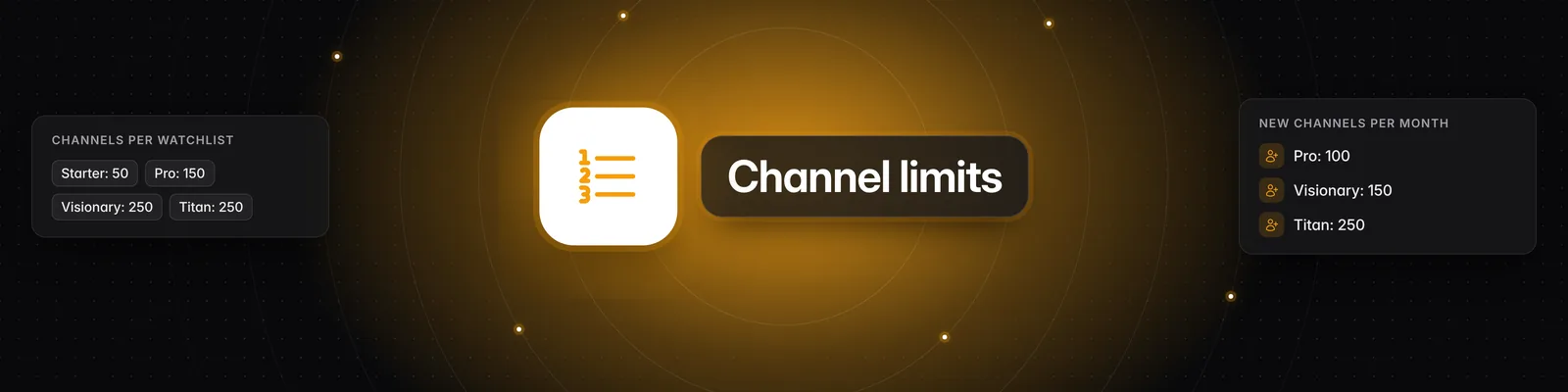
| Plan | Channels per Watchlist | Workspaces | New channels per month |
|---|---|---|---|
| Starter | 50 | 1 | Not included |
| Pro | 150 | 3 | 100 |
| Visionary | 250 | 5 | 150 |
| Titan | 250 | 20 | 250 |
Watchlist limit vs. monthly limit
- Watchlist limit: the most channels one Watchlist can hold at a time. Every channel counts, and removing a channel frees up a spot.
- Monthly limit: how many channels that are new to Sandcastles you can add each month. When you paste a URL in the Add URL tab and click Parse, these channels are marked New channel!
- Adding a channel that's already in Sandcastles only uses a Watchlist spot. Adding a new channel uses a Watchlist spot and one of your monthly adds.
- Removing a channel from your Watchlist doesn't give back a monthly add.
When your Watchlist is full
If you add more channels than your plan allows, Your Watchlist shows a red Too many channels badge with your limit, and a Watchlist channel limit reached message opens. Your Watchlist won't save until it's back within your limit.
To make room, you can:
- Remove channels you no longer need. Your Watchlist saves automatically.
- Create another workspace, if your plan includes more than one. Each workspace has its own Watchlist.
- Upgrade to a plan with a higher Watchlist limit.
When you reach your monthly limit
When you try to add a new channel and have no adds left, a Monthly Limit Reached message opens. It shows the date your limit resets.
- Your monthly limit resets on the 1st of each month (UTC).
- The monthly limit is shared by all the workspaces in your account.
- You can still add channels that are already in Sandcastles, as long as your Watchlist has room.
- If you click Add all with more new channels than you have adds left, the same message opens. Add fewer channels at a time.
To get more new channels per month, upgrade your plan.
On the Starter plan
- You can add up to 50 channels that are already in Sandcastles.
- You can't add new channels. If you try, you'll see an Upgrade required message.
- If Your Watchlist shows Couldn't save — Retry after you add a New channel!, remove that channel and your Watchlist will save again.
Workspaces
- Each workspace has its own Watchlist, and the Watchlist limit applies to each one separately.
- Deleting a workspace doesn't give back the monthly adds used in it.
How many channels should I start with?
You don't need to fill your Watchlist. Start with about 5–10 channels closely related to your niche, then add more as you find good ones. For more tips, see What's the ideal number of channels to have in my Watchlist?
Related articles
- What's the ideal number of channels to have in my Watchlist?
- How do I manually import new channels into Sandcastles?
- What are the differences between the Starter, Pro, Visionary, and Titan plans?
- How to use the Workspaces feature
If you have any questions, please reach out to support@sandcastles.ai.