How to use the Channels tab
Building your watchlist
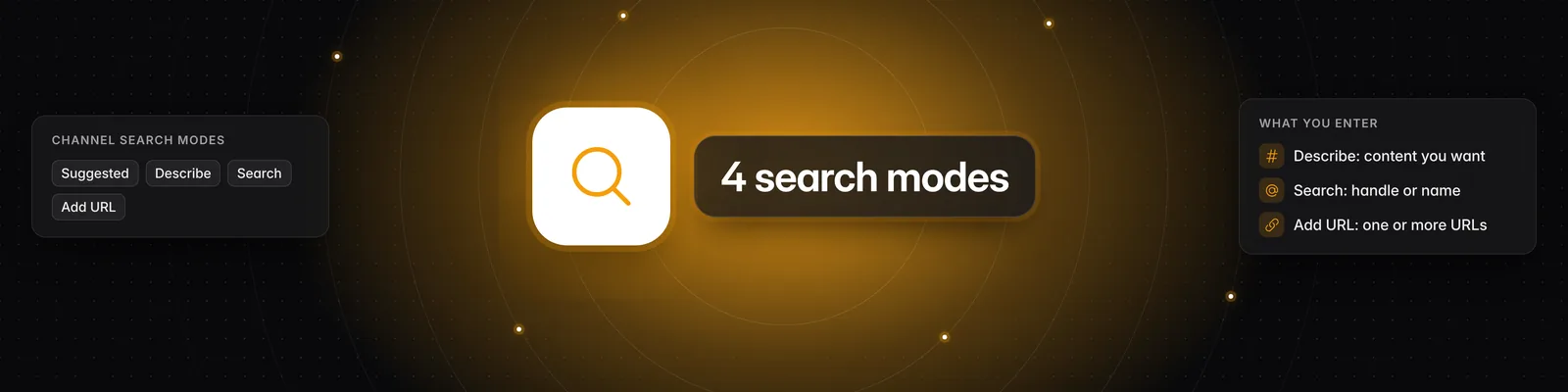
The Channels page is where you choose which channels appear in your Videos feed. You add channels to your watchlist with four modes: Suggested, Describe, Search and Add URL. Your watchlist saves automatically, so there's no save button to click.
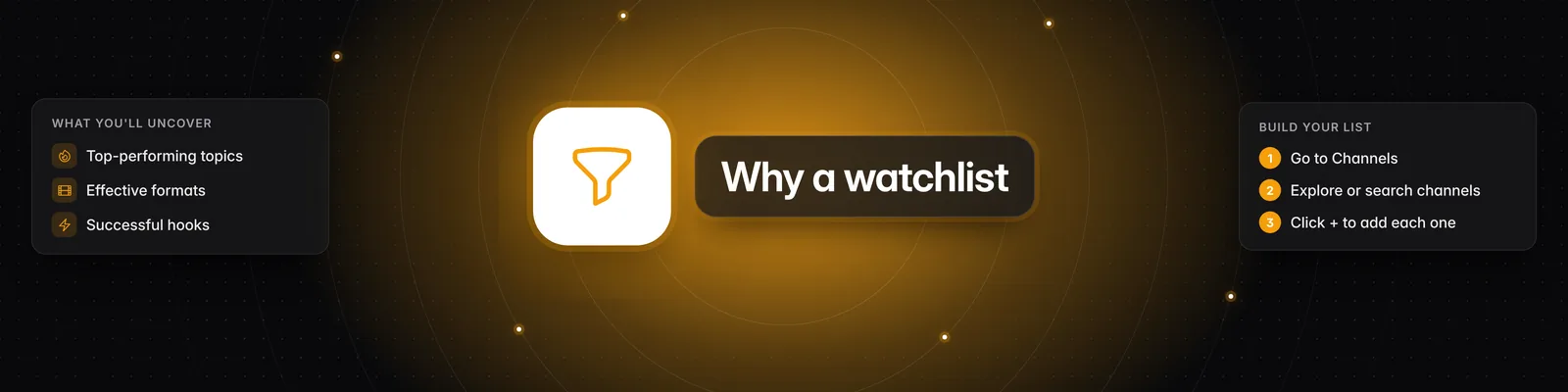
Why build a watchlist?
Searching Instagram, TikTok and YouTube by hand takes time and turns up a lot of irrelevant results. A curated watchlist keeps your feed focused on the creators that matter to you, so it's easier to spot trending topics and effective hooks.
Four ways to add channels
Open Channels in the left sidebar, then pick a mode at the top of the page. For more on each mode, see What are the 4 different channel search modes?
- Suggested: Sandcastles recommends channels similar to the ones already in your watchlist. If your watchlist is empty, suggestions are based on your workspace persona. If you haven't set one up, click Create a persona for this workspace.
- How to use: Hover over a channel card and click the plus icon (Add to watchlist), or click anywhere on the card. Hover over a section to see Load more and Add all.
- Tip: Suggestions update as your watchlist grows, so the more relevant channels you add, the better they get.
- Describe: Find channels by describing the content you want.
- How to use: Type a description, for example "social media marketing and content growth". You can filter by Platform (YouTube, TikTok, Instagram) and Account size (Nano, Micro, Small, Medium, Large, Mega). Click Search or press Enter, then add channels from the results.
- Tip: Micro, Small and Medium accounts often give more niche, actionable ideas than Mega accounts.
- Search: Find a creator you already know.
- How to use: Start typing a channel handle or name. Results appear as you type, grouped into Exact Matches and Approximate Matches. You can filter by Platform and Account size.
- Tip: If a channel doesn't show up, add it with Add URL.
- Add URL: Add channels by pasting their profile links.
- How to use: Paste one or more full channel URLs, separated by a new line or comma, and click Parse. Channels that were found appear under Successfully Parsed. Click the plus icon (Add to watchlist) next to a channel, or hover over the section and click Add all. Links that couldn't be read are listed under Failed to Parse.
- Note: Add URL only accepts channel (profile) URLs from Instagram, TikTok and YouTube. Video links don't work here.
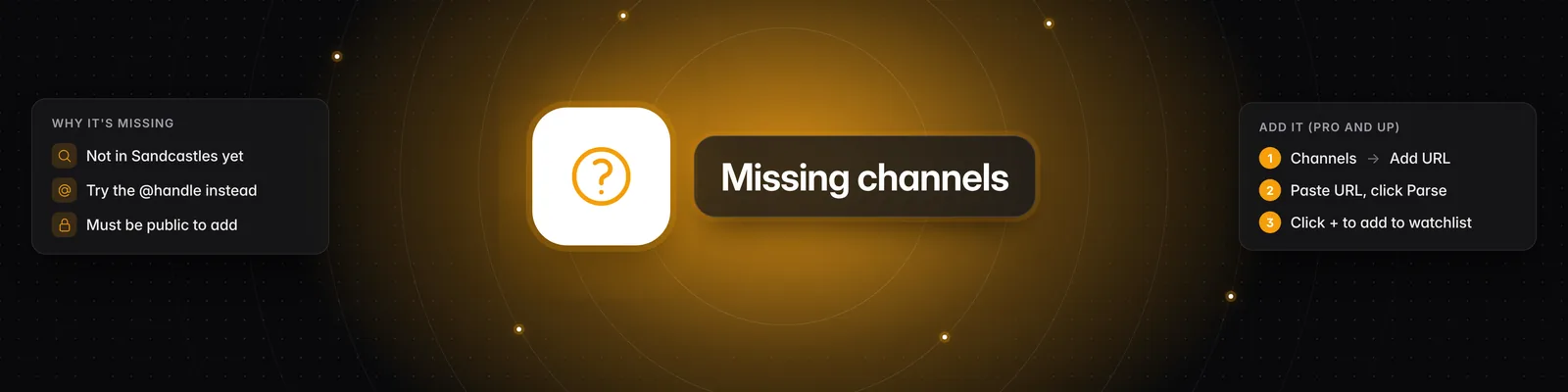
Adding channels that are new to Sandcastles
If a channel isn't in Sandcastles yet, it's marked New channel! after you parse it. Once you add it, Sandcastles starts pulling in its videos. This takes a little while, and you'll get an email when the channel is ready. For the full walkthrough, see How do I manually import new channels into Sandcastles?
- Each new channel counts toward your plan's monthly new-channel allowance (see Plan limits below).
- The Starter plan can't add new channels. You can still add channels that are already in Sandcastles.
- The channel must be public. If it can't be added, you'll see Failed to add some channels. Click for more info. in Your Watchlist. Click it to see the reason.
Saving your watchlist
Your watchlist saves automatically every time you add or remove a channel. Check the label next to Your Watchlist:
- Saving... means your changes are being saved.
- Saved confirms they went through.
- Couldn't save — Retry means the save failed. Click it to try again.
To remove a channel, hover over it in Your Watchlist and click the X (Remove channel). Remove all clears the whole watchlist after you confirm.
Plan limits
Your plan caps how many channels your watchlist can hold in each workspace. It also sets how many channels that are new to Sandcastles you can add each month. Adding a channel that's already in Sandcastles doesn't use this allowance.
| Plan | Channels in your watchlist (per workspace) | New channels per month |
|---|---|---|
| Starter | 50 | Not available |
| Pro | 150 | 100 |
| Visionary | 250 | 150 |
| Titan | 250 | 250 |
The monthly allowance is shared across all workspaces on your account and resets at the start of each month. For more, see Are there limits to how many channels I can have in my Watchlist?
Troubleshooting
- Too many channels: Your watchlist is over your plan's limit, so changes won't save. Remove channels until you're back under the limit, or upgrade your plan.
- Monthly Limit Reached: You've used this month's new-channel allowance. The message shows the date your limit resets.
- Upgrade required: You're on the Starter plan, which can't add channels that are new to Sandcastles.
- Can't make changes: If you're a guest in someone else's workspace, the watchlist is read-only. Ask the workspace owner to update it.
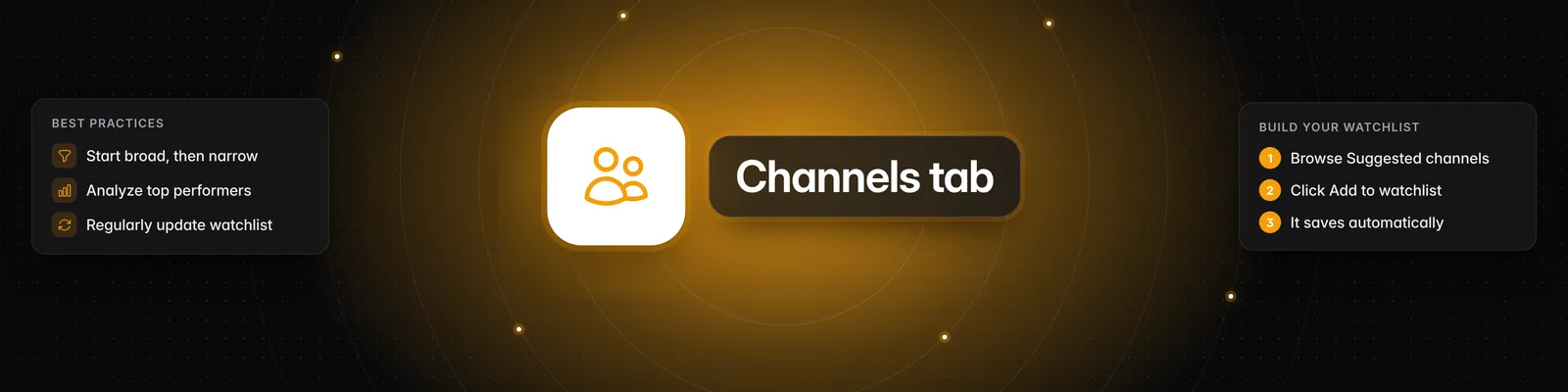
Best practices
- Start broad, then narrow: Begin with broad keywords in Describe, then refine based on what you see.
- Use More like this: Hover over a channel card and click the More like this icon. Similar channels appear in the Suggested tab.
- Study top performers: Look for videos with high outlier scores, views and engagement. They often point to strategies and hooks that work.
- Don't overlook smaller creators: Smaller, niche creators often give more targeted and actionable ideas than large channels.
- Review regularly: Update your watchlist from time to time so it stays relevant to your goals.
If you have any questions, please reach out to support@sandcastles.ai.