Why do I have to build a list of channels to use Sandcastles?
Why Sandcastles starts with your watchlist
Your watchlist is the list of channels that builds your Videos feed. Until you add channels, the Videos tab shows To explore videos, configure your feed first, so building the list is the first step.
Why a channel list
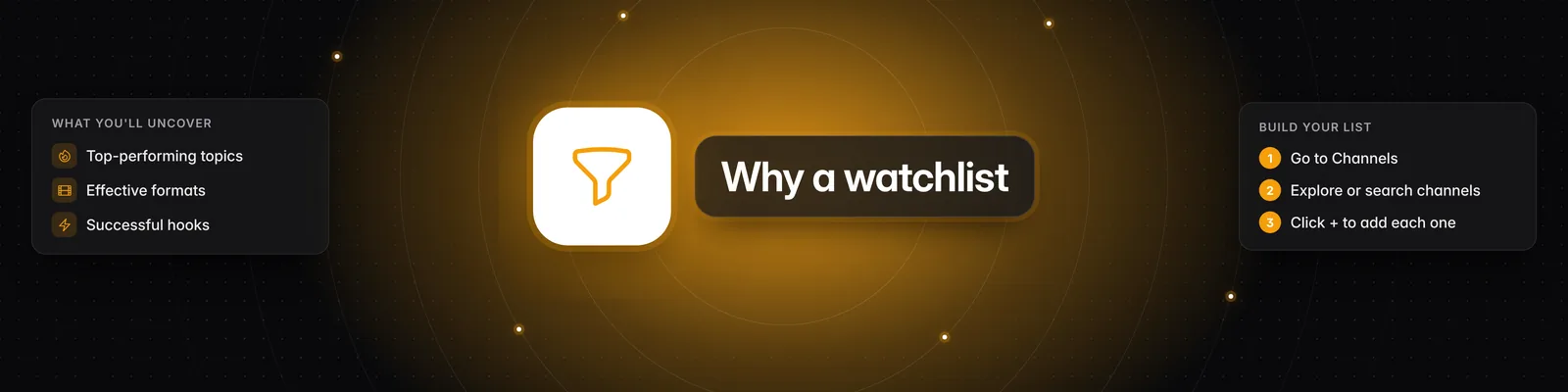
Searching a whole platform by keyword brings back a lot of videos that have nothing to do with your niche. A watchlist of channels you care about keeps your research focused, so you can see which topics, formats and hooks are working for creators like you.
How to build your watchlist
- Click Channels in the left sidebar.
- Pick a mode at the top of the page:
- Suggested: channels similar to the ones already in your watchlist. If your watchlist is empty, suggestions are based on the Content description in your workspace Persona. If you have neither, click Create a persona for this workspace to set one up.
- Describe: type a description of the content you want, then click Search or press Enter.
- Search: find a creator you already know by their handle or name.
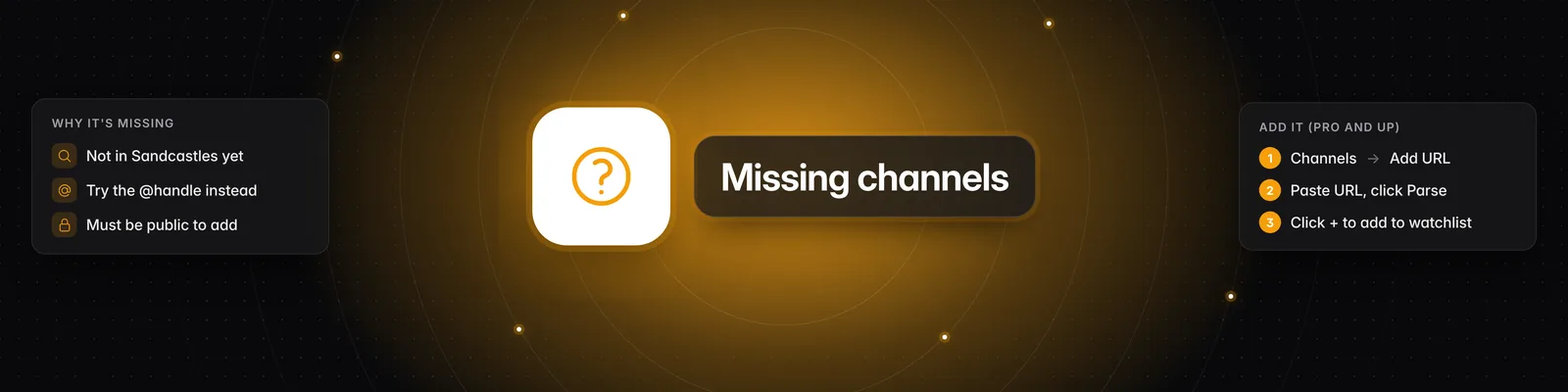
- Add URL: paste one or more full channel URLs, then click Parse.
- Click the plus icon (Add to watchlist) on a channel, or hover over a section and click Add all.
Your watchlist saves automatically as you add or remove channels. You'll see your channels under Your Watchlist. For more on each mode, see What are the 4 different channel search modes?
Getting better suggestions
If the suggested channels don't match your niche, you don't have to build the list by hand:
- Write a specific Content description. Click Persona in the left sidebar and describe your niche under Content description, for example "Generative AI product releases". It saves automatically.
- Use Describe. Type exactly what you're looking for and narrow it with the Platform and Account size filters.
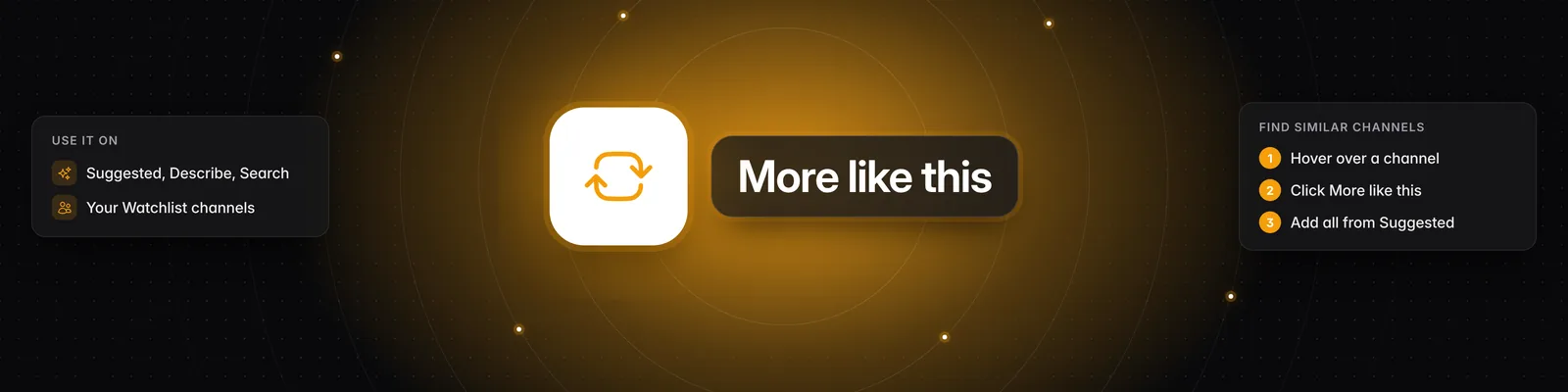
- Use More like this. Hover over a channel that fits your niche and click More like this to see channels similar to it. See How can I find more channels similar to one I already have?
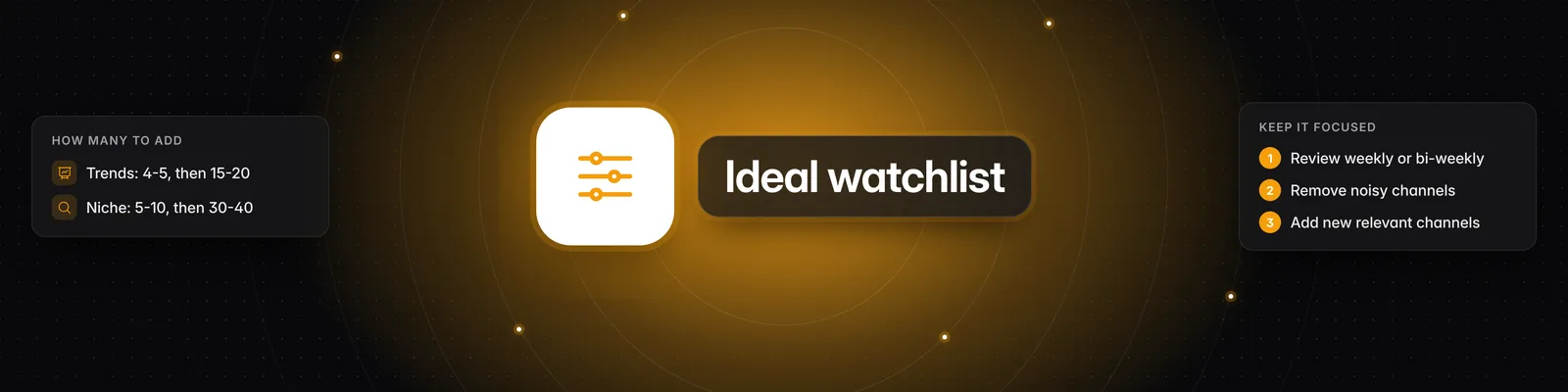
- Start with a few good channels. Suggestions are based on your watchlist once it has channels, so adding a few close matches first makes the next suggestions better. See What's the ideal number of channels to have in my Watchlist?
Plan limits
Your plan sets how many channels each watchlist can hold and how many channels that are new to Sandcastles you can add each month.
- On the Starter plan, you can add channels that are already in Sandcastles, but you can't add new ones. If you try, you'll see Upgrade required.
- If you've used this month's allowance for new channels, you'll see Monthly Limit Reached with the date your limit resets.
For the limits on each plan, see Are there limits to how many channels I can have in my Watchlist?
Analyzing a single video
You can also analyze a video from outside your feed. In the Videos tab, click the Add video URL icon, paste the link and click Save video. Sandcastles analyzes it and adds it to your Ideas Inbox. This option is available once your watchlist has channels.
Related articles
- How to use the Channels tab
- What are the 4 different channel search modes?
- Are there limits to how many channels I can have in my Watchlist?
- What's the ideal number of channels to have in my Watchlist?
- How can I find more channels similar to one I already have?
If you have any questions, please reach out to support@sandcastles.ai.