Why are certain channels not appearing in Sandcastles search results?
ChannelsUpdated October 2, 2026
Why a channel isn't in search results
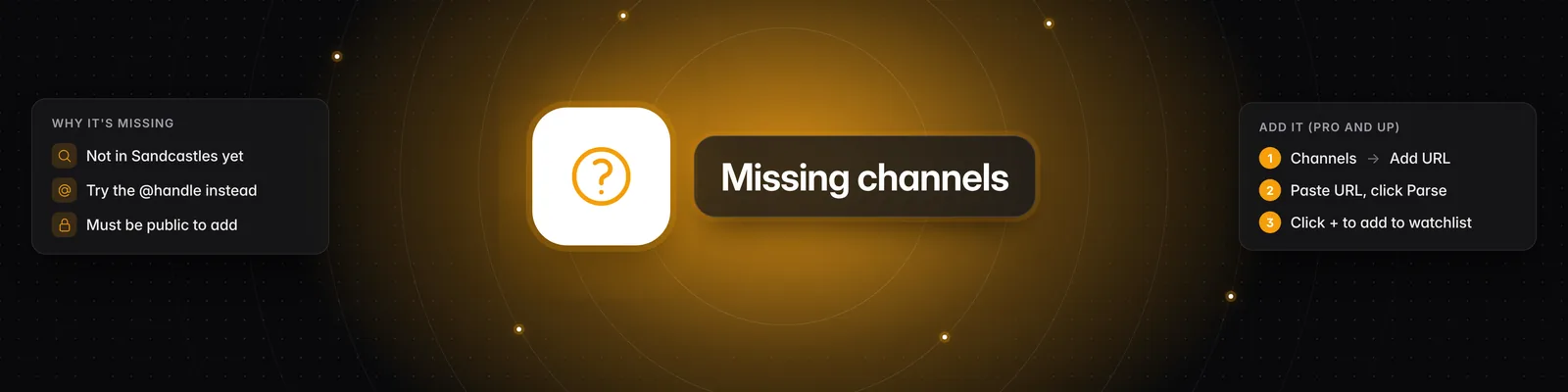
Search only finds channels that are already in Sandcastles. If a channel isn't in Sandcastles yet, it won't appear in Search, Suggested or Describe. You can add it yourself with Add URL.
What Search finds
- Results appear as you type, grouped into Exact Matches and Approximate Matches.
- Search works best with the channel's handle (the name after the @). If a display name doesn't find it, try the handle.
- Sandcastles is built for short-form video: YouTube Shorts, TikTok and Instagram. Long-form YouTube videos are never imported.
How to add a channel that isn't in Sandcastles
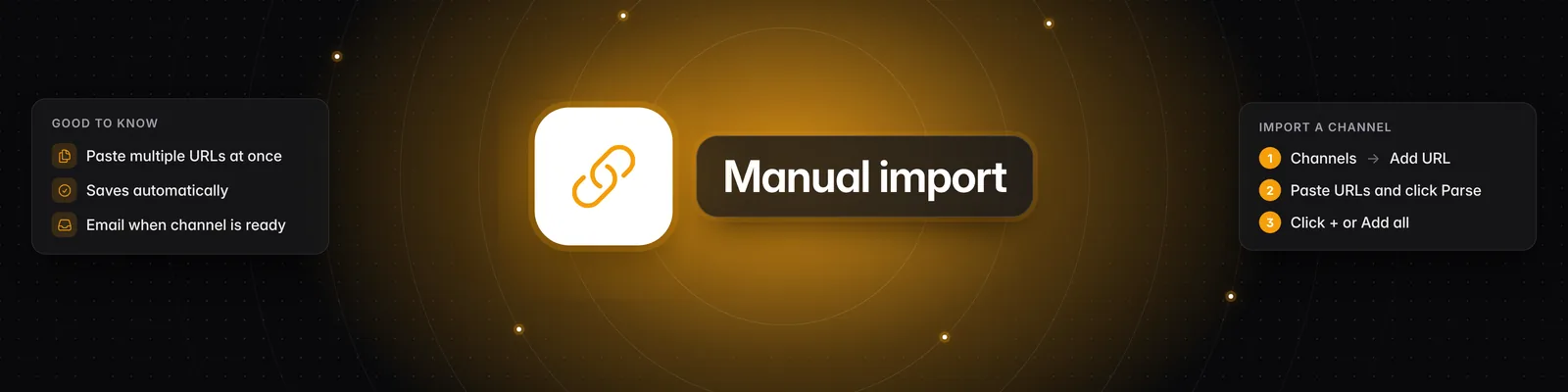
- Go to Channels in the left sidebar.
- Click the Add URL tab.
- Paste the channel's full profile URL, such as
https://www.tiktok.com/@handle. Use the main profile URL, not a video link or the YouTube/shortspage. To add several channels, put each URL on a new line or separate them with commas. - Click Parse.
- Check the results under Successfully Parsed. Channels that aren't in Sandcastles yet say New channel!
- Hover over the channel and click the plus icon (Add to watchlist). To add every result, hover over Successfully Parsed and click Add all.
Your watchlist saves automatically. Saving... and then Saved appear next to Your Watchlist. There's no Save button to click.
Plan limits for new channels
Adding a channel that's new to Sandcastles requires a Pro, Visionary or Titan plan.
| Plan | New channels per month |
|---|---|
| Starter | Not available |
| Pro | 100 |
| Visionary | 150 |
| Titan | 250 |
- Only channels that are new to Sandcastles count. Adding a channel that's already in Sandcastles doesn't.
- The allowance is shared by all workspaces on your account and resets on the 1st of each month (UTC).
- Your watchlist also has a size limit. See Are there limits to how many channels I can have in my Watchlist?
How long until its videos show up?
- There's no fixed import time. Channels with more videos take longer.
- Videos appear in Videos as they're imported, so you may see some before the import finishes.
- When the first import finishes, you'll get an email titled "Your channel @handle is ready!". It's sent at least 30 minutes after the import finishes.
- The email is only sent when Enable emails for channel adds is turned on in Settings > Feature Flags. It's on by default.
- After that, new videos the channel posts are added automatically over time.
To open the channel's videos, hover over it in Your Watchlist and click the play icon (Explore videos).
Troubleshooting
- "No videos found. Please try again with different filters." in Videos: The channel may still be importing. Check back later and reload the page. If you've already received the ready email, check that your filters aren't hiding its videos.
- "Upgrade required": You're on the Starter plan, which can't add channels that are new to Sandcastles. You can still add channels that are already in Sandcastles.
- "Monthly Limit Reached": You've used this month's allowance for new channels. The message shows the date your limit resets.
- "Failed to Parse": Sandcastles couldn't read the URL. Check that it's a full Instagram, TikTok or YouTube profile URL.
- "Failed to add some channels. Click for more info.": Click it to see why. "Cannot verify channel exists. Channel must be publicly accessible. Verify by visiting channel profile in a logged-out, incognito window." means Sandcastles couldn't see the channel. Only public channels can be added. Open the profile in an incognito window where you're not logged in to check.
- Can't change the watchlist: If you're a guest in someone else's workspace, ask the workspace owner to add the channel.
Related articles
- How do I manually import new channels into Sandcastles?
- I manually added a channel into Sandcastles, why don't I see all their videos?
- How to use the Channels tab
- Are there limits to how many channels I can have in my Watchlist?
If you have any questions, please reach out to support@sandcastles.ai.