I manually added a channel into Sandcastles, why don't I see all their videos?
Why some videos are missing
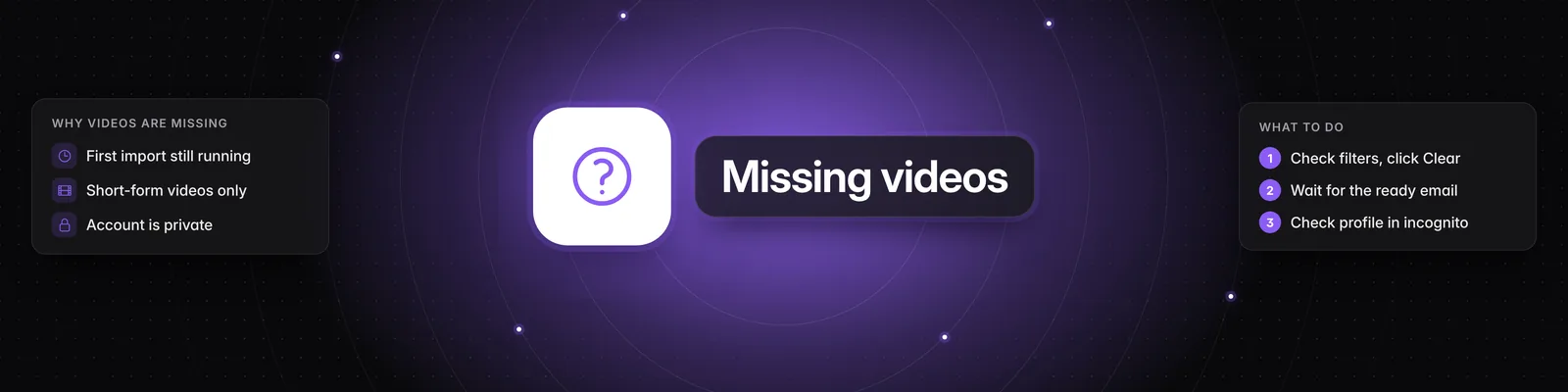
If a channel you added is missing videos, there are four common reasons: your filters are hiding them, its first import is still running, the missing videos aren't short-form, or the account is private.
Your filters are hiding them
Check this first. The Filters panel in the Videos tab can hide a channel's videos, even after they've been imported.
- Check Channels. If it isn't on All channels, make sure the channel you added is selected.
- Check Outlier score, Views, Engagement and Posted in last. A minimum, maximum or time frame hides every video outside it.
- Check Platform. If only some platforms are picked, the channel's platform must be one of them.
- Under Browsing mode, click the middle icon, Your personalized feed. Your analyzed library only shows videos you've analyzed.
- Make sure Include analyzed is on.
- Click Clear at the top of the Filters panel to reset your filters in one go. Clear only appears when a filter is set.
For more, see How do I use the filter settings in the Videos tab?
The first import is still running
When you add a channel that's new to Sandcastles, its existing videos are imported in the background. How long this takes depends on how many videos the channel has. Until it finishes, you may see only some of its videos, or none.
- When the first import finishes, you'll get an email titled "Your channel @handle is ready!". It's sent at least 30 minutes after the import finishes, so the channel's videos are already in Sandcastles when it arrives.
- The email is only sent when Enable emails for channel adds is turned on in Settings > Feature Flags. It's on by default.
- After the first import, new videos the channel posts are added automatically over time.
- For channels with a very large number of videos, only the most recent ones are imported, so the oldest may not appear.
Sandcastles only imports short-form videos
Sandcastles is built for short-form video only, not long-form. From each channel, it imports:
- YouTube Shorts
- TikTok videos
- Instagram Reels and video posts
Long-form YouTube videos are never imported. If a YouTube channel posts both, you'll only see its Shorts. For more, see Which social media platforms can I add channels from in Sandcastles?
The account is private
Sandcastles can only import videos from public accounts. If an account is private, Sandcastles can't see its videos, even if you follow it.
When you add a channel that's new to Sandcastles, Sandcastles checks its public profile first. If it can't see the profile, the channel isn't added. To see why a channel wasn't added:
- In Your Watchlist, click Failed to add some channels. Click for more info.
- Find the channel in the Failed to add some channels popup. The message "Cannot verify channel exists. Channel must be publicly accessible. Verify by visiting channel profile in a logged-out, incognito window." means Sandcastles couldn't see the channel.
To check whether a channel is public, open its profile in an incognito (private) browser window where you're not logged in. If you can't see the profile and its videos there, Sandcastles can't either.
If a private account does get added, its videos won't be imported.
Still missing videos?
If the channel is public, you've received the ready email, your filters are cleared, and short-form videos are still missing, email us the channel's profile link.
Related articles
- How do I use the filter settings in the Videos tab?
- How to use the Videos tab
- How do I manually import new channels into Sandcastles?
- How to use the Channels tab
- Which social media platforms can I add channels from in Sandcastles?
If you have any questions, please reach out to support@sandcastles.ai.