How can I find more channels similar to one I already have?
ChannelsUpdated October 5, 2026
Finding similar channels
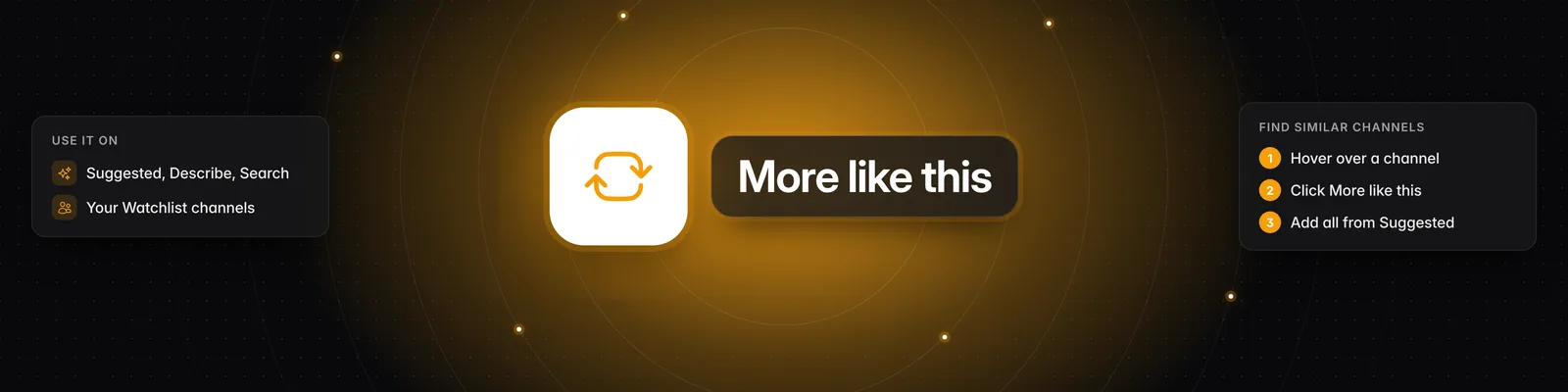
Use More like this to find channels similar to one you already know. Click the More like this icon (two arrows in a rounded square) on any channel, and Sandcastles shows similar channels in the Suggested tab.
Using More like this
- Open Channels in the left sidebar.
- Find a channel you like. It can be a channel card in your results (Suggested, Describe or Search) or a channel in Your Watchlist.
- Hover over the channel and click the More like this icon.
- Sandcastles switches to the Suggested tab and shows a section of channels similar to the one you picked.
- Click the plus icon (Add to watchlist) on a channel, or click anywhere on its card, to add it.
Adding all similar channels at once
- Hover over the section of similar channels.
- Click Add all to add every channel in the section to your watchlist, or click Load more to see more similar channels first.
To go back to your regular suggestions, click the X next to the section heading.
Starting from a channel you know
If the channel you want to start from isn't on your screen yet:
- Pick Search at the top of the Channels page.
- Start typing the channel's handle or name. Results appear as you type, and you can filter by Platform and Account size.
- Hover over the channel in the results and click the More like this icon.
If the channel doesn't show up in Search, pick Add URL, paste the full channel URL and click Parse. Once you add the channel to your watchlist, you can use More like this on it from Your Watchlist.
Important notes
- The More like this icon only appears on channels that have a description in Sandcastles. If you don't see it, try another channel.
- Channels already in your watchlist are left out of the similar results.
- Each channel you add counts toward your plan's watchlist limit. See How to use the Channels tab for limits and the other ways to add channels, and What are the 4 different channel search modes? for how each mode works.
If you have any questions, please reach out to support@sandcastles.ai.