How do I import an individual video by URL into Sandcastles?
VideosUpdated April 20, 2026
Importing a Single Video
If you find a video outside of your connected channels that you'd like to analyze in Sandcastles, you can easily import it using its URL.
Steps to Import a Video:
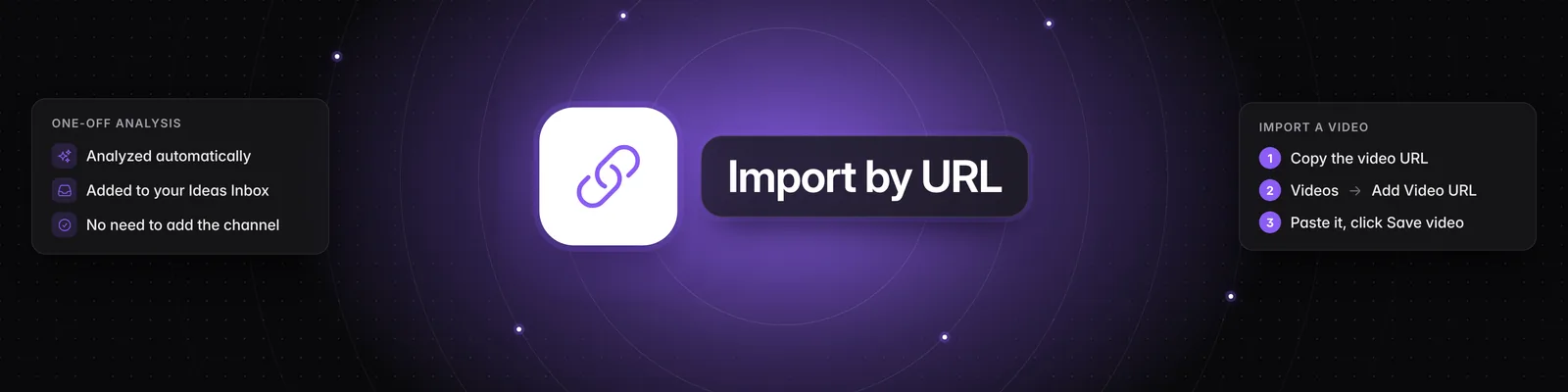
- Find the Video URL: Navigate to the video you want to import on its native platform (e.g., Instagram, YouTube, TikTok).
- Copy the URL: Copy the web address of the video from your browser's address bar.
- Navigate to Sandcastles: Open your Sandcastles account and go to the Videos tab.
- Add Video URL: Click on the "Add Video URL" button. A pop-up window will appear.
- Paste the URL: In the "Enter a video URL" field, paste the URL you copied in step 2.
- Save the Video: Click the "Save video" button.
Sandcastles will then analyze the video and add it to your Ideas Inbox. This process allows you to analyze individual videos even if they are not from your connected channels. You can also add videos as a one-off analysis without needing to add the creator's channel to your list.
Over time, we aim to provide even more streamlined ways to import videos, but this method is currently the most direct way to add individual videos for analysis.