What are the 3 different script paths in Sandcastles?
ScriptsUpdated April 21, 2026
Sandcastles offers three distinct paths for creating video scripts, allowing you to choose the method that best suits your needs.
Scripting Paths
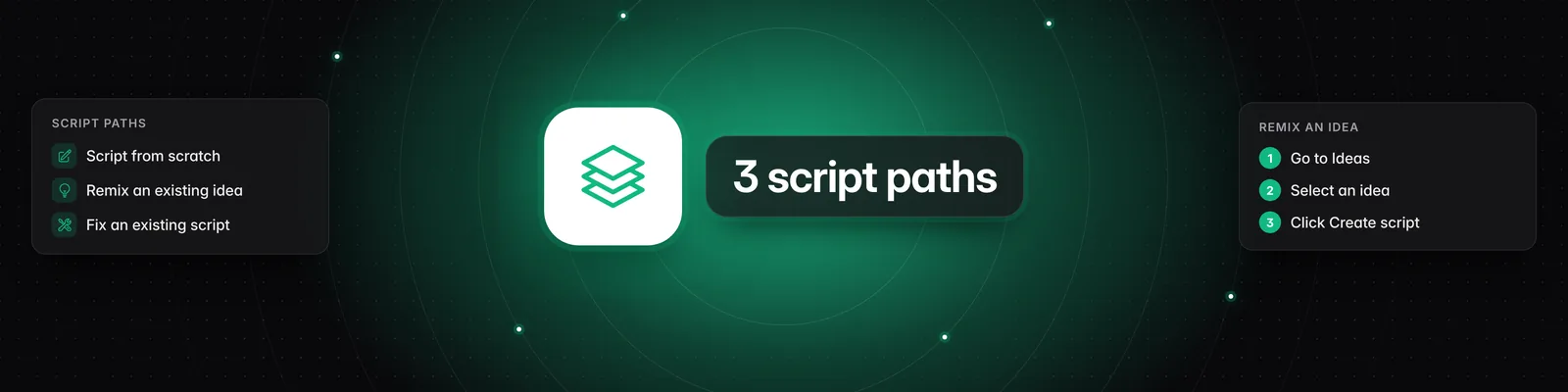
- Script from Scratch: This is the most straightforward approach. Navigate to the 'Scripts' section, click 'New Script,' and then begin writing your topic in the provided text area. Once you've described your topic, click 'Continue' to initiate the script generation process.
- Remix an Existing Idea: If you have an idea that's already performing well or that you've saved in your 'Ideas' section, you can use it as a foundation for a new script. Go to your 'Ideas,' select the idea you want to work with, and then click 'Create script.' This will transfer the topic, substance, and writing style from the idea into the script editor. You can then add any additional context or customization you wish before proceeding.
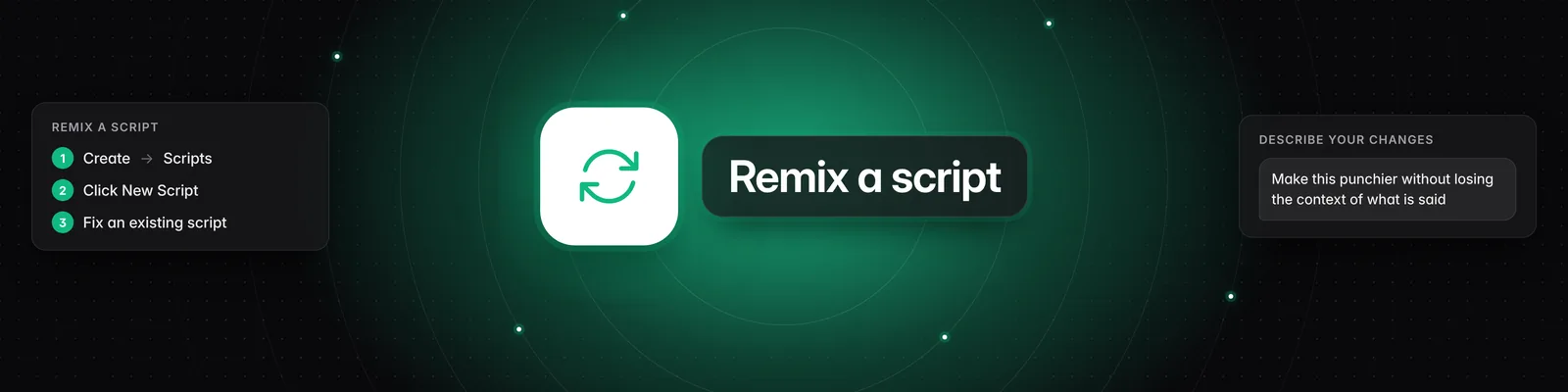
- Fix an Existing Script: If you have a script that you've already started or written, you can paste it into Sandcastles to refine it. Click on the 'Fix an existing script' option. A pop-up window will appear where you can paste the latest draft of your script. The system will use this as a starting point. You can then specify what changes you want to make to your script in the text area provided. Once you've entered your desired modifications, click 'Save' and the system will incorporate them into your script.
Each of these paths provides a flexible way to leverage Sandcastles for your video content creation.