How to remix an existing script in Sandcastles
ScriptsUpdated May 12, 2026
Remixing Your Existing Scripts
Sandcastles allows you to remix and improve your existing scripts. This is useful if you've generated a script with AI that feels a bit robotic, or if you've written a script yourself and want to enhance it with proven storytelling techniques.
Steps to Remix a Script:
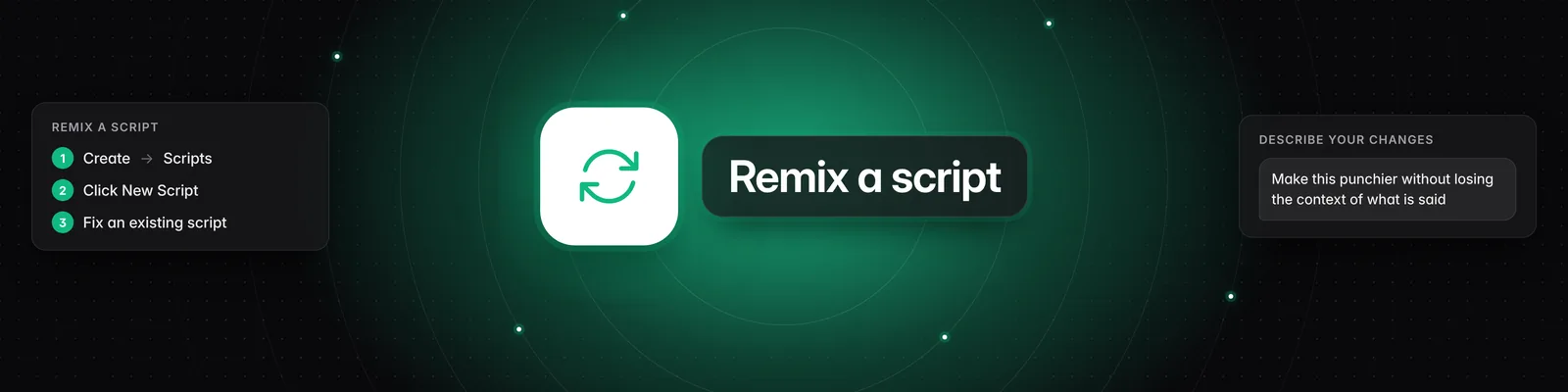
- Navigate to Scripts: From the left-hand menu, click on "Create" and then select "Scripts."
- Start a New Script: Click the "New Script" button.
- Select "Fix an Existing Script": A pop-up window will appear. Choose the "Fix an existing script" option.
- Paste Your Script: Paste the content of your existing script into the provided text area. This will serve as the starting point for the remix.
- Describe Desired Changes: In the text box below, clearly describe the changes you want to make. Be specific about what you want to improve. For example, you could say: "Make this punchier without losing the context of what is said."
- Continue: Click the "Continue" button.
Sandcastles will then process your request, using your existing script and your instructions to generate a revised version.
Understanding the Remix Process:
- Topic: You start by providing your existing script. You can paste content from various sources, such as AI-generated text or your own drafts.
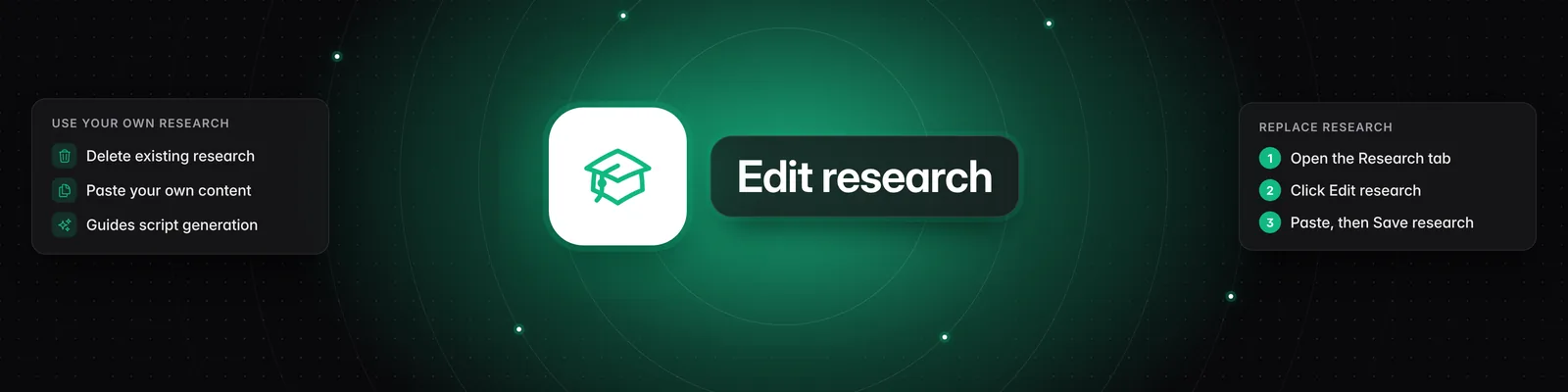
- Research: The system will still perform research based on your script's topic. However, if you want to use your own research or exclude external data, you can edit the research section accordingly.
- Hook: After the research phase, you'll move to the "Hook" section. Here, you can see examples of hooks and choose to keep an existing one, edit it, or generate new ones. If you have a specific hook in mind, you can select it and proceed.
- Script: Finally, you'll arrive at the "Script" section. You'll see your original script highlighted, along with any changes made by Sandcastles. The yellow highlighted sections indicate areas where changes have been made or suggested. You have two main options:
- Rewrite from scratch: This option will generate a completely new script based on your original input and the storytelling principles Sandcastles uses. It will incorporate your desired changes and aim for a more engaging and effective narrative.
- Edit script: This allows you to manually edit the script. You can delete parts of the original script, paste in new content, or refine the existing text.
By following these steps, you can effectively leverage Sandcastles to enhance your video scripts, making them more compelling and aligned with proven storytelling frameworks.