What is the difference between remixing and writing from scratch in Sandcastles?
Remixing vs. writing from scratch
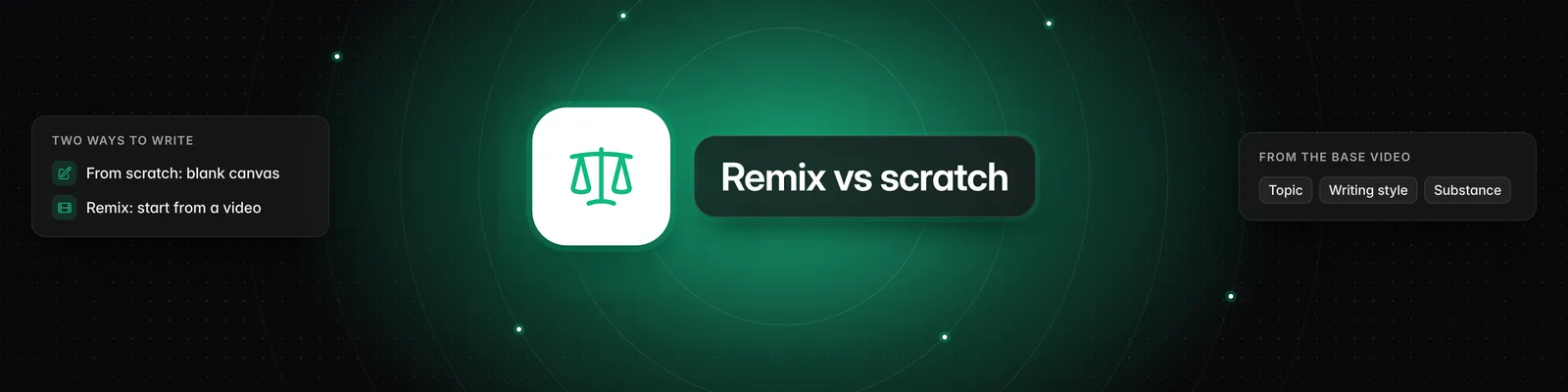
When you write from scratch, Sandcastles builds your script from the topic you describe. When you remix, it builds your script from an analyzed video, using that video's summary, hook and storytelling structure as the starting point.
Writing from scratch
- Click Scripts in the left sidebar.
- Click New Script (the plus icon).
- In "Describe the topic of the video you want to create", describe your video.
- Click Continue, then work through Research, Hook and Script.
The research, hooks and first draft are all based on what you typed.
Remixing a video
- Click Videos in the left sidebar.
- Click an analyzed video to open its Video Detail Page.
- Click Create script, or press C.
- Add your own angle in "Add any additional context or customization you want to make to the original idea", if you like. You can leave it empty.
- Click Continue, then work through Research, Hook and Script.
You can also remix from the Ideas tab: open an idea and click Turn into script, or press C. Anything in Your Notes for that idea is added to the text box for you.
What you'll see on the Topic step
When you remix, a card at the top of the Topic step shows the video's thumbnail, its idea seed in capital letters and its summary. This is the video your script is based on. To write from scratch instead, click the X on the card before you click Continue.
After you click Continue, the source video and your text can't be changed. You'll see "Topic can't be changed after script is created."
What carries over from the video
- Research: based on the video's summary, plus anything you added.
- Hook: the video's own hook appears among your hook options, and new hooks are written for the same idea.
- Script: the first draft follows the video's summary and its storytelling structure.
Your writing style comes from your Persona tab, not from the video, whichever way you start. See How to use the Persona tab.
Important notes
- The video must be analyzed first. If it isn't, its page shows "You haven't saved this video to your library yet. Analyze it now to unlock all of the insights." Click Analyze (1 credit). Create script works once the analysis is done.
- A new script uses credits the same way whether you remix or write from scratch. See How does the credit system work?.
- Guests in someone else's workspace have read-only access and can't create scripts.
For the third way to start a script, Fix an existing script, read What are the 3 different script paths in Sandcastles?. For everything else on the Scripts tab, read How to use the Scripts tab and How to use the Video Detail Page in Sandcastles.
If you have any questions, please reach out to support@sandcastles.ai.