How does the credit system work?
SettingsUpdated October 3, 2026
How credits work
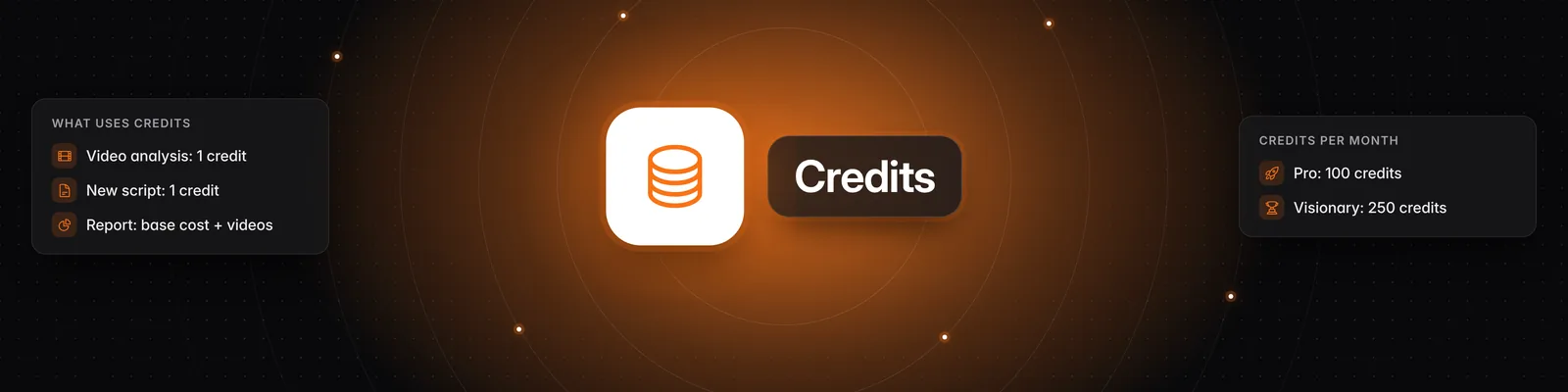
Credits pay for three actions in Sandcastles: analyzing videos, writing scripts and running reports. Your plan adds a set number of credits each cycle. Everything else in the app doesn't use credits.
What uses credits
| Action | Cost |
|---|---|
| Analyzing a video | 1 credit per video |
| Writing a new script | 1 credit per script |
| Running a report | The report's base cost, plus up to 1 credit for each video it newly analyzes |
- Videos: An analysis costs 1 credit whether you click Analyze, use Add video URL, run Bulk Analyze or let an automation rule pick the video. Bulk Analyze and automation rules charge 1 credit for each video they analyze, and a rule's Daily limit caps how many credits it can spend each day. Through MCP or the API, you're only charged if the video isn't already in your library.
- Scripts: Each new script costs 1 credit, including scripts made with Fix an existing script. Changes to a script you've already created, such as rewriting it, translating it or changing its length, are free.
- Reports: Each run costs the Base report cost plus 1 credit for each new video it analyzes, up to the report's Analysis budget. When you set up a report, Cost shows the most a run can cost. The actual cost may be lower if the full budget isn't used. Scheduled reports charge for every run.
- Channels: Adding channels doesn't use credits, but each plan has a monthly limit on new channel adds.
How many credits you get
| Plan | Credits per month |
|---|---|
| Starter | 10 |
| Pro | 100 |
| Visionary | 250 |
| Titan | 1,500 |
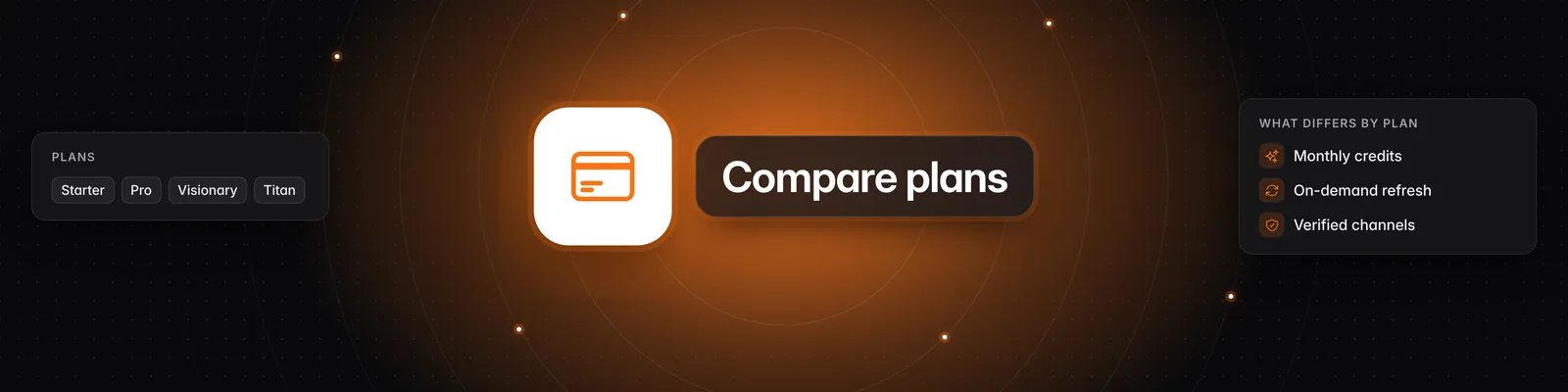
For prices and features, read What are the differences between the Starter, Pro, Visionary, and Titan plans?.
When your credits reset
- Monthly billing: Your credits reset each time your subscription renews.
- Annual billing: Your credits reset every 30 days.
To see your next reset, go to Settings > Subscription and check Credit reset date.
Do unused credits roll over?
No. Unused plan credits expire at each reset and are replaced by your plan's new credits.
Credit boosts work differently:
- Boost credits never expire and carry over from one cycle to the next.
- Your plan credits are always used first. Boost credits are only used after your plan credits run out.
To buy a boost, read How do I buy more credits?.
What happens when you run out
- On Pro, Visionary and Titan, a "You're running low on credits" banner appears when you have fewer than 10 credits left.
- If you don't have enough credits for an action, you'll see Out of credits: "You don't have enough credits to perform this action. Upgrade to a higher plan or buy credits to keep going."
- Starter: Upgrade to a full plan to get more credits. Credit boosts aren't available on Starter.
- Pro, Visionary and Titan: Upgrade your plan, or buy a credit boost in Settings > Subscription > Buy additional credits.
- Automation rules and scheduled reports pause while you're out of credits, and we email you. They start running again once you have credits.
If an analysis or report fails
- If a video can't be analyzed, for example because it's private or too long, its page shows "We couldn't analyze this video". The credit is returned to your balance automatically when the analysis fails within 3 hours of the video being added.
- If a report fails, its base cost is returned to your balance. Credits for videos it had already analyzed successfully aren't returned.
If you change plans
- Upgrading mid-cycle: You get a prorated share of the extra credits for the time left in your billing cycle. For example, moving from Pro to Visionary halfway through a monthly cycle adds 75 credits.
- Downgrading mid-cycle: A prorated share of the difference is removed from your balance.
- Upgrading from Starter, or switching between monthly and annual billing: Your plan credits reset to the new plan's full amount and replace any unused credits from your old plan. Boost credits aren't affected.
Where to see your credits
- Click Settings in the left sidebar. The Subscription tab opens.
- Check the number at the top. This is your remaining balance, including any boost credits.
- Scroll to Credit Usage History to see the credits you've spent since your current billing period started. They're split into Video Analysis, Script and Report, with a Video Analysis Breakdown by channel.
If you cancel
- On Pro, Visionary and Titan, your plan stays active until the end of your billing period, so you can keep using your credits until then.
- Cancelling Starter ends your plan right away.
- Once your subscription ends, you can't use any remaining credits, including boost credits.
Related articles
- How to use the Reports tab
- How to use the Automations tab
- How to bulk analyze multiple videos simultaneously
- What settings can I change in Sandcastles?
If you have any questions, please reach out to support@sandcastles.ai.