How do I buy more credits?
Buying extra credits with credit boosts
Yes, you can buy more credits without upgrading. On a Pro, Visionary or Titan plan, you can buy one-off packs of credits, called credit boosts, at any time. Boost credits are added to your balance and never expire.
Who can buy credit boosts
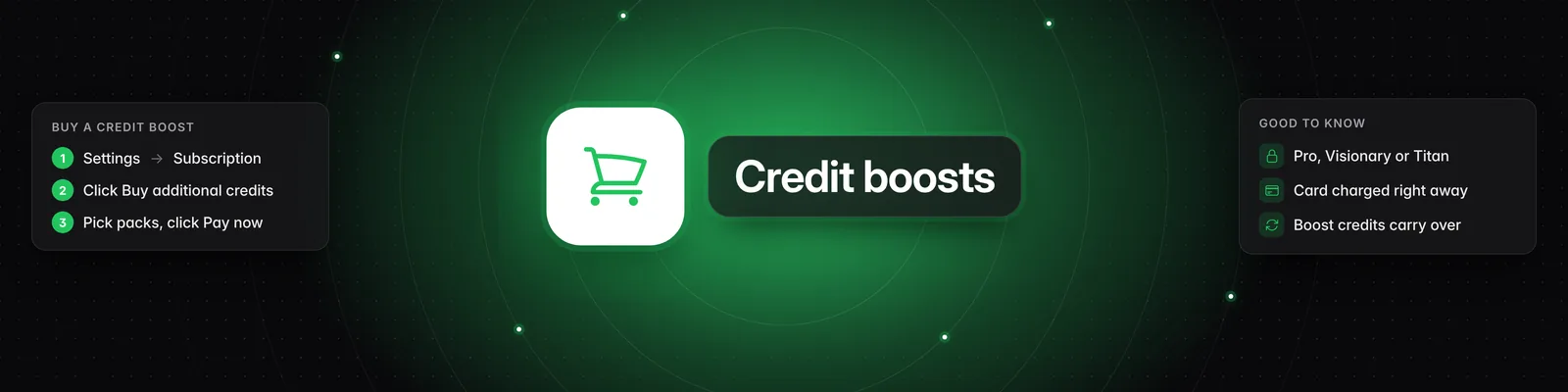
- You need an active Pro, Visionary or Titan subscription.
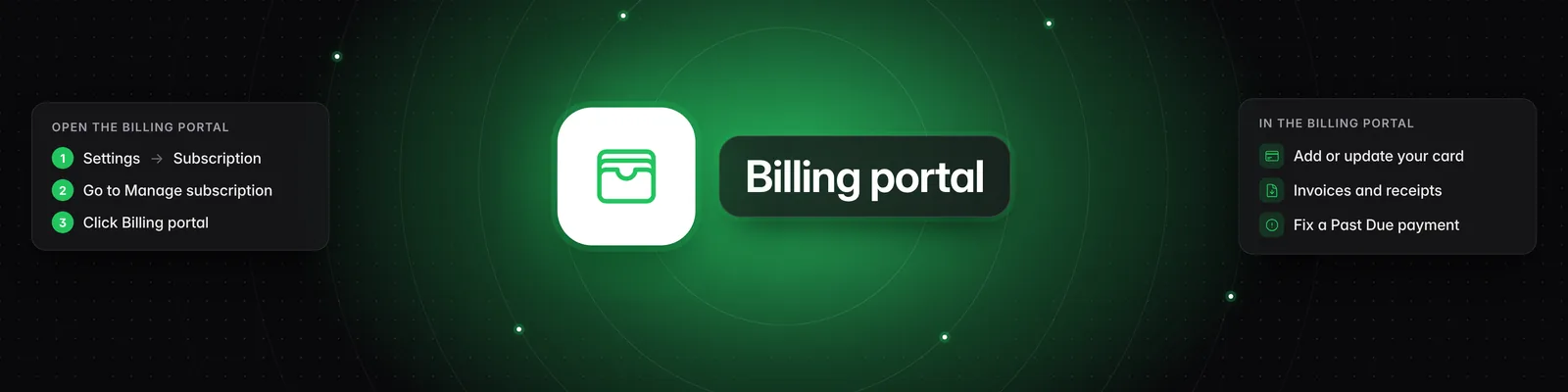
- You need a payment method on file. You can add or update it in the billing portal.
- Credit boosts aren't available on the Starter plan. Starter users see "Credit boosts are available on our full plans. Upgrade to purchase additional credits on demand." Click Upgrade to a full plan to see the plans.
How to buy credits
- Click Settings in the left-hand sidebar. The Subscription tab opens.
- Click Buy additional credits.
- Enter how many of each pack you want. You can combine different packs. Each pack's price and your Subtotal are shown in the window.
- Tick I confirm that I want to purchase … credits right now. The number shown is the total you're buying.
- Click Pay now. The payment method on file is charged right away.
- When you see "Payment succeeded. Your credits will appear in a few moments.", click Got it.
Your new balance appears at the top of the Subscription tab.
On the Titan plan, you can also click the "Buy credits to top up your wallet" banner at the bottom of the sidebar. It appears when you're running low and takes you to Settings.
If your bank asks you to confirm the payment
Some banks need an extra step before a payment goes through. If yours does, you'll see "Your payment needs attention. Complete it on the payment page and your credits will appear shortly after."
- Click Open payment page.
- Complete the payment on that page.
Your credits are added shortly after.
How boost credits work
- Boost credits go into the same balance as your plan credits. You'll see the total under Settings > Subscription.
- Your monthly plan credits are used first. Boost credits are only used after your plan credits run out.
- Boost credits never expire. Unused plan credits expire when your credits reset (see Credit reset date under Settings > Subscription), but boost credits carry over to the next period.
- You can only use credits, including boost credits, while your subscription is active. If you cancel, you can keep using them until your subscription ends. After that, any boost credits you have left can't be used.
Receipts and invoices
Each boost purchase is billed as its own invoice, labeled "Sandcastles credit boost" with the number of credits. To find your receipts and invoices, go to Settings > Subscription > Billing portal. You can also update your payment method there.
Buying credits or upgrading
Credit boosts suit a one-off busy month. If you run out of credits regularly, upgrading gives you more credits every month. Click Upgrade plan next to Buy additional credits to compare plans. To see how many credits each plan includes, read What are the differences between the Starter, Pro, Visionary, and Titan plans?.
Troubleshooting
- I saw an "Out of credits" message: Its Upgrade now button opens the plans. To buy a boost instead, go to Settings > Subscription > Buy additional credits.
- "No payment method on file. Please add one in the billing portal and try again." Add a card in the Billing portal, then try again.
- "Credit boosts require a Pro, Visionary, or Titan plan." Upgrade to one of these plans first.
- "Credit boosts require an active subscription." Your subscription isn't active. Update your payment method in the Billing portal, or click Renew Subscription if your plan has ended.
- "Payment failed. Please try again or contact support." Check your payment method and try again.
To learn what uses credits, read How does the credit system work?. For the rest of the Settings page, read What settings can I change in Sandcastles?.
If you have any questions, please reach out to support@sandcastles.ai.