How do I choose a plan when I sign up?
Choosing a plan when you sign up
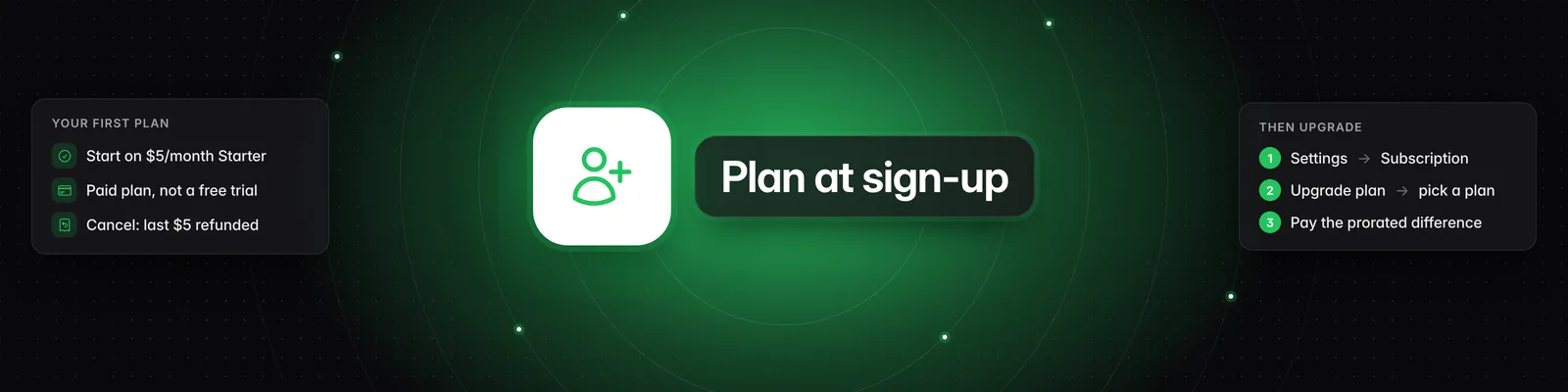
At the end of onboarding, new accounts are offered the $5/month Starter plan. You can't buy Pro, Visionary or Titan from that screen. To get a bigger plan, start on Starter and upgrade from Settings > Subscription. You can upgrade straight after signing up.
What you see after onboarding
- Click Get started, describe your content niche and click Continue.
- Answer the three questions about your content journey and click Continue.
- On Your feed is ready!, click Next.
- On Try Sandcastles for $5, click Get started risk-free to open checkout for the Starter plan.
When you complete checkout, your card is charged $5. Starter is a paid plan, not a free trial.
How the Starter plan works
- It costs $5/month. The rate never goes up while you stay on Starter.
- You're never automatically billed more than $5/month. You only pay more if you choose to upgrade.
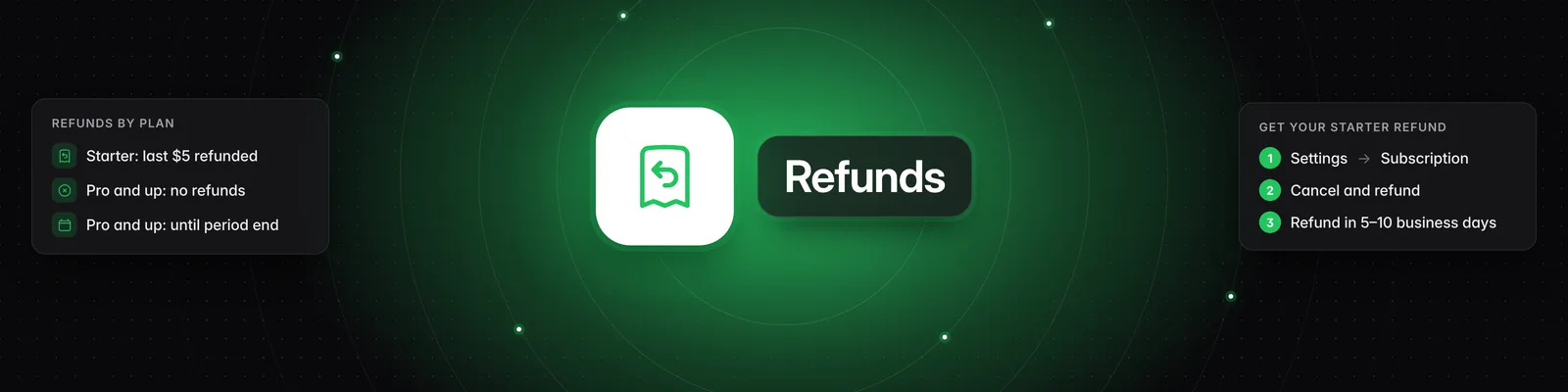
- If you cancel, your access ends immediately and your most recent $5 payment is refunded automatically. See How do I cancel my subscription?.
- Starter is only for accounts that have never had a subscription. If you've had one before, you'll see "This plan isn't available for you because you've had a previous subscription. Pick one of our full plans to continue." Click Pick a plan and choose Pro, Visionary or Titan.
To see what each plan includes, see What are the differences between the Starter, Pro, Visionary, and Titan plans?.
How to get Pro, Visionary or Titan as a new account
- Finish onboarding, click Get started risk-free and complete checkout for Starter.
- Go to Settings > Subscription and click Upgrade plan. You can also click You're on the Starter plan at the bottom of the left sidebar.
- Select Pro, Visionary or Titan. To pay yearly, turn on Save 20% with annual billing!
- If you have a coupon, enter it in the Coupon code box.
- Tick I understand Sandcastles will charge my card immediately, and that my subscription will renew automatically until I cancel.
- Click Buy followed by the plan name, for example Buy Pro plan.
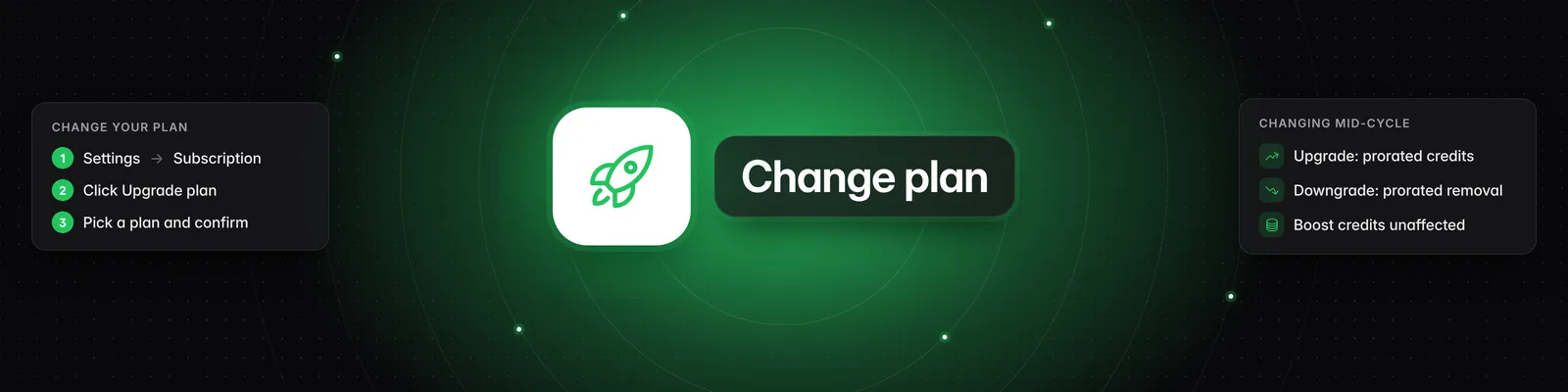
Your Starter subscription is upgraded in place. Your card is charged immediately for the prorated difference, your new plan starts right away, and its monthly credits are added straight away. For more on changing plans, see How do I upgrade, downgrade or change my plan?.
I was charged $5 and then saw plans starting at $49
The $5 charge is your Starter subscription. The plans in the plan picker (Pro at $49/month, Visionary at $99/month and Titan at $499/month) are optional upgrades. You're only charged for one if you tick the consent box and click the Buy button.
Your plan belongs to the account you bought it on
- A subscription belongs to the Sandcastles account you were signed in to when you bought it.
- Subscriptions can't be moved to another account.
- You can't change your email in Settings > Profile, so sign in with the email you want to use before you buy.
- If you bought Starter on the wrong account, you can cancel it there with Cancel and refund subscription (your most recent $5 is refunded automatically), then sign up with the right email.
Troubleshooting
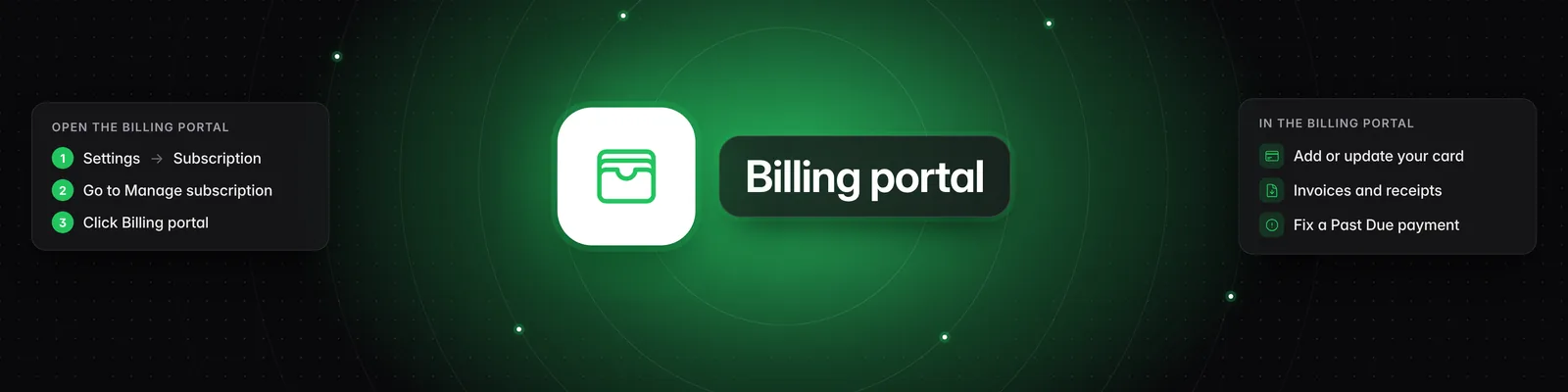
- "Payment failed. Please update your card via the billing portal and try again." Go to Settings > Subscription, click Billing portal, update your card, then try the upgrade again.
- "Your subscription is past due" in the plan picker: click Open billing portal and update your payment information.
- "Something went wrong. Please try again." Try again. If it keeps happening, contact support.
Related articles
- What are the differences between the Starter, Pro, Visionary, and Titan plans?
- How do I upgrade, downgrade or change my plan?
- How do I cancel my subscription?
If you have any questions, please reach out to support@sandcastles.ai.