How do I upgrade, downgrade or change my plan?
Changing your Sandcastles plan
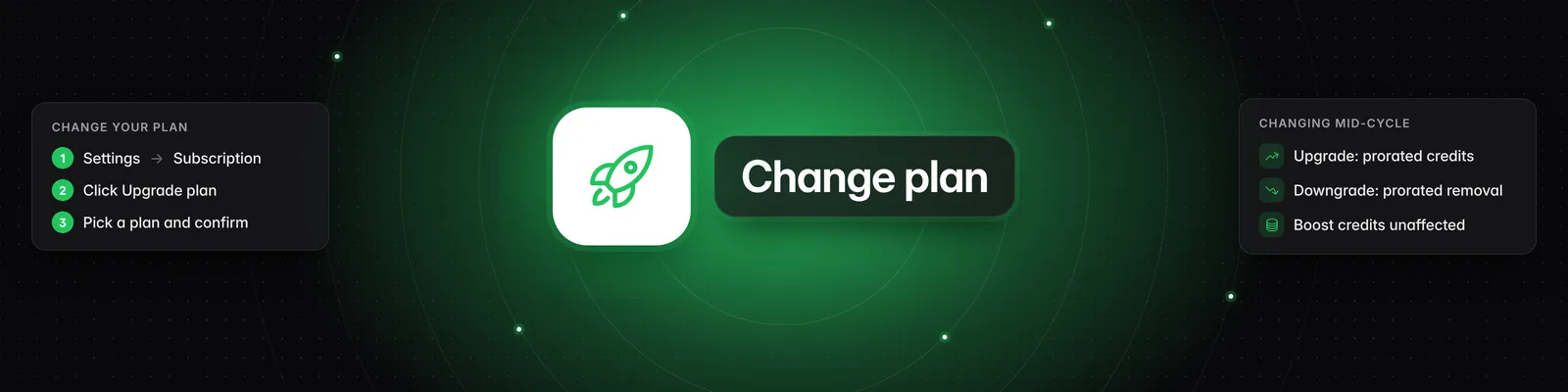
You change your plan from Settings > Subscription. On Starter, you upgrade right in the app. On Pro, Visionary or Titan, you upgrade, downgrade or switch to annual billing in the billing portal.
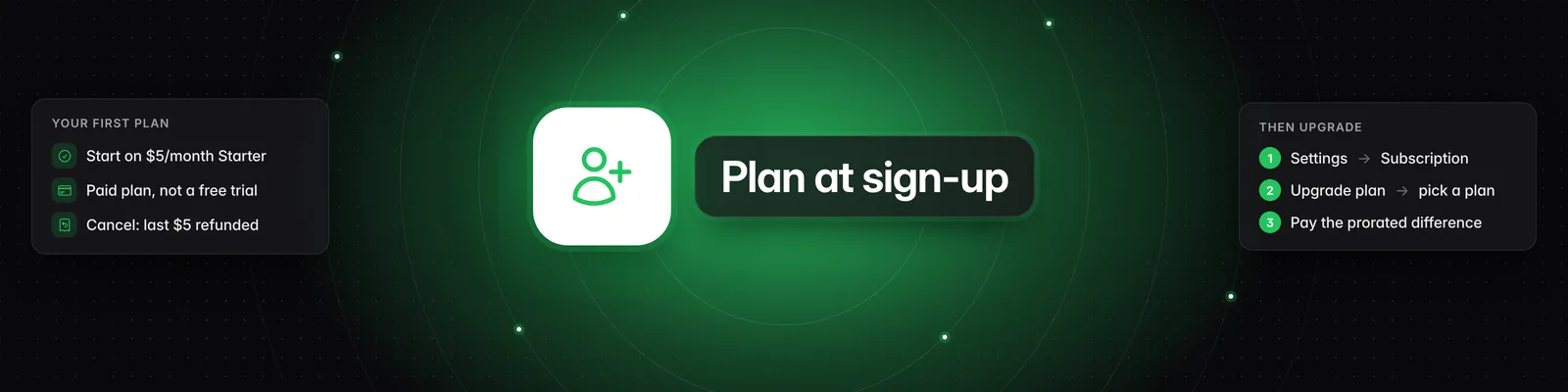
Upgrade from Starter
- Go to Settings > Subscription and click Upgrade plan.
- Select Pro, Visionary or Titan. To pay yearly, turn on the switch next to Save 20% with annual billing!
- If you have a coupon, enter it in the Coupon code box.
- Tick I understand Sandcastles will charge my card immediately, and that my subscription will renew automatically until I cancel.
- Click Buy followed by the plan name, for example Buy Pro plan.
Your card is charged immediately for the prorated difference, and your new plan starts right away. You can use one coupon code per account.
Change plan on Pro, Visionary or Titan
Upgrades, downgrades and switches between monthly and annual billing all happen in the billing portal.
- Go to Settings > Subscription and click Upgrade plan. Your current plan is marked Currently active.
- Select the plan you want.
- Click Change plan in billing portal.
- In the billing portal, choose your new plan or billing period and confirm.
You can also go straight there with the Billing portal button on the Subscription page. Starter is only offered when you first sign up, so you can't switch back to it.
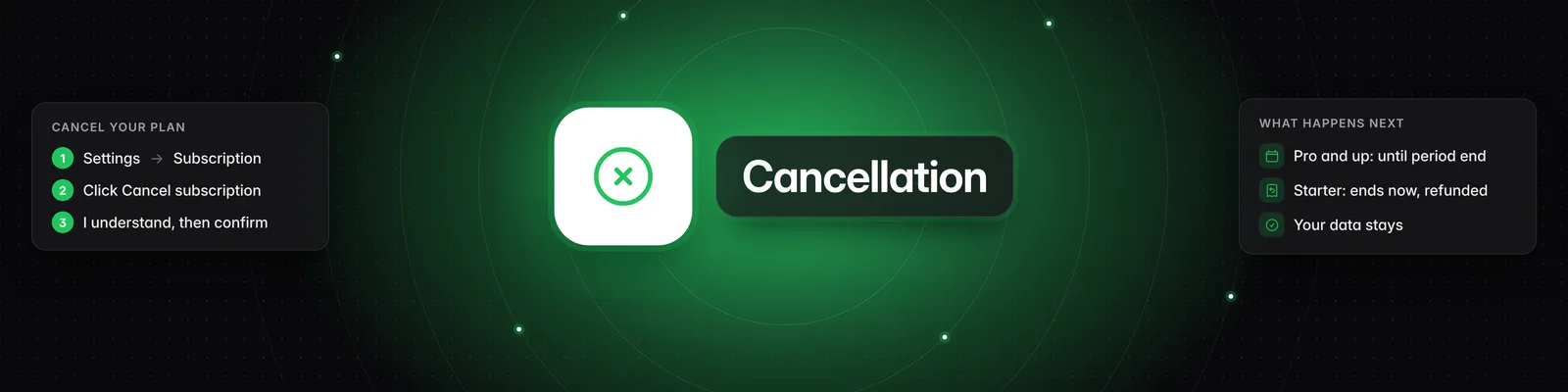
Renew after cancelling
If your subscription has ended, the Subscription page shows Renew Subscription.
- Go to Settings > Subscription and click Renew Subscription.
- Select a plan, and turn on annual billing if you want it.
- Click Buy followed by the plan name.
- Complete checkout. You can enter a promo code there.
The $5 Starter plan isn't available to accounts that have had a subscription before.
Prices and limits
| Plan | Starter | Pro | Visionary | Titan |
|---|---|---|---|---|
| Billed monthly | $5/month | $49/month | $99/month | $499/month |
| Billed annually | — | $39/month ($468/year) | $79/month ($948/year) | $399/month ($4,788/year) |
| Credits per month | 10 | 100 | 250 | 1,500 |
| Workspaces | 1 | 3 | 5 | 20 |
| Verified accounts | 1 | 3 | 5 | 20 |
| Watchlist channels per workspace | 50 | 150 | 250 | 250 |
| API access and workspace guests | No | No | No | Yes |
What happens to your credits
- Upgrading from Starter: you get the new plan's full monthly credits right away. Unused Starter credits don't carry over.
- Switching between monthly and annual billing: you get the new plan's full monthly credits. Unused credits from your previous monthly allowance don't carry over.
- Upgrading mid-cycle: you get a share of the extra credits based on how much of your billing period is left. For example, moving from Pro to Visionary halfway through adds 75 credits (half of the 150-credit difference).
- Downgrading mid-cycle: a share of the difference is removed the same way. Moving from Visionary to Pro halfway through removes 75 credits.
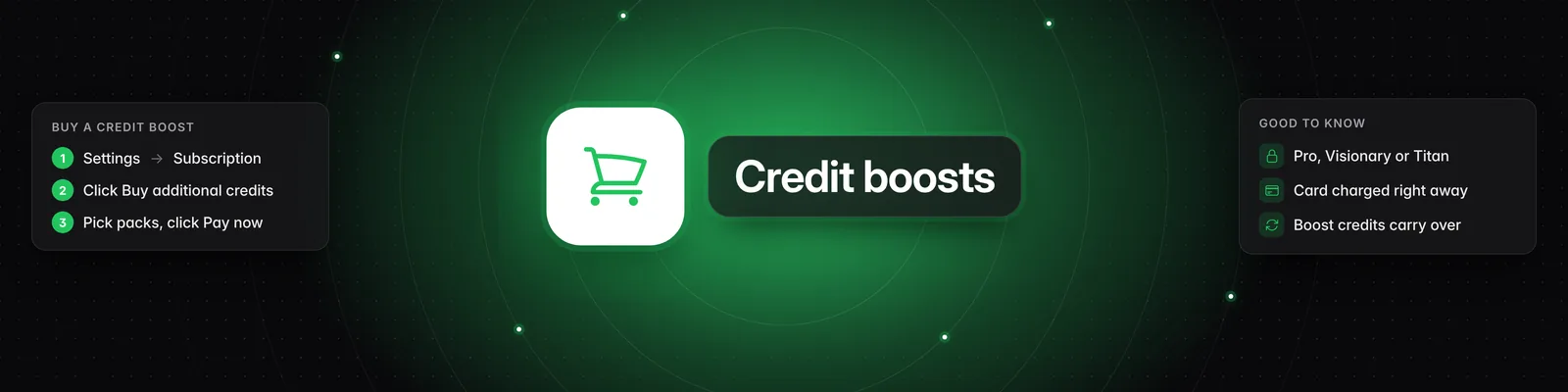
- Credits you bought with Buy additional credits aren't affected.
After the change, each credit reset gives you your new plan's monthly credits. You'll find your Credit reset date on the Subscription page.
What changes when you downgrade
Nothing is deleted when you move to a smaller plan, but the new plan's limits apply.
- Watchlist: your channels stay. If you're over the new limit, Your Watchlist shows Too many channels and won't save changes until you remove enough channels to get back within it.
- Workspaces: your existing workspaces and everything in them stay.
- Verified accounts: accounts you've already verified stay verified. You can't verify new ones until you're below your new limit.
- Dashboard refresh on demand: you can refresh your verified channels from the Dashboard up to once every 12 hours on Pro, every 6 hours on Visionary and every hour on Titan.
- Leaving Titan: your API keys stop working and you can't create new ones. Your workspace guests aren't removed, but they see "This workspace is currently disabled" until you're back on Titan.
Troubleshooting
- "You've already used a coupon code." Each account can use one coupon code.
- "That coupon code isn't valid." Check the code for typos. Codes that are no longer active show this message too.
- "Payment failed. Please update your card via the billing portal and try again." Click Billing portal on the Subscription page, update your card, then try the upgrade again.
- "Couldn't open the billing portal. Please try again." Close the plan picker and try again.
Related articles
- What are the differences between the Starter, Pro, Visionary, and Titan plans?
- How does the credit system work?
- How to use the Workspaces feature
- How to verify your social channels in Sandcastles
- Are there limits to how many channels I can have in my Watchlist?
If you have any questions, please reach out to support@sandcastles.ai.