How do I cancel my subscription?
Cancelling your Sandcastles subscription
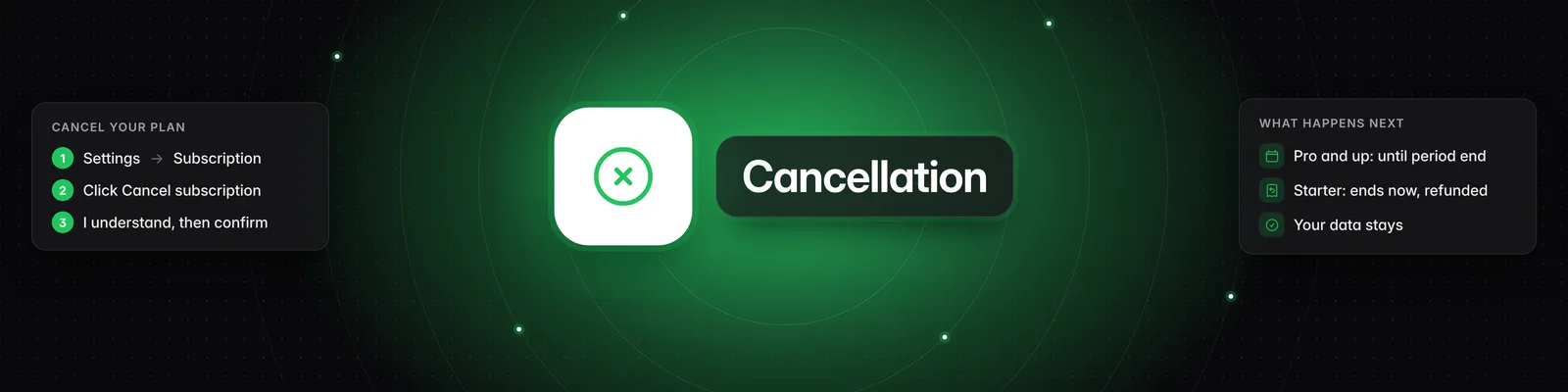
You can cancel anytime yourself in the app: go to Settings > Subscription > Cancel subscription. On the Starter plan, the button reads Cancel and refund subscription. You don't need to contact support. For an overview of the Settings page, see What settings can I change in Sandcastles?.
How to cancel
- Click Settings in the left sidebar. The Subscription tab opens by default.
- In the Manage subscription section, click Cancel subscription. On the Starter plan, click Cancel and refund subscription.
- Read the Before you cancel... screen, which lists what you'll lose, then click I understand, next. To stop here, click Keep subscription.
- Confirm by clicking Cancel at period end (Pro, Visionary and Titan) or Cancel subscription (Starter, or if your payment is past due).
What happens next
| Starter | Pro, Visionary and Titan | |
|---|---|---|
| When access ends | Immediately | At the end of your current billing period. The confirmation dialog shows the date. |
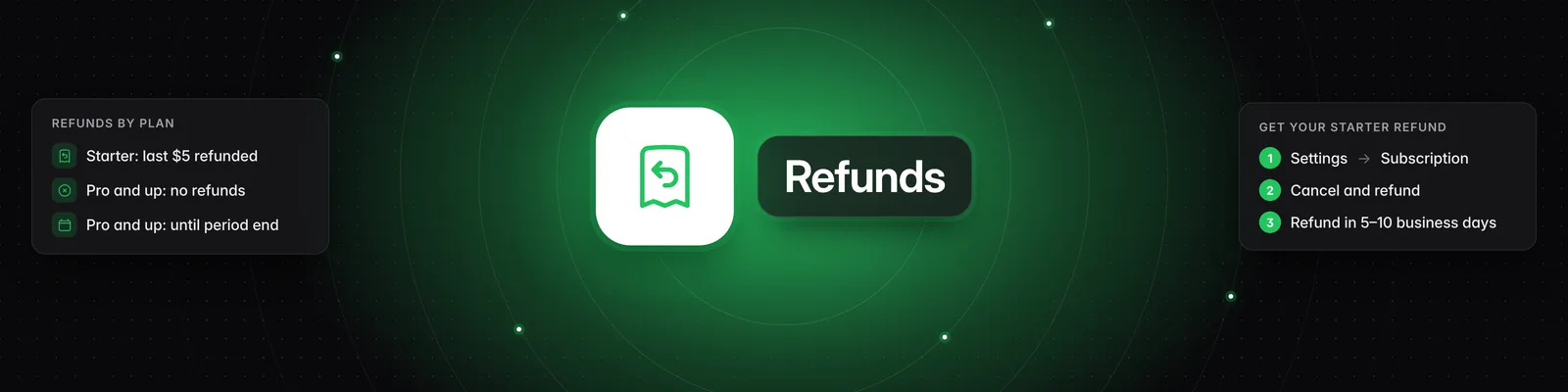
| Refund | Your most recent $5 payment is refunded automatically to your original card. Refunds typically take 5–10 business days. | Cancelling doesn't issue a refund. You keep access until the period ends. |
| Future charges | None | None. You won't be charged again. |
| Right after you confirm | You're signed out and see Your subscription has ended. | Status shows Active (cancelling at period end), and you'll get an email about your cancellation, usually titled "Sandcastles cancellation confirmation". Everything keeps working until the end date. |
If your Status shows Past Due because a payment failed, cancelling ends your access immediately, since the period you paid for has already ended. You won't be charged again.
I see a "Pick a plan" screen when I log in
This means your subscription has already ended. There's nothing left to cancel, and you don't need to pay anything. You'll only be charged if you choose a plan and complete checkout. If you don't want to come back, simply close the window.
When you sign in without an active subscription, you'll see a pop-up that says "Upgrade to a paid plan to begin analyzing videos from these channels." with a Pick a plan button. Clicking it opens Pick a Sandcastles plan that fits your needs and budget. Both are only for resubscribing.
Cancelling through your bank
Blocking your card or disputing a charge with your bank doesn't cancel your Sandcastles subscription. Your subscription stays open, the next payment fails, and it becomes past due. You may then get emails about the failed payment.
To stop this, cancel in the app:
- Go to Settings > Subscription. Status shows Past Due.
- Click Cancel subscription and follow the steps above.
Because your payment is past due, the subscription ends right away and you won't be charged again. To pay the outstanding amount and keep your plan instead, see How do I update my payment method or download invoices?.
Can't sign in?
If you can't sign in or don't remember which email you signed up with, email support@sandcastles.ai from the email address on your Sandcastles account and ask us to cancel. Writing from that address lets us find your account. See How do I contact support if I have other questions?.
What stays and what stops
Cancelling doesn't delete your data. Your watchlist, ideas, scripts, hooks and projects stay on your account. Once your access ends:
- You can't use your remaining credits.
- Your MCP tools are disabled.
- Sandcastles stops updating your Watchlist channels and stops collecting views, followers and engagement for your verified social accounts. If you come back, your verified accounts' data from the time you were away can't be filled in.
- Automations and scheduled reports stop running.
- You'll be asked to pick a plan when you sign in.
Coming back later
There's no pause option. If you're taking a break, cancel and resubscribe when you're ready.
- Sign in to Sandcastles.
- In the pop-up, click Pick a plan.
- Choose Pro, Visionary or Titan, pick monthly or annual billing, and click the buy button (for example, Buy Pro plan).
When you resubscribe, you get your new plan's monthly credits. Leftover monthly credits from before don't carry over, but credits you bought with Buy additional credits stay on your account. See How does the credit system work?.
The $5 Starter plan is only for accounts that have never had a subscription. If you try to start it again, you'll see "This plan isn't available for you because you've had a previous subscription. Pick one of our full plans to continue." If you're on Starter and expect to return, staying subscribed keeps your $5/month rate.
Want to spend less instead?
On Pro, Visionary or Titan, you can switch to a different plan instead of cancelling. Go to Settings > Subscription and click Billing portal. See How do I upgrade, downgrade or change my plan?.
Troubleshooting
- No cancel button? It disappears once a cancellation is scheduled. If Status shows (cancelling at period end), you're all set. If your subscription has already ended, the page shows Renew Subscription instead, and there's nothing to cancel.
- "Could not cancel subscription. Please try again or contact support." Try again. If it keeps happening, contact support.
- "No subscription to cancel." Your subscription has already ended. You won't be charged again.
- Starter refund not showing? Refunds typically take 5–10 business days. If you still don't see it after that, contact support.
If you have any questions, please reach out to support@sandcastles.ai.