Can I get a refund?
Refunds for your Sandcastles plan
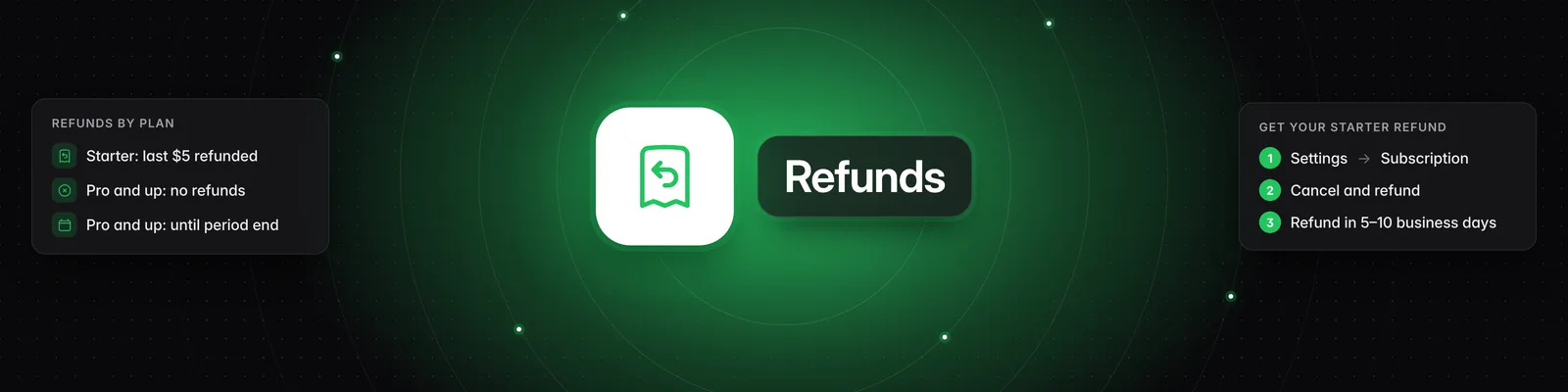
It depends on your plan. On the $5 Starter plan, cancelling refunds your most recent $5 payment automatically. On Pro, Visionary and Titan, our Terms of Service has a no-refund policy, so cancelling stops future charges but doesn't refund past ones.
Refunds by plan
| Starter | Pro, Visionary and Titan | |
|---|---|---|
| Refund | Your most recent $5 payment is refunded automatically to your original card when you cancel. | No refunds, per our Terms of Service. This includes the current period and past months. |
| When access ends | Immediately | At the end of the period you paid for |
| Future charges | None | None |
How to get your Starter refund
- Click Settings in the left sidebar. The Subscription tab opens.
- In the Manage subscription section, click Cancel and refund subscription.
- Click I understand, next.
- Click Cancel subscription to confirm.
You're signed out and see Your subscription has ended. Refunds typically take 5–10 business days to appear on your card. No support ticket is needed.
Stop future charges on Pro, Visionary or Titan
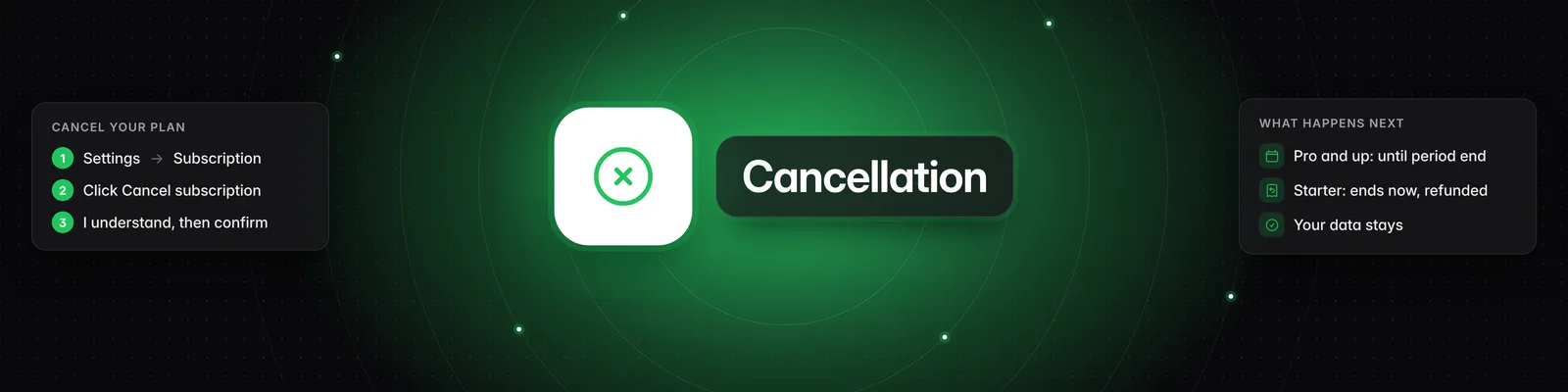
Cancel from Settings > Subscription > Cancel subscription. You keep full access until the end of the period you paid for, and you won't be charged again. For the full steps, see How do I cancel my subscription?.
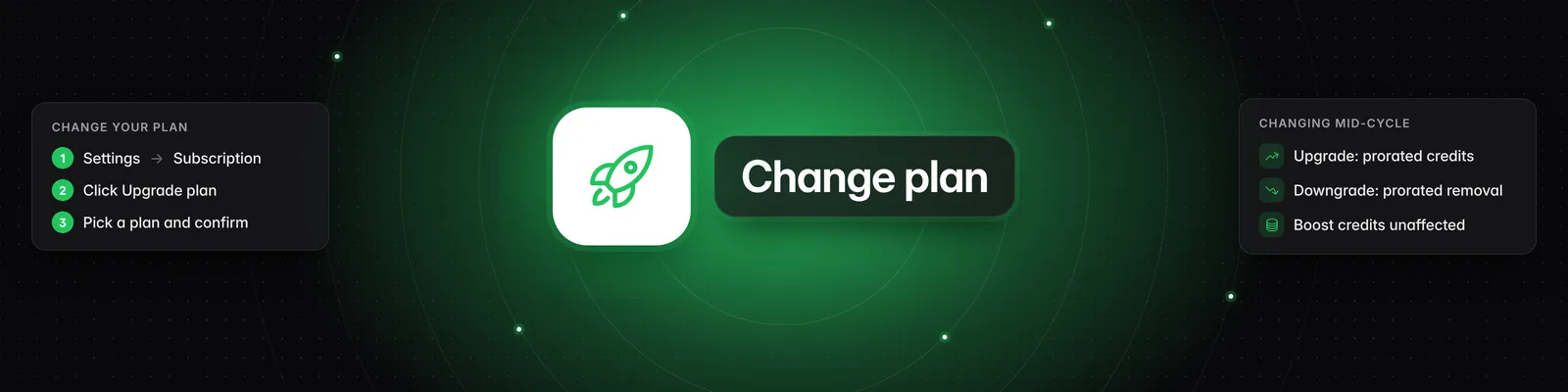
If you'd rather pay less than leave, you can switch plans instead. See What are the differences between the Starter, Pro, Visionary, and Titan plans?.
Credit boosts
Credit boosts aren't refunded. Credits you buy with Buy additional credits stay on your account, even if you cancel and come back later.
Credits for failed analyses and reports
If a video analysis or a report fails, the credits usually go back to your account automatically. These are credit refunds, not money back to your card. To learn more, see Why did my video analysis fail?.
Important notes
- Blocking your card or stopping payments through your bank doesn't cancel your subscription. A failed payment makes your subscription Past Due instead. To stop charges, cancel in Settings > Subscription.
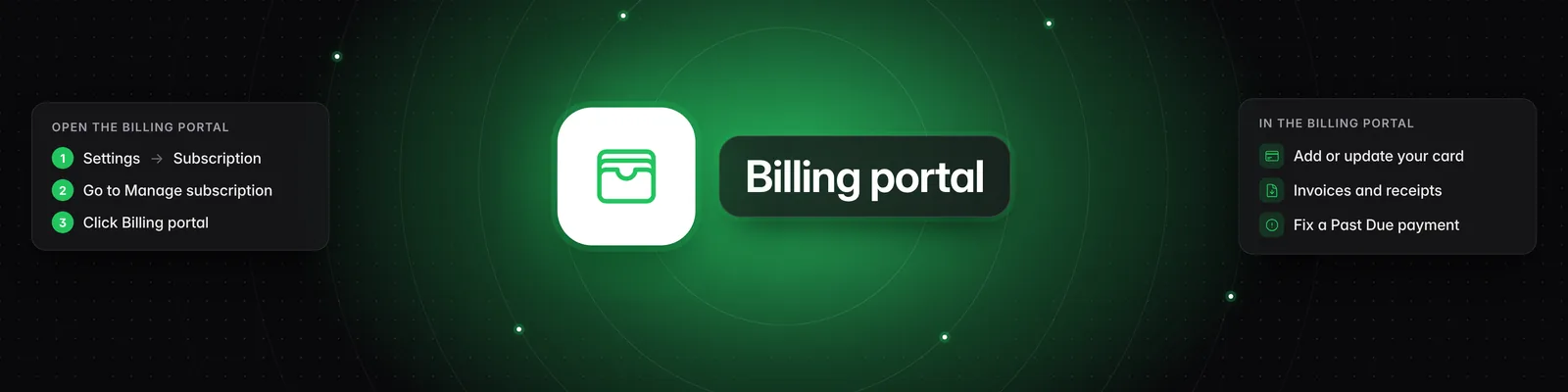
- To see past charges, invoices and receipts, go to Settings > Subscription and click Billing portal. See How do I update my payment method or download invoices?.
- The Starter plan is only for accounts that have never had a subscription, so you can't restart it after you cancel.
Troubleshooting
- Starter refund not showing? Refunds typically take 5–10 business days. If you still don't see it after that, contact support.
- No cancel button? Your cancellation is already scheduled. If Status shows (cancelling at period end), you won't be charged again.
If you have any questions, please reach out to support@sandcastles.ai.