How do I contact support if I have other questions?
Everything ElseUpdated October 5, 2026
Contacting Sandcastles support
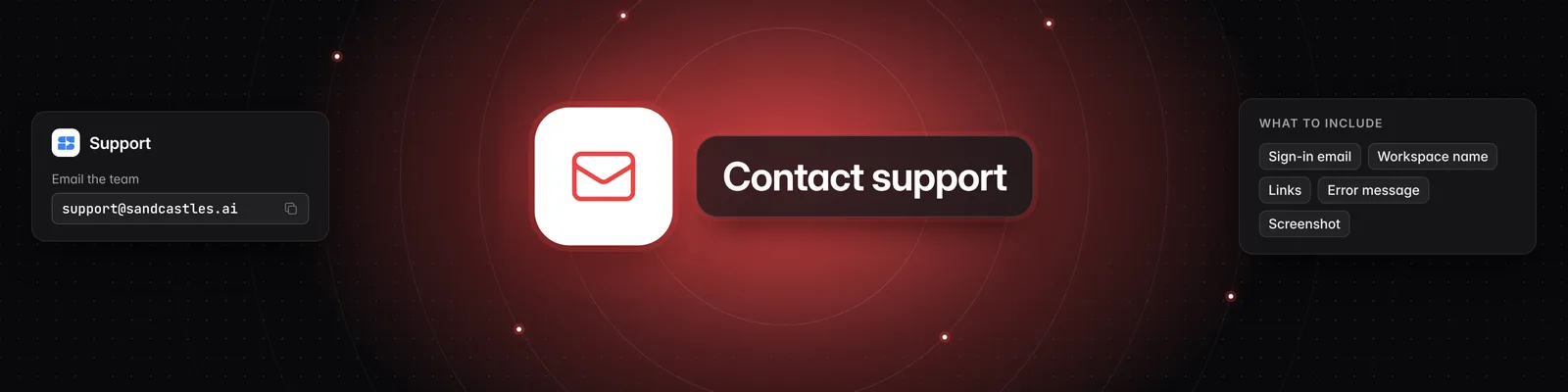
Email support@sandcastles.ai with your question, and someone from the Sandcastles team will reply by email.
Check the help center first
Your question may already have an answer in the Sandcastles help center. You can also open it from the app: click Settings in the left sidebar, then click Support.
These are the questions customers ask most:
- How do I cancel my subscription?
- How does the credit system work?
- How to verify your social channels in Sandcastles
If you're new to Sandcastles, start with A quick intro to Sandcastles.
What to include in your email
The more detail you share, the faster the team can help. Include:
- The email address you sign in with. You can find it in Settings > Profile under Email.
- Your workspace name. It's shown at the top of the left sidebar.
- Links to the videos or channels involved.
- The exact error message, copied word for word.
- A screenshot of what you're seeing.
- What you were trying to do when it happened.
Replying to a Sandcastles email
Notification emails from Sandcastles, such as "Your report is ready" or "Your Sandcastles export is ready", are set up so your reply goes to support@sandcastles.ai. You can reply to one of them to reach the support team, too.
If you have any questions, please reach out to support@sandcastles.ai.