How does Sandcastles choose writing styles in scripts flow?
How Sandcastles picks the writing style for your scripts
Sandcastles writes your scripts in the style of the Writing style sample on your Persona tab, and works in the details from your Context. Persona is available on the Pro, Visionary and Titan plans.
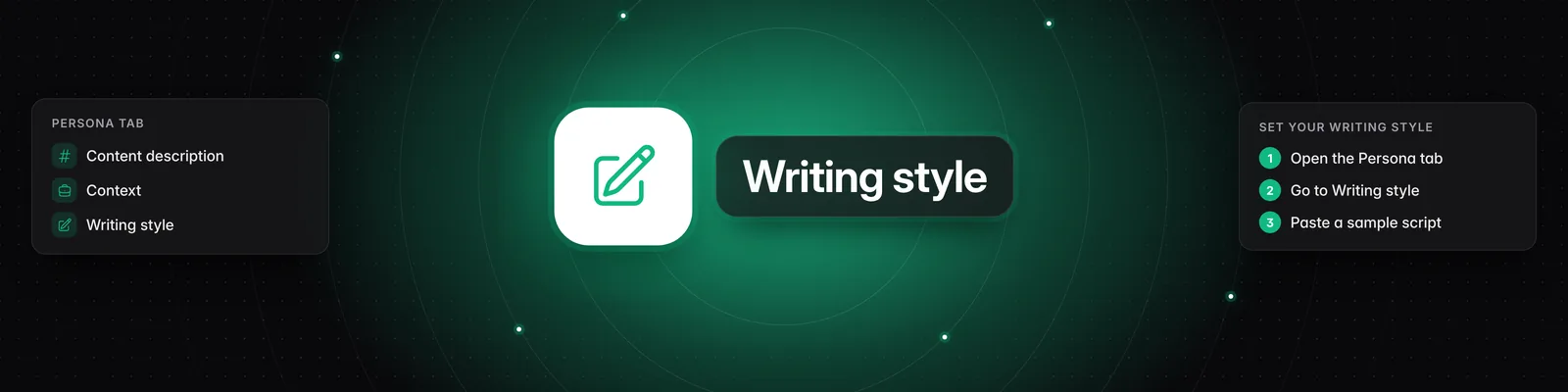
Set your writing style
- Click Persona in the left-hand sidebar, under Configure.
- Paste a script you want to sound like into Writing style.
- Add details about your business or brand to Context.
- Pause typing. Your changes save automatically, and a green Saved badge appears under the field.
What each Persona field does in scripts
- Writing style: A writing sample, up to 3,000 characters. Sandcastles copies its tone and voice when it writes your hooks, your first draft and every revision.
- Context: Your business or brand, plus any preferences or expertise, up to 5,000 characters. It's used in your hooks, drafts and revisions, and it also guides the Research step.
- Content description: Your content niche, up to 5,000 characters. It guides the Research step, and it's also used to personalize channel discovery and idea analysis.
Where your Content description comes from
When you first sign up, the Describe your content niche step saves your answer as the Content description of the workspace you're in. You can change it on the Persona tab at any time. Workspaces you create later start with an empty Content description.
Persona is set per workspace
Each workspace has its own Persona. Scripts use the Persona of the workspace you're working in. If you write for several brands or clients, fill out a Persona in each workspace. See How to use the Workspaces feature.
On the Starter plan
- Persona isn't available on Starter. If you open Persona, you'll see "Persona is available on our full plans." Click Upgrade to a full plan to see the plans.
- Without a Writing style sample or Context, Sandcastles writes your scripts from your topic, research and hook alone, so they aren't tuned to your voice.
- If you described your niche when you signed up, the Research step still uses that description.
See What are the differences between the Starter, Pro, Visionary, and Titan plans? for plan details.
Tips for a good Writing style sample
- Don't put instructions in Writing style. Only paste a script you want Sandcastles to sound like.
- Put your preferences and expertise in Context instead, for example "I'm a content creator for a startup called Sandcastles."
- Choose a sample that sounds the way you talk on camera.
For more on each field, read How to use the Persona tab. For the full script flow, read How to use the Scripts tab.
If you have any questions, please reach out to support@sandcastles.ai.