How to determine which hook formats get used in the Sandcastles script flow
Understanding Hook Formats in Sandcastles
Sandcastles offers a powerful script-building flow that helps you create engaging content. A key part of this process is understanding and utilizing effective hook formats. This article will guide you on how to determine which hook formats are most likely to be used in your script flow.
The Script Flow Overview
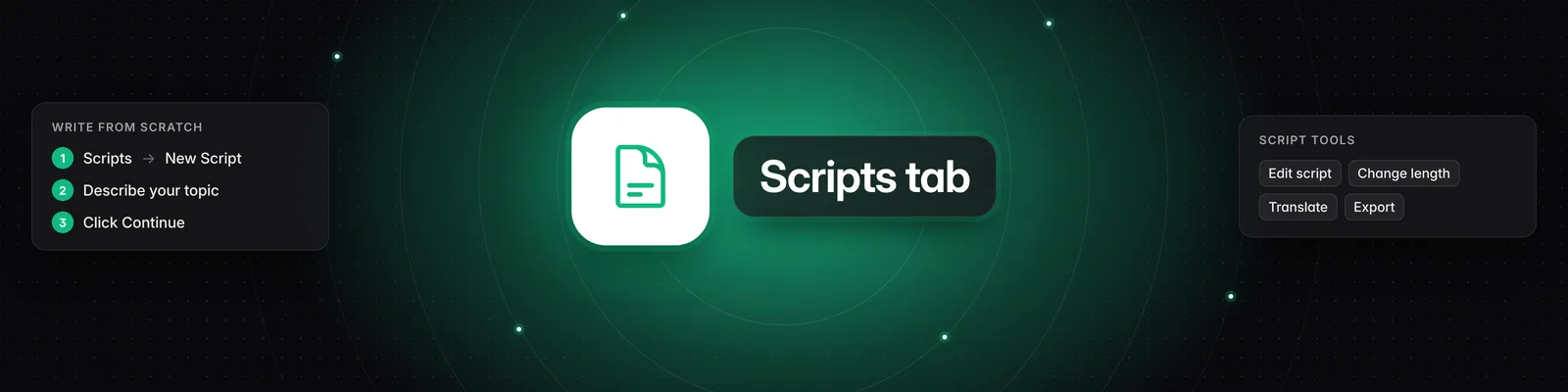
When you start a new script in Sandcastles, you'll go through a series of steps:
- Topic: You begin by defining the topic of your video.
- Research: Sandcastles analyzes existing videos related to your topic to gather insights.
- Hook: This stage presents you with various hook formats inspired by high-performing videos.
- Script: Finally, you'll develop the full script based on the research and hooks.
Utilizing High-Performing Hooks
During the 'Hook' stage, Sandcastles provides a selection of hooks generated from analyzed videos. These hooks are categorized and presented with their view counts, offering a glimpse into their performance.
Selecting Your Preferred Hooks
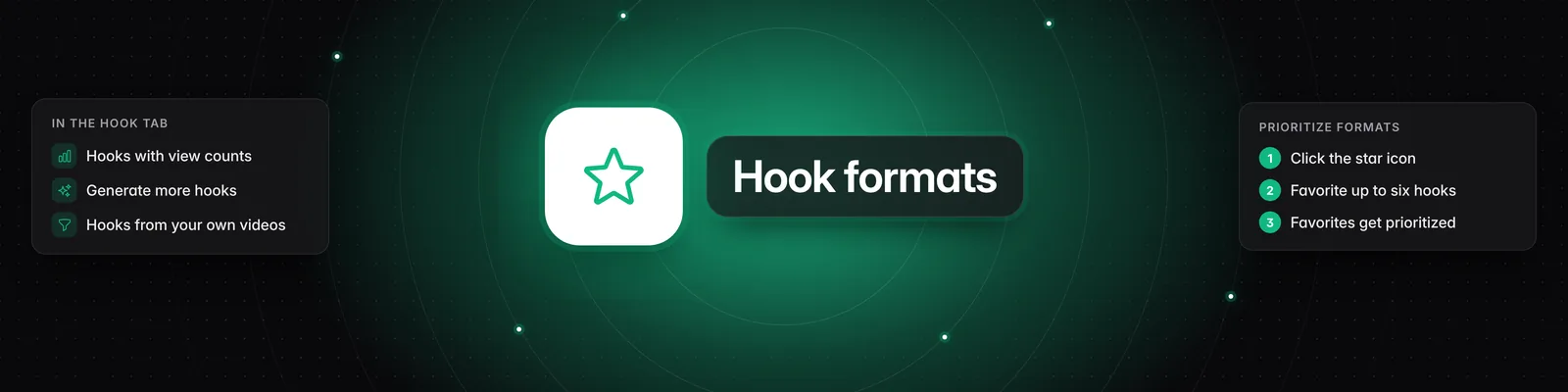
To influence which hooks are prioritized in your script generation, you can favorite them:
- Navigate to the Hook tab within the script flow.
- You will see a list of hooks inspired by analyzed videos. Each hook displays the creator, view count, and a brief description.
- To favorite a hook, click the star icon next to it. You can favorite up to six hooks.
By selecting your preferred hooks, you are essentially telling Sandcastles which formats and styles resonate most with you and your target audience. These favorited hooks will then be prioritized when the system generates hook options for your new script.
Finding More Hooks
If the initial set of hooks doesn't meet your needs, you can generate more:
- Click the "Generate more hooks" button.
- This will open a modal displaying a wider range of hooks, including those from Sandcastles' global data.
- You can favorite up to six hooks from this expanded list as well.
Leveraging Your Own Data
For even more tailored results, you can filter videos based on your own channel or specific criteria:
- Go to the Videos section in the left-hand navigation.
- Use the Filters panel on the left to narrow down your video selection. You can filter by:
- Channels: Select specific channels, including your own.
- Keywords: Search for specific terms in video titles and captions.
- Outlier Score: Filter for videos with exceptionally high performance.
- Views, Engagement, Posted in last: Use these metrics to find videos that performed well within specific timeframes or engagement levels.
- Platform & Status: Filter by platform or whether the video has been analyzed.
- Once you have filtered for videos from your own channel (or channels you've analyzed), you can then go to the Hook tab and favorite the hooks from these specific videos.
By favoriting hooks derived from your own high-performing content, you provide Sandcastles with direct data on what works for your audience, leading to more relevant and effective hook suggestions for your new scripts.
This data-driven approach allows you to significantly speed up your hook writing process and improve the overall effectiveness of your video content.