What information can you export from the Ideas tab?
IdeasUpdated April 21, 2026
Exporting Your Ideas
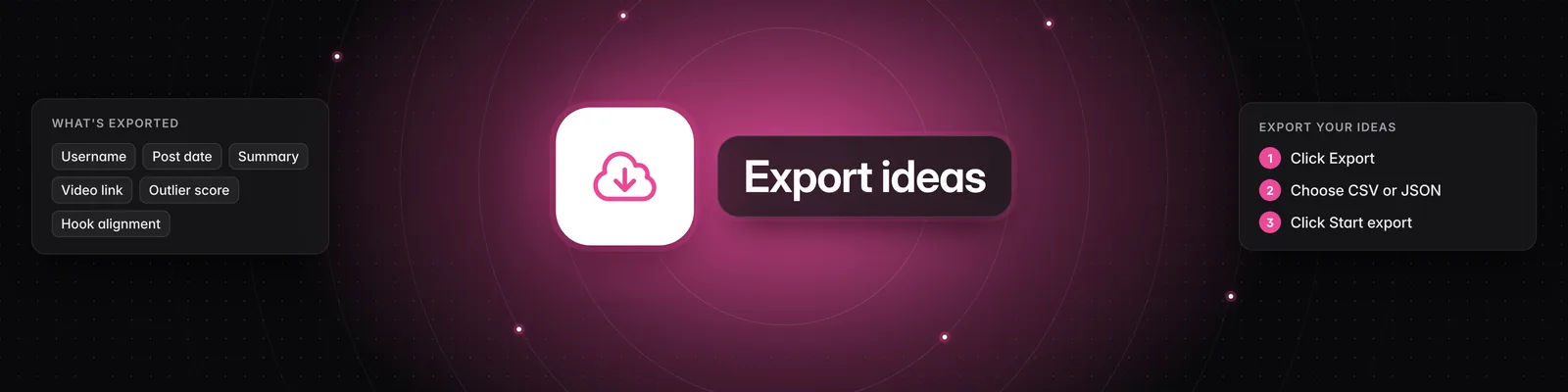
The 'Ideas' tab allows you to export all the information you see for each idea. This includes:
- The creator's username
- The date the video was posted
- A summary of the video
- A link to the video
- Key statistics such as views, likes, and shares
- The outlier score
- Content positioning details
- Storytelling format
- Contrast mechanism
- Hook alignment
- Suggestions for personalizing the video
How to Export
- Click the Export button located at the top right of the 'Ideas' tab.
- A pop-up window will appear, prompting you to choose an export format.
- Select either CSV or JSON from the dropdown menu.
- Click Start export.
You will be notified when your export is ready. This feature is useful for analyzing patterns, finding successful ideas, and planning your content strategy.