How can I see more information on an individual idea?
Viewing an idea in detail
Click any idea in the Ideas tab to open it in a panel on the right. The panel shows the full breakdown of the idea, your notes and the original video.
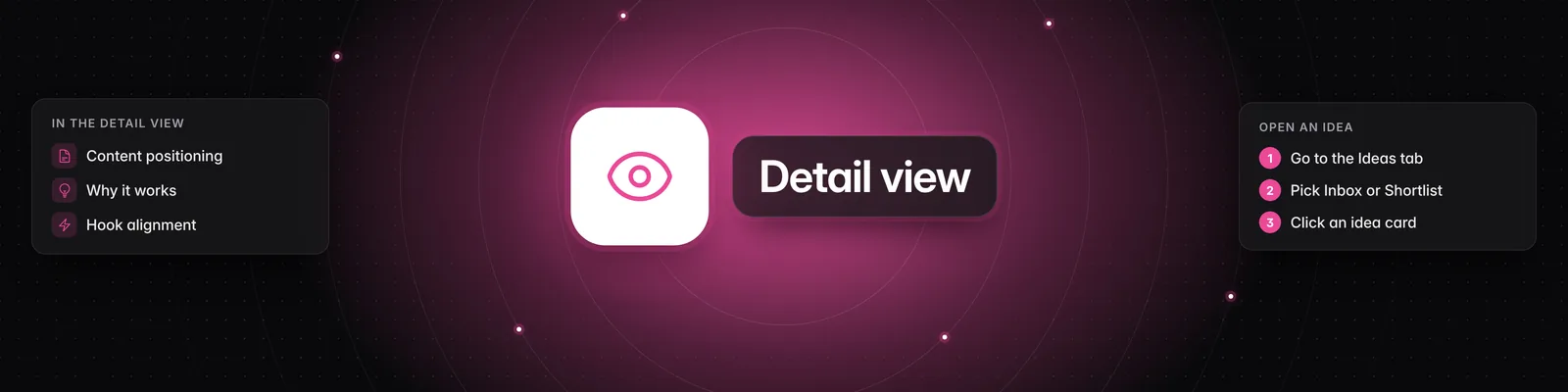
Opening an idea
- Click Ideas in the left sidebar.
- Choose Inbox for new ideas or Shortlist for ideas you've saved.
- Click the idea you want to explore.
What the panel shows
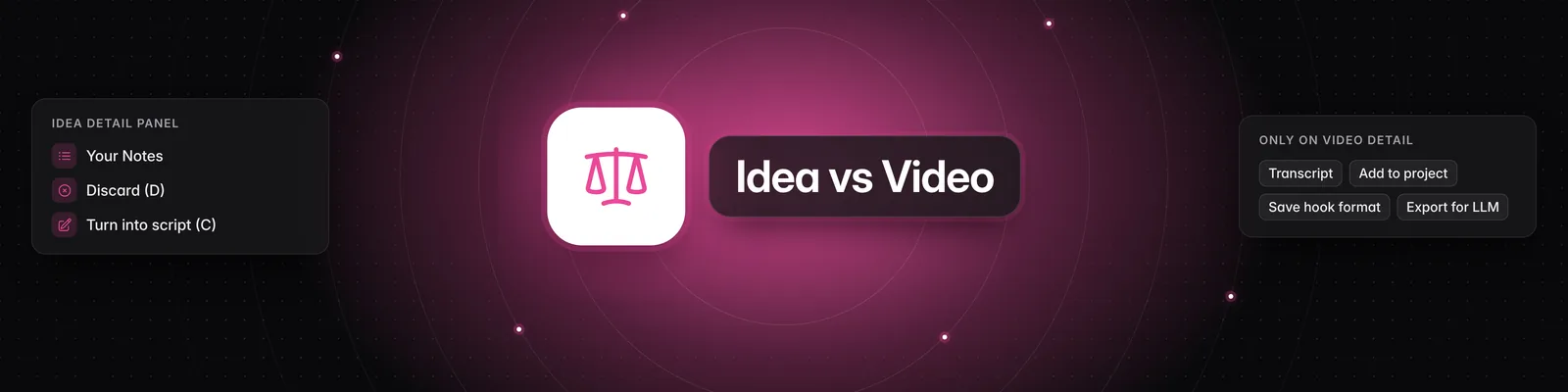
At the top of the panel you'll find Shortlist, Discard, Go to Analysis and Turn into script. Below them you'll see the idea's title, a summary and the original video, followed by these sections:
- Your Notes: click Edit, type your notes, then click Save or press Enter.
- Content Positioning: the video's unique angle.
- Storytelling Format: the format category and Why it Works.
- Contrast Mechanism: the common belief and the contrarian reality, when the video has one.
- Hook Alignment: how well the hook fits the rest of the video.
- How to Personalize this Video for Your Content Niche: three options for adapting the idea to your audience.
If you haven't described your content yet, you'll see How to Repurpose this Video for Your Content Niche with a Describe your content button instead. It takes you to the Persona tab. See How to use the Persona tab.
Go to Analysis opens the full video analysis. Turn into script starts a new script from the idea and carries over your notes.
Keyboard shortcuts
Shortcuts work while an idea is open and you aren't typing in a text box.
| Key | What it does |
|---|---|
| Up arrow / Down arrow | Open the previous or next idea |
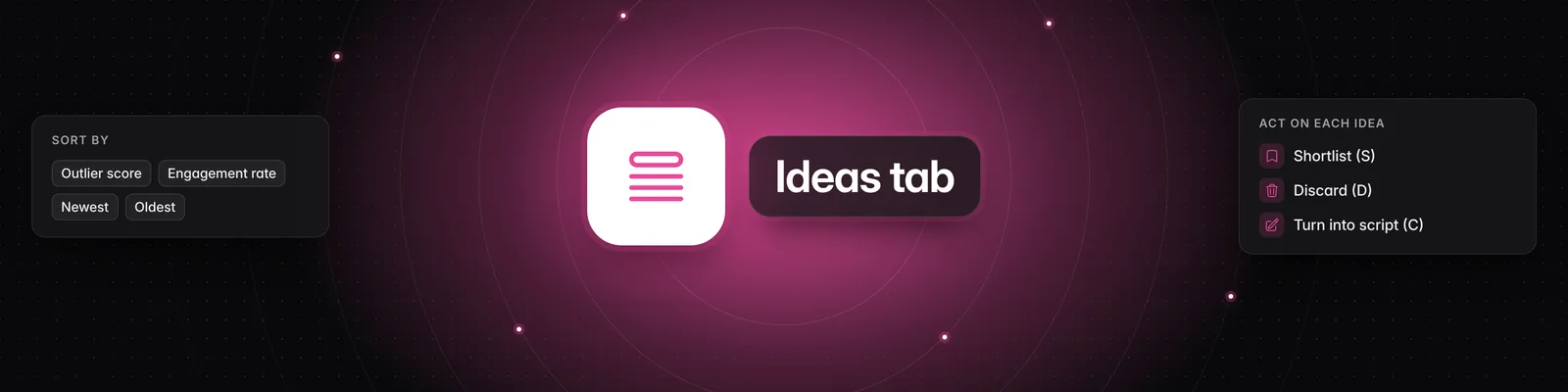
| S | Move the idea to your Shortlist (Inbox only) |
| D | Discard the idea |
| A | Go to Analysis |
| C | Turn into script |
| E | Edit your notes |
| Esc | Close the idea |
When you shortlist or discard an idea, it leaves the list and the next idea opens, so you can work through your Inbox with S and D.
Important notes
- While a video is still being analyzed, the panel shows Queued... or Analyzing... and the detail sections stay hidden until it's done. If the analysis fails, you'll see Failed to analyze.
- If you're a guest in someone else's workspace, you can read ideas and open the analysis, but you can't shortlist, discard, edit notes or create scripts.
For more on the Ideas tab, see How to use the Ideas tab.
If you have any questions, please reach out to support@sandcastles.ai.