What is the difference between the Idea Detail and Video Detail pages?
Understanding the Idea Detail and Video Detail Pages
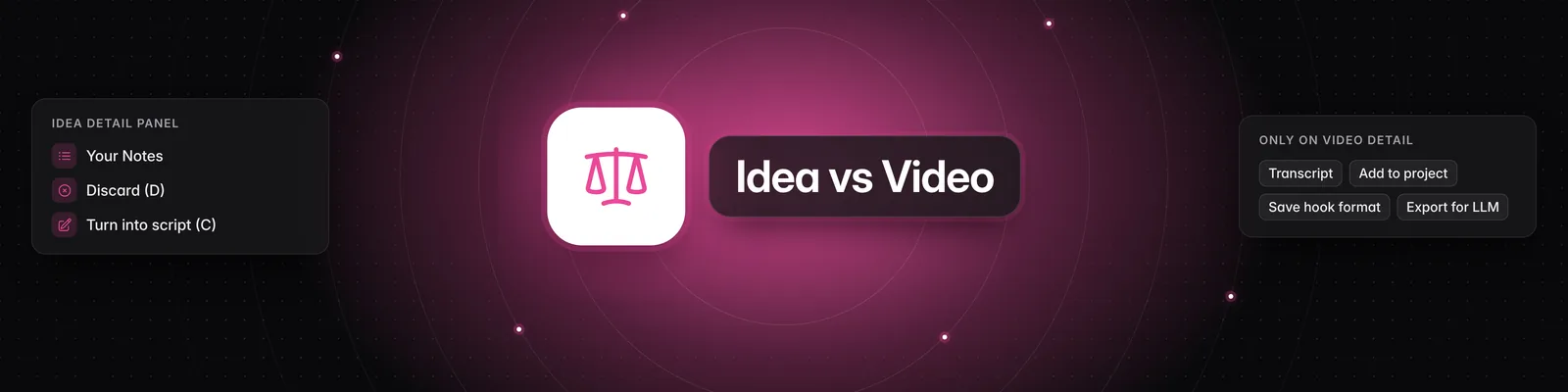
The idea detail panel in the Ideas tab is where you review an idea and decide what to do with it. The Video Detail page shows the full analysis of a video and has more actions, such as adding it to a project or saving its hook.
Idea detail
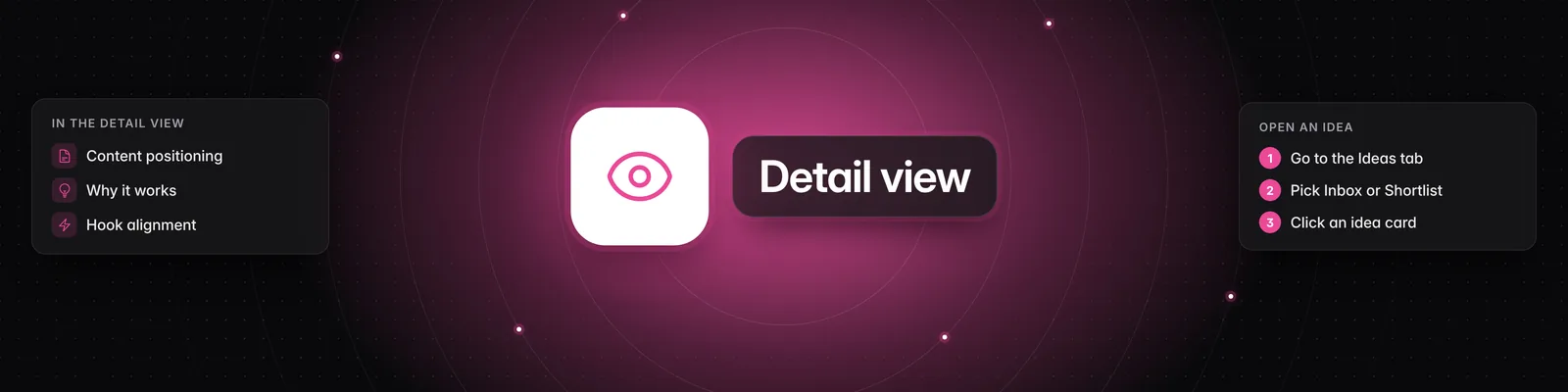
To open it, click Ideas in the left sidebar, choose Inbox or Shortlist, then click an idea. It opens in a panel on the right.
At the top of the panel you can choose:
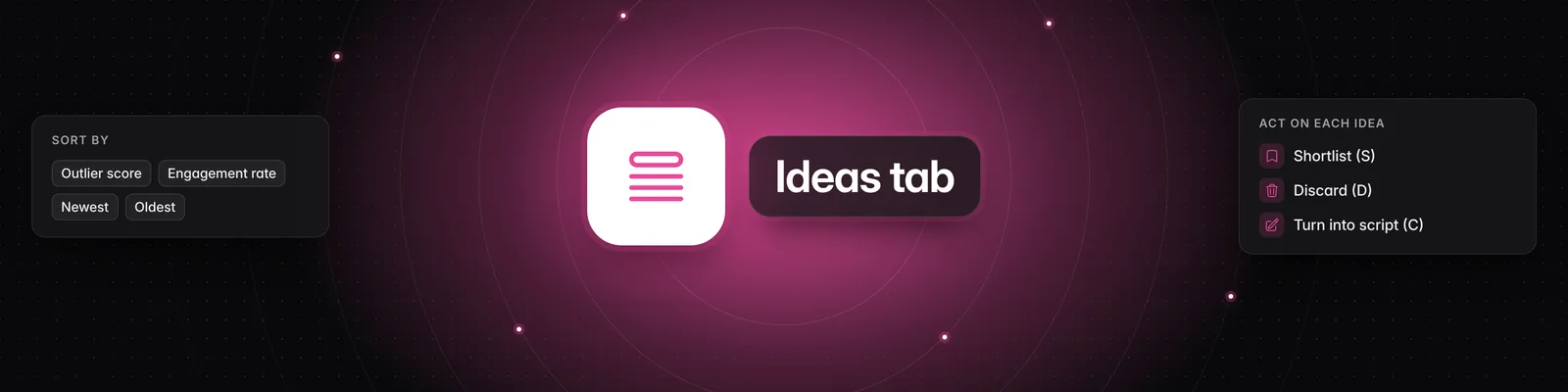
- Shortlist (S): moves the idea to your Shortlist. This button only shows in your Inbox.
- Discard (D): removes the idea from your Inbox or Shortlist.
- Go to Analysis (A): opens the Video Detail page for the idea's video.
- Turn into script (C): starts a new script from the idea and carries over your notes.
Below that you'll see the idea's title, a summary and the original video, followed by:
- Your Notes: click Edit, type your notes, then click Save or press Enter.
- Content Positioning: the video's unique angle.
- Storytelling Format: the format category and Why it Works.
- Contrast Mechanism: the common belief and the contrarian reality, when the video has one.
- Hook Alignment: how well the hook fits the rest of the video.
- How to Personalize this Video for Your Content Niche: three ways to adapt the idea for your audience.
See How to use the Ideas tab for more.
Video Detail page
To open it, click an analyzed video in the Videos tab, or click Go to Analysis on an idea. You'll see a Summary and five tabs: Transcript, Idea Analysis, Hook, Storytelling Format and Visual Layout.
The buttons under the video are:
- Create script (C)
- Shortlist idea (S)
- Add to project (A)
- Save hook format (H)
- Export for LLM (E)
- Open in new tab (O)
- Remove from library (R)
See How to use the Video Detail Page in Sandcastles for what each one does.
Key differences
- Purpose: use the idea detail panel to sort ideas quickly. Use the Video Detail page to study a video in depth.
- Notes: Your Notes is only in the idea detail panel. Turn into script carries your notes into the new script.
- Analysis: only the Video Detail page shows the transcript, the hook formula and the visual layout.
- Actions: Add to project, Save hook format, Export for LLM, Open in new tab and Remove from library are only on the Video Detail page. Discard is only in the idea detail panel.
- Moving between items: in the idea detail panel, use the up and down arrow keys. On the Video Detail page, use the left and right arrow keys.
If you have any questions, please reach out to support@sandcastles.ai.