How to set up the Sandcastles MCP in Hermes Agent
Setting up the Sandcastles MCP in Hermes Agent
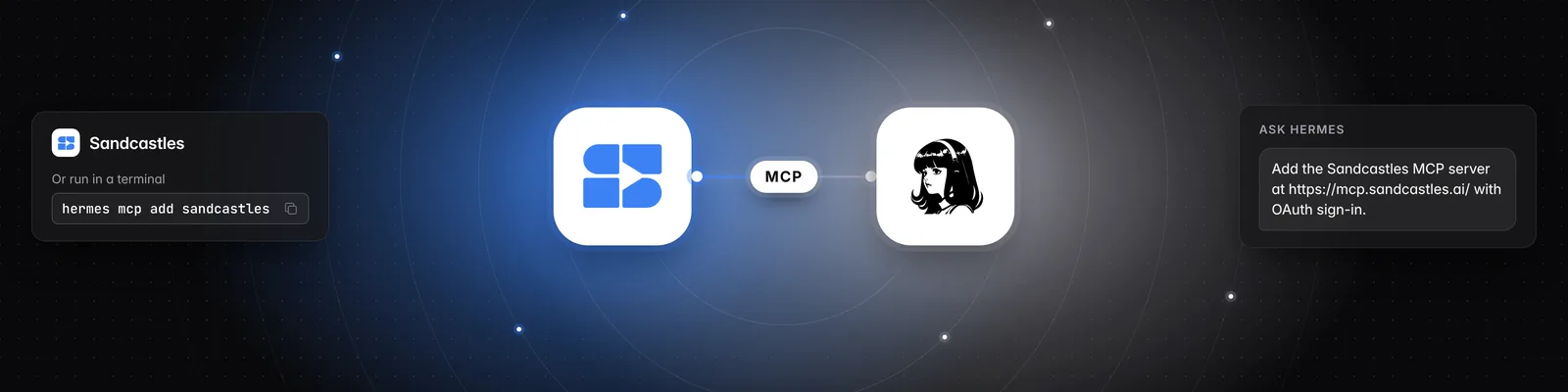
You can connect Sandcastles to Hermes Agent by Nous Research as an MCP server, then ask Hermes about your watchlist, videos and channels. The quickest way is to ask Hermes to add it for you.
Before you start
- You need a Pro, Visionary or Titan plan. The MCP isn't included in the Starter plan.
- The server URL is
https://mcp.sandcastles.ai/. You can also copy it in Sandcastles under Settings > Connectors on the MCP card. Hover over the URL and click Copy.
Option 1: Ask Hermes (recommended)
-
Open a Hermes session and send this message:
Add the Sandcastles MCP server at https://mcp.sandcastles.ai/ with OAuth sign-in. -
Approve the setup card Hermes shows you.
-
Sign in with your Sandcastles account in the browser window that opens, and approve access.
Hermes doesn't save anything until the connection works.
Option 2: Use the command line
-
Run this command in your terminal:
hermes mcp add sandcastles --url https://mcp.sandcastles.ai/ --auth oauth -
Sign in with your Sandcastles account when the sign-in page opens, and approve access.
-
In any Hermes session that's already open, run:
/reload-mcp
If you're on a machine without a browser, sign in with a device code instead:
hermes mcp login sandcastles --flow device
Option 3: Edit the config file
-
Open
~/.hermes/config.yamland add:mcp_servers: sandcastles: url: "https://mcp.sandcastles.ai/" auth: oauth -
Save the file.
-
In your Hermes session, run
/reload-mcp. -
Sign in with your Sandcastles account when the sign-in page opens, and approve access.
Try it out
Once you're connected, try: "Use Sandcastles to show me the top videos in my watchlist from the last 7 days."
Important notes
- If your account isn't on a Pro, Visionary or Titan plan, Sandcastles returns "Your Sandcastles plan doesn't include MCP access." instead of results.
- Analyzing a video uses 1 credit. If the video is already in your workspace, it doesn't use another credit. See Does using the Sandcastles MCP cost credits?.
- The MCP works in the workspace you last had open in Sandcastles. Ask Hermes to list your workspaces or switch to another one. Switching in Hermes also changes the workspace you see the next time you open Sandcastles.
Related articles
- How to set up the Sandcastles MCP in any AI assistant
- How to set up the Sandcastles MCP in OpenClaw
- Does using the Sandcastles MCP cost credits?
If you have any questions, please reach out to support@sandcastles.ai.