How does Sandcastles handle Instagram trial reels?
Instagram trial reels in Sandcastles
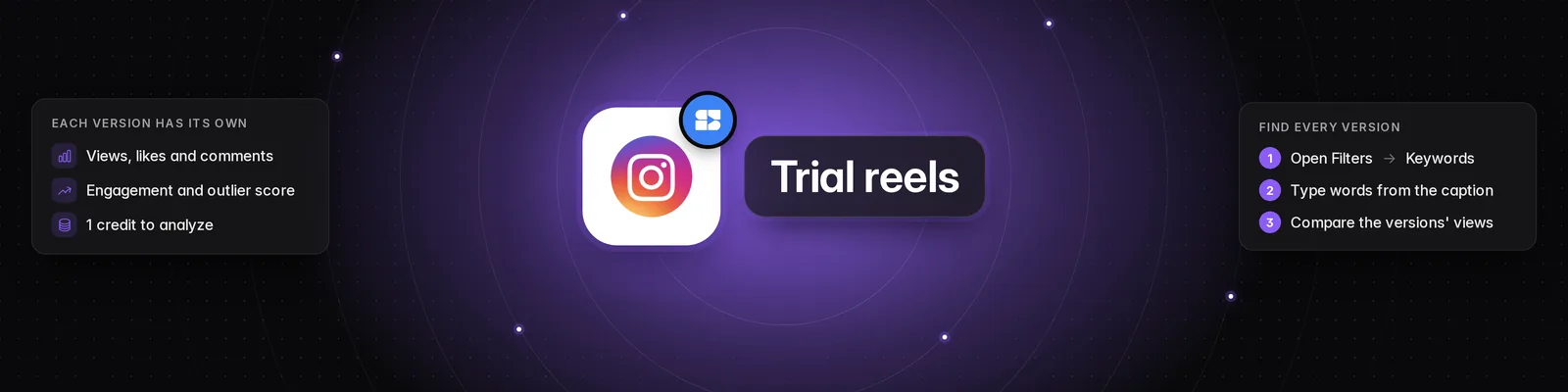
Sandcastles treats every Instagram trial reel as its own video. If a creator posts several versions of the same video, you'll see each version separately, with its own views, likes and comments.
What are trial reels?
Trial reels are Instagram reels that a creator shows to non-followers first. Creators often post several versions of the same video this way to test which one performs best.
Why Sandcastles shows every version
Sandcastles includes every trial reel, not just the version a creator kept, so you get full visibility into their testing process. You can learn what didn't work for other creators, not only what did, by comparing the versions they tested side by side.
What you'll see
- One video per reel: Each trial reel appears as a separate video in the Videos tab, so the same video can show up more than once in your feed.
- Separate stats: Each version shows the views, likes and comments Instagram reports for that reel only. Sandcastles doesn't add the versions' numbers together, so two versions of the same video can have very different counts.
- Engagement rate and outlier score: These are worked out for each version on its own, the same way as for any other video. See How to use the Videos tab.
- Personal Analytics Dashboard: If you've verified your Instagram account, each trial reel counts as a post in Number of posts, and its views count toward Views. See How to use the Personal Analytics Dashboard.
Analyzing trial reels
You can analyze a trial reel like any other video. Each version you analyze uses 1 credit, so analyzing three versions of the same video uses 3 credits.
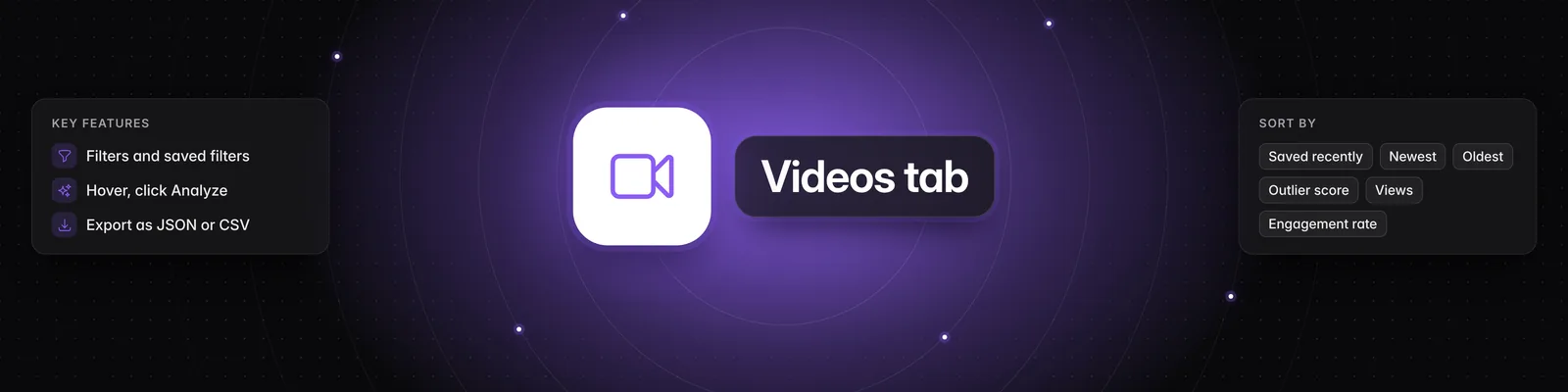
- To analyze one version, hover over it in the Videos tab and click Analyze.
- Bulk Analyze queues each version as a separate video.
- To add a trial reel that isn't in your feed, click the link icon (Add video URL), paste the reel's link and click Save video.
Tips
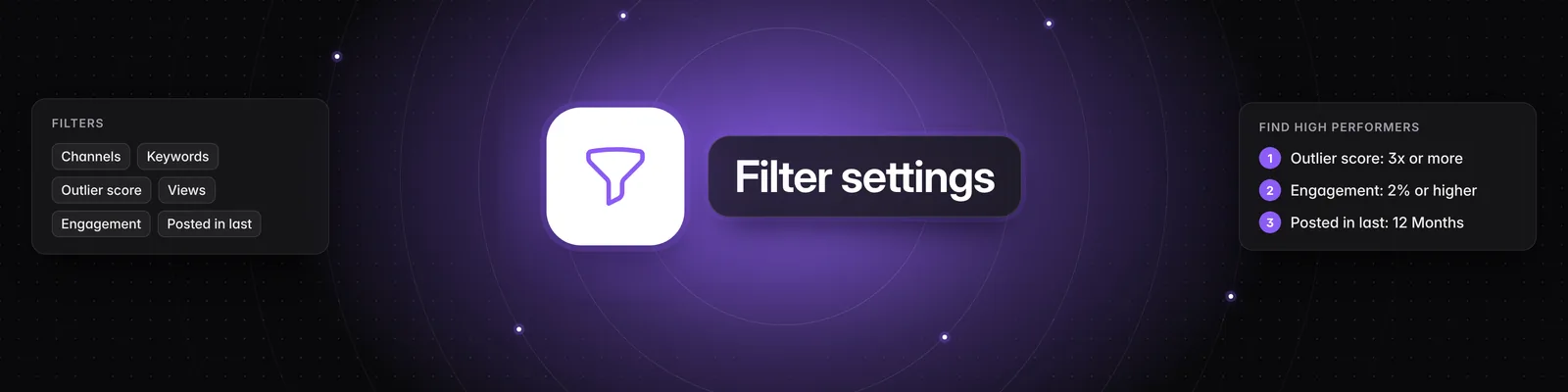
- To find every version of a video, type a few words from its caption into Keywords in the Filters panel.
- Compare the versions' views to see which version worked and which didn't, then analyze the ones you want to learn from.
Related articles
- How to use the Videos tab
- Which social media platforms can I add channels from in Sandcastles?
- How to use the Personal Analytics Dashboard
- Why did my video analysis fail?
If you have any questions, please reach out to support@sandcastles.ai.