Can I change the email on my Sandcastles account?
Changing your account email
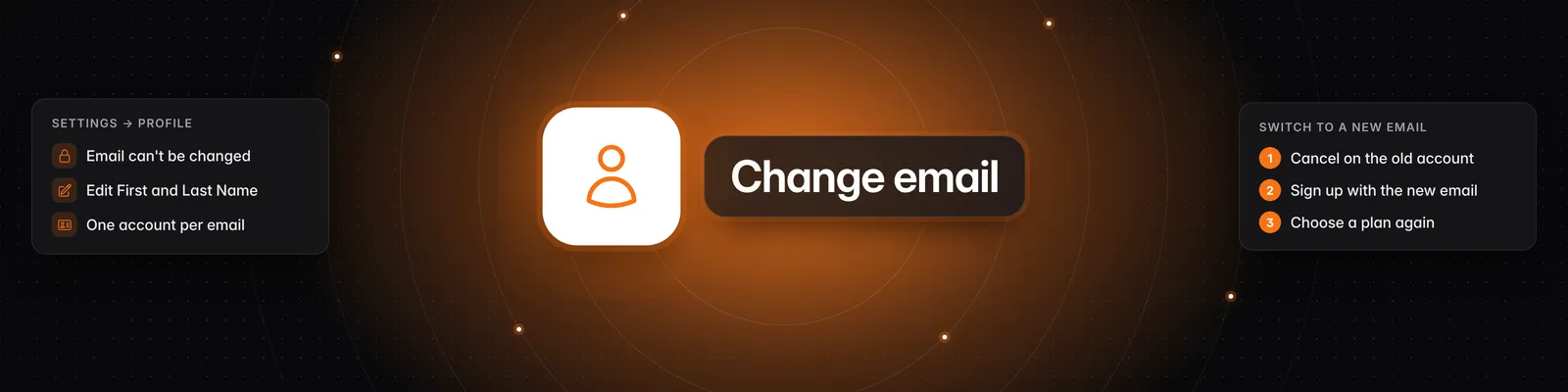
No. You can't change the email on your Sandcastles account. To use a different email, create a new Sandcastles account with it, then cancel your subscription on the old account and subscribe again on the new one.
Where your email is shown
Go to Settings > Profile. Your Email is shown there, but it can't be edited. You can only change your First Name and Last Name, then click Save.
Your account is tied to the email you signed up with. Each email can only belong to one Sandcastles account.
How to switch to a new email
- Cancel the subscription on your old account: go to Settings > Subscription > Cancel subscription. On the Starter plan, the button reads Cancel and refund subscription. See How do I cancel my subscription?.
- Sign out of the old account.
- Sign up for Sandcastles with your new email.
- Choose a plan on the new account. See How do I choose a plan when I sign up?.
- If you no longer need the old account, delete it (see below).
Subscriptions can't be moved
- A subscription belongs to the account you bought it on. It can't be transferred to another account, including from one of your accounts to another.
- To keep your plan, for example Pro, cancel it on the old account and subscribe again on the new one.
- A new account is offered the $5/month Starter plan at the end of onboarding, because it has never had a subscription. To get Pro, Visionary or Titan, start on Starter and upgrade from Settings > Subscription.
What doesn't move to the new account
Your data stays with the account it was created in. Your new account starts empty, and nothing carries over, including:
- Your workspaces
- Your Watchlist channels and videos
- Your ideas and scripts
- Your credits, including credits you bought with Buy additional credits
How to delete your old account
- Click Settings in the left sidebar. The Subscription tab opens.
- Under Delete your account, click Delete your account.
- Read the Delete your account dialog, then click Delete your account to confirm. To stop here, click Keep my account.
What happens when you delete your account:
- You're signed out immediately and you can't log back in.
- Any active subscription is set to cancel at the end of your current billing period. If your payment is past due, it's cancelled immediately. You won't be charged again.
- Your workspaces, channels, videos, ideas and scripts are no longer accessible.
- This action cannot be undone.
Important notes
- On Starter and want your $5 back? Use Cancel and refund subscription first. Deleting your account cancels your subscription but doesn't refund it.
- Don't see Delete your account? It only appears on the Subscription tab once your account has had a subscription. Email support from the account's email address and we'll help.
- "This account is already verified." If you verify the same Instagram, TikTok or YouTube account on your new account, it may still be linked to your old one. Contact support. See How to verify your social channels in Sandcastles.
- "Something went wrong. Please try again or contact support." when deleting: try again. If it keeps happening, contact support.
For everything else you can change in Settings, see What settings can I change in Sandcastles?.
If you have any questions, please reach out to support@sandcastles.ai.