Why was I charged after I cancelled?
Charged after cancelling
Once a cancellation goes through, you won't be charged again. A new charge usually means the cancellation didn't finish, the charge is from a second Sandcastles account under another email, or an annual plan renewed before you cancelled.
Check that your cancellation went through
- Click Settings in the left sidebar. The Subscription tab opens.
- Look at Status and Next billing date.
Your cancellation went through if you see one of these:
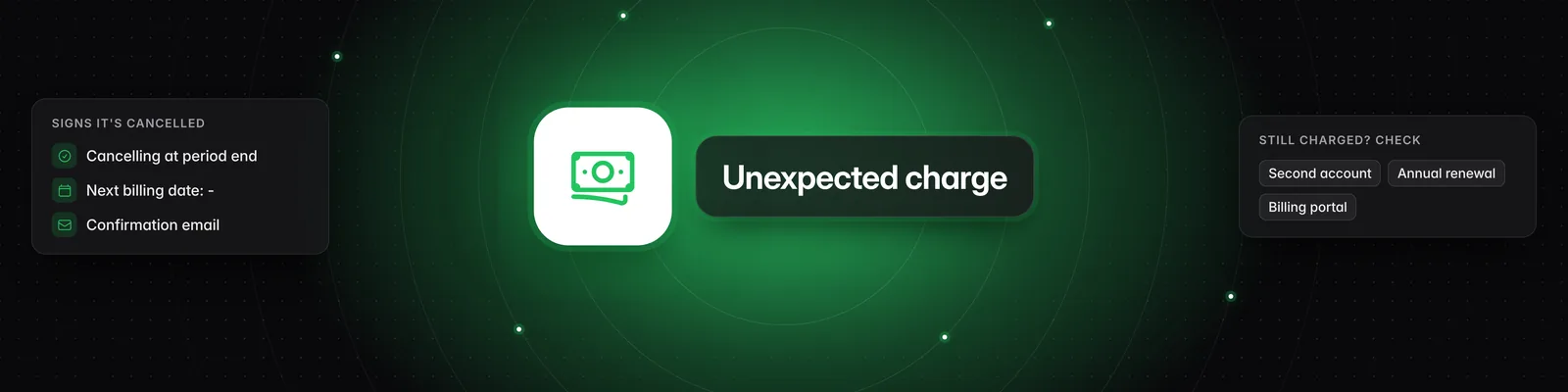
- Status shows Active (cancelling at period end) and Next billing date shows a dash (-). You keep full access until the end of your current billing period, and you won't be charged again.
- Status shows Canceled and a Renew Subscription button appears. Your subscription has already ended.
After cancelling Pro, Visionary or Titan, you'll usually also get an email titled "Sandcastles cancellation confirmation".
If Status shows Active without "(cancelling at period end)", or you still see a Cancel subscription button, your subscription isn't cancelled yet. Follow the steps in How do I cancel my subscription?.
When cancelling takes effect
| Starter | Pro, Visionary and Titan | |
|---|---|---|
| Access ends | Immediately | At the end of your current billing period |
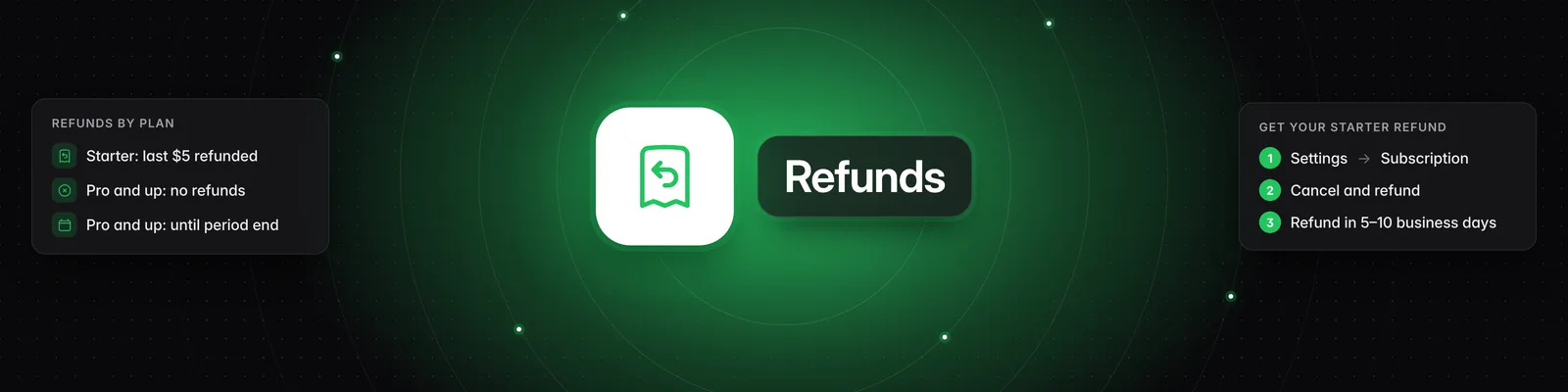
| Last payment | Your most recent $5 payment is refunded automatically to your original card | Not refunded. You keep full access until the period ends. |
| Future charges | None | None |
If your Status shows Past Due, cancelling ends your subscription right away instead of at the end of the period.
You may have a second account
Each subscription belongs to the Sandcastles account with the email you used at checkout. If you signed up more than once with different emails, another account may still have an active subscription.
- Check which email address the receipt was sent to.
- Sign out, then sign in to Sandcastles with that email.
- Go to Settings > Subscription and cancel there.
You can see the email you're signed in with under Settings > Profile.
Annual plans renew automatically
Annual plans are billed once a year and renew automatically for another year until you cancel. The annual prices are $468 for Pro, $948 for Visionary and $4,788 for Titan. To check, go to Settings > Subscription: Interval shows Year, and Next billing date shows when you'll be charged next.
Cancel any time before that date to stop the renewal. You keep access until the end of the year you paid for.
See the charge
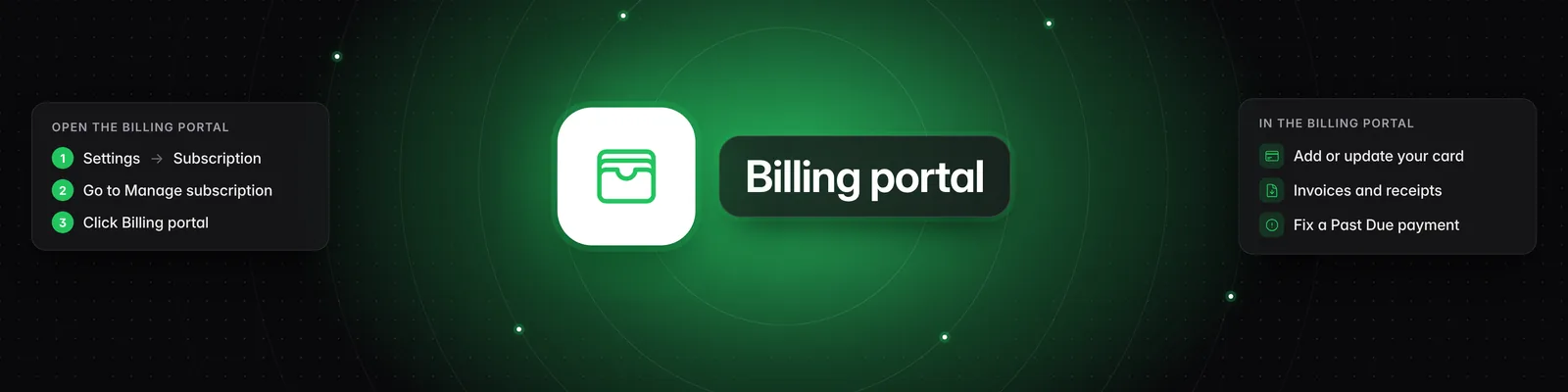
To find the charge, go to Settings > Subscription and click Billing portal. Your invoices and receipts are there. See How do I update my payment method or download invoices?.
Troubleshooting
- Cancelled twice? The Cancel subscription button disappears once a cancellation is scheduled. If you cancelled again and still see a charge, check for a second account under another email.
- "No subscription to cancel." The subscription on this account has already ended. If you were charged anyway, check for a second account.
- Charge from when your plan was past due? Check the invoice date in the Billing portal. A payment that failed earlier belongs to a billing period that started before you cancelled.
Contact support
If you still don't know where a charge came from, email us with:
- The receipt, or the date, the amount and the last 4 digits of the card charged
- The email address the receipt was sent to
For what can be refunded, see Can I get a refund?. For other ways to reach us, see How do I contact support if I have other questions?.
If you have any questions, please reach out to support@sandcastles.ai.