Which languages does Sandcastles support?
Using Sandcastles in other languages
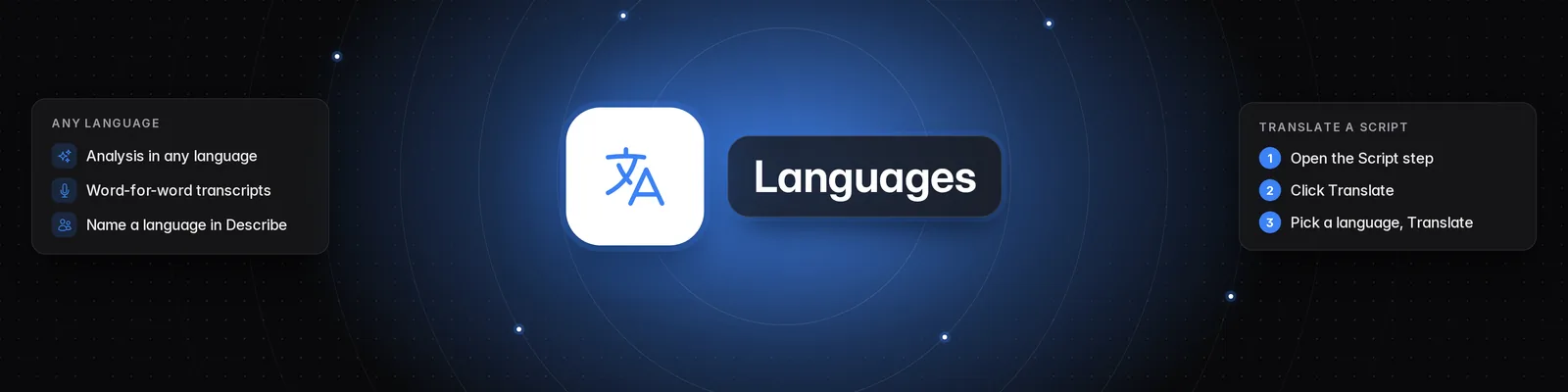
Sandcastles works with short-form videos in any language. Videos are analyzed and transcribed whatever language they're spoken in, and you can find channels and write scripts in your language too. The app itself is in English.
Video analysis and transcripts
- Videos in any language can be analyzed. The language doesn't change how a video is analyzed or what it costs.
- The Transcript on the Video Detail Page is written word for word, in the language the video is spoken in.
- Sandcastles also notes each analyzed video's main spoken language. If there's no speech, it uses the language of the on-screen text.
Finding channels in your language
- Go to Channels > Describe.
- Name the language in your description, for example "Spanish-speaking fitness creators" or "Hebrew personal finance channels".
- Click Search or press Enter. Results only include channels in the language you named.
Good to know:
- If you don't name a language in Describe, or you use Suggested, channels in English are ranked higher.
- More like this shows channels in the same language as the channel you picked.
- There's no language filter on the Videos tab.
In the Sandcastles MCP, name the language in your request. /channels-search only returns channels in that language, and /videos-watchlist and /videos-global only return analyzed videos spoken in it.
Language filters recognize English, Spanish, Portuguese, French, German, Italian, Dutch, Russian, Polish, Ukrainian, Turkish, Arabic, Hebrew, Persian, Hindi, Bengali, Urdu, Punjabi, Tamil, Telugu, Marathi, Gujarati, Chinese, Cantonese, Japanese, Korean, Vietnamese, Thai, Indonesian, Malay, Tagalog, Swahili, Amharic, Hausa, Yoruba, Greek, Romanian, Czech, Hungarian, Swedish, Danish, Norwegian and Finnish.
Writing scripts in your language
There's no setting to choose a language before a script is written. Once your script is ready on the Script step:
- Click Translate.
- Choose English, Dutch, French, German, Italian, Portuguese, Spanish or Swedish, then click Translate.
For any other language, type an instruction such as "Translate this script into Hebrew" in "What changes would you like to make?" and press Enter.
Translations are free, and you can undo one by restoring an earlier version from Script version history. To learn more, read How to use the Scripts tab.
Related articles
- What are the 4 different channel search modes?
- Which social media platforms can I add channels from in Sandcastles?
- How to use the /channels-search tool (Sandcastles MCP in Claude)
If you have any questions, please reach out to support@sandcastles.ai.