How to use Sandcastles (in-depth walkthrough & 4 workflows)
GeneralRecommendedUpdated October 8, 2026
Understanding Sandcastles
Sandcastles is a powerful tool designed to help you win with short-form content on YouTube Shorts, TikTok and Instagram. It provides a comprehensive database of successful content strategies, allowing you to analyze trends, identify winning content, and ultimately build better scripts and videos. The platform offers a full end-to-end workflow, from research and idea generation to scriptwriting and analysis.
Key Features and Workflows
Sandcastles offers several key features to streamline your content creation process:
1. Channel List Building
- Purpose: To identify and aggregate channels within your niche that are producing high-performing content.
- Workflow:
- Navigate to the Channels tab.
- Use the Suggested tab to browse recommendations based on the channels in your Watchlist. If your Watchlist is empty, suggestions are based on your persona's content description.
- Use the Describe tab to input keywords related to the content you're looking for (e.g., "social media growth strategy"). You can also filter by platform (YouTube, TikTok, Instagram) and account size.
- Use the Search tab to find specific channels by name or handle.
- Use the Add URL tab to paste full channel URLs, separated by new lines or commas, then click Parse. This tab only accepts channel URLs, not video URLs.
- Add channels to your Watchlist by clicking the + icon, or click Add all to add every channel in a list of results.
- Your Watchlist saves automatically as you add or remove channels. There's no Save button.
- Starter plan: You can add channels that are already in Sandcastles, but not channels that are new to Sandcastles. See Are there limits to how many channels I can have in my Watchlist? for each plan's limits.
2. Video Analysis
- Purpose: To analyze videos from your channels to unlock deep insights and find your next idea.
- Workflow:
- Navigate to the Videos tab.
- Use the filters to narrow videos by Channels, Keywords, Outlier score, Views, Engagement, Posted in last and Platform.
- Under Browsing mode, pick Global Sandcastles (videos from across Sandcastles, not available on Starter), Your personalized feed (videos from your Watchlist channels) or Your analyzed library (videos you've analyzed). Hover over each icon to see its name. In Your personalized feed, turn off Include analyzed to hide videos you've already analyzed.
- Click Add video URL to add a video from outside your feed. YouTube Shorts, Instagram and TikTok are supported.
- Hover over a video and click Analyze. Each analysis costs 1 credit, and you're only charged if the analysis succeeds. Then open the video to see its Transcript, Idea Analysis, Hook, Storytelling Format and Visual Layout.
- Click Export to download the videos that match your filters as JSON or CSV. You choose how many of the top videos to include, up to 500. Exports are available on Pro, Visionary and Titan.
3. Ideas Inbox & Shortlist
- Purpose: To review and organize ideas generated from video analysis.
- Workflow:
- Navigate to the Ideas tab.
- Ideas from the videos you analyze appear in your Inbox.
- Open an idea, then click Shortlist to save it, Discard to remove it from your Inbox, or Go to Analysis to see the full video analysis.
- Click Turn into script to start a script from the idea, or click Edit next to Your Notes to add your own notes.
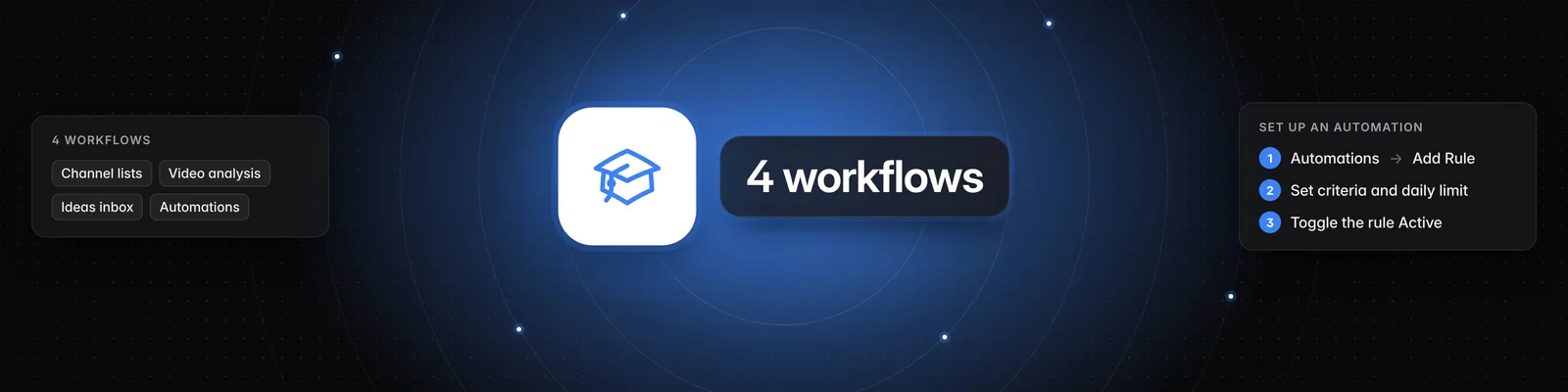
4. Automations
- Purpose: To automatically analyze videos based on rules you define.
- Workflow:
- Navigate to the Automations tab.
- Start from the default rule, Top Daily Performers (Sandcastles Default), or click Add Rule to create a new one. Sandcastles adds the default rule when you first add channels to your Watchlist, and it starts switched off.
- Click the pencil icon to set the rule's Name, Channel, Min outlier score, Min views and Min engagement rate (%). For example, the default rule uses a min outlier score of 1, 25,000 min views and a 2% min engagement rate.
- Set a Daily limit. Each video a rule analyzes costs 1 credit, and the daily limit caps how many credits the rule can spend each day. Your changes save as you edit; there's no Save button.
- Turn on the rule's switch to make it Active. Inactive rules appear faded.
- To change or remove a rule, click its pencil or trash icon.
- Starter plan: Automations aren't available on the Starter plan.
Additional Tips
- Persona Setup: On the Persona tab, fill out Content description, Context and Writing style. Sandcastles uses them to personalize channel discovery, idea analysis and scripts. Each field saves automatically. Persona isn't available on the Starter plan.
- Cross-Platform Analysis: Sandcastles analyzes short-form videos across YouTube Shorts, TikTok and Instagram, providing insights into what works best.
- Data Export: On Pro, Visionary and Titan, export videos as JSON or CSV for further analysis.
By leveraging these features and workflows, Sandcastles empowers you to create more effective and engaging content, driving better results for your business or brand.
Related articles
- How to use the Channels tab
- Are there limits to how many channels I can have in my Watchlist?
- How to use the Videos tab
- How to use the Ideas tab
- How to use the Automations tab
- How to use the Persona tab
If you have any questions, please reach out to support@sandcastles.ai.