How to set up the Sandcastles MCP in Meta Muse
Connecting the Sandcastles MCP to Meta Muse
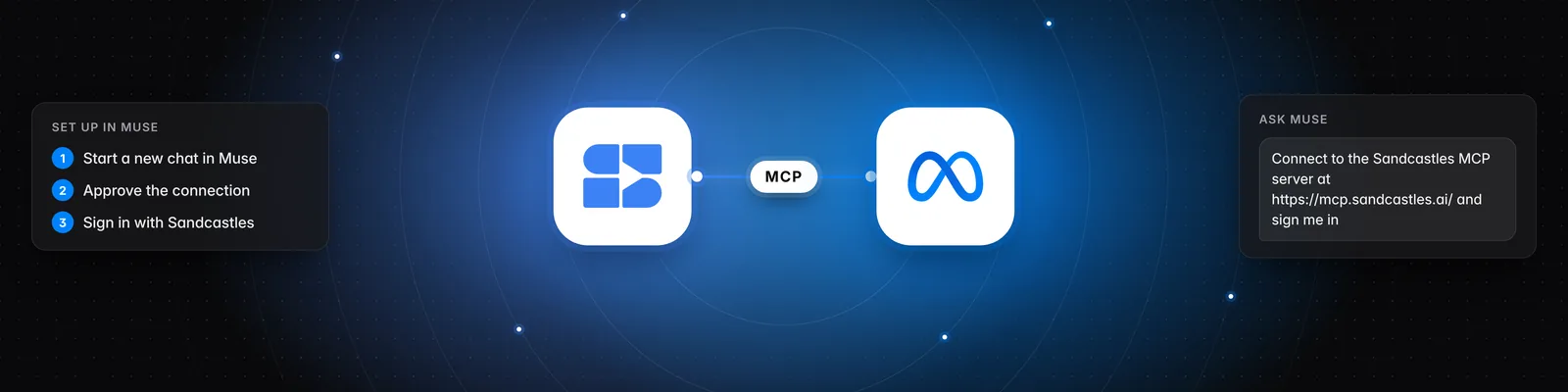
You connect Sandcastles to Meta Muse by asking Muse in a chat to set up a custom connector, then signing in with your Sandcastles account. Once it's connected, you can ask Muse about your watchlist, videos and channels.
Before you start
- You need a Pro, Visionary or Titan plan. The MCP isn't included in the Starter plan.
- Muse is Meta's personal AI agent. You can use it in the Muse app for iOS and Android, on the web at muse.ai, and in WhatsApp. Muse is only available in the US.
- You can find the server URL in Sandcastles under Settings > Connectors, on the MCP card. Hover over the URL and click Copy. If you're on the Starter plan, the card shows a See plans button instead.
Connect Sandcastles to Muse
Muse doesn't have a settings screen where you paste a server URL. You set up the connection in a chat instead.
-
Open Muse and start a new chat.
-
Copy this prompt, paste it into the chat and send it:
Connect to the Sandcastles MCP server at https://mcp.sandcastles.ai/ and sign me in with my Sandcastles account. -
Approve the connection if Muse asks you to. If Muse asks for details, enter them in its secure prompt.
-
Log in with your Sandcastles account when the Sandcastles sign-in page opens, and approve access.
Meta doesn't review custom connectors, so only connect services you trust.
Try it out
Once you're connected, ask Muse something like:
Use Sandcastles to show me the top videos in my watchlist from the last 7 days.
You can also ask Muse to analyze a TikTok, Instagram or YouTube Shorts video, show the top hooks, topics and formats across your watchlist, get a recap of a channel, or find new channels in your niche.
Important notes
- If your account isn't on a Pro, Visionary or Titan plan, Sandcastles returns this message instead of results: "Your Sandcastles plan doesn't include MCP access."
- Analyzing a video uses 1 credit. If the video is already in your workspace, it doesn't use another credit. If you're out of credits, you'll see "You don't have enough credits to perform this action."
- The MCP works in the workspace you last had open in Sandcastles. Ask Muse to list your workspaces or switch to another one. Switching in Muse also changes the workspace you see the next time you open Sandcastles.
Troubleshooting
- Muse says it can't connect: Check that you pasted the full URL,
https://mcp.sandcastles.ai/, and that you're on a Pro, Visionary or Titan plan. If it still won't connect, email us at the address below.
Related articles
- How to set up the Sandcastles MCP in any AI assistant
- How to set up the Sandcastles MCP in Claude
- How to set up the Sandcastles MCP in ChatGPT
- Does using the Sandcastles MCP cost credits?
If you have any questions, please reach out to support@sandcastles.ai.