Why do I see a charge from Sandcastles?
A charge from Sandcastles
Sandcastles is a research tool for short-form video creators on YouTube Shorts, TikTok and Instagram. A charge from us is either a Sandcastles subscription or a credit boost (extra credits) bought on a Sandcastles account, often one signed up with an email you don't use every day.
Match the charge to a plan
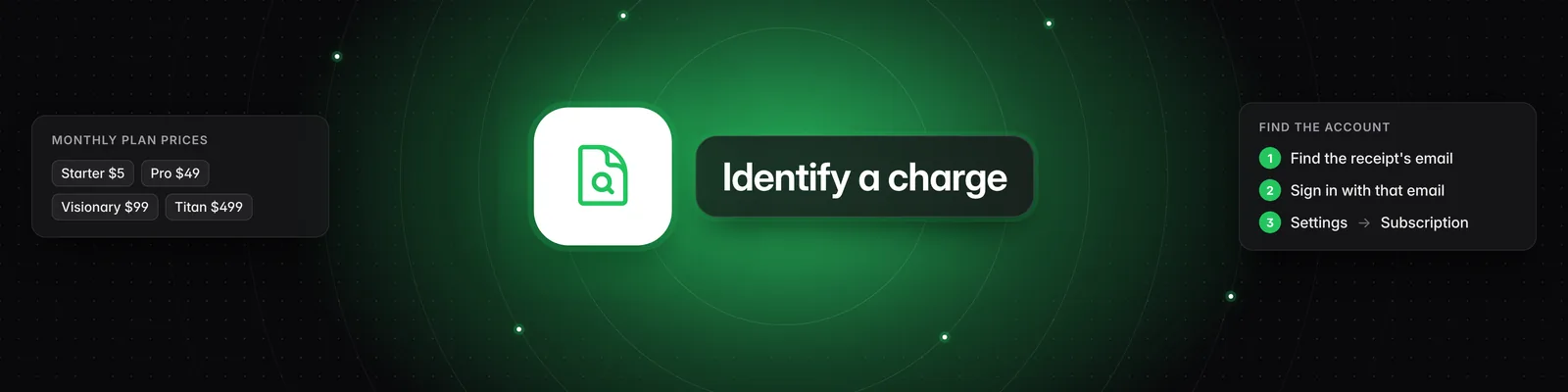
Compare the amount on your statement with these prices:
| Plan | Monthly | Annual |
|---|---|---|
| Starter | $5 | Not available |
| Pro | $49 | $468 |
| Visionary | $99 | $948 |
| Titan | $499 | $4,788 |
- Tax: depending on where you live, tax may be added to these amounts.
- Coupon codes: if a coupon code was used at checkout, the amount can be lower.
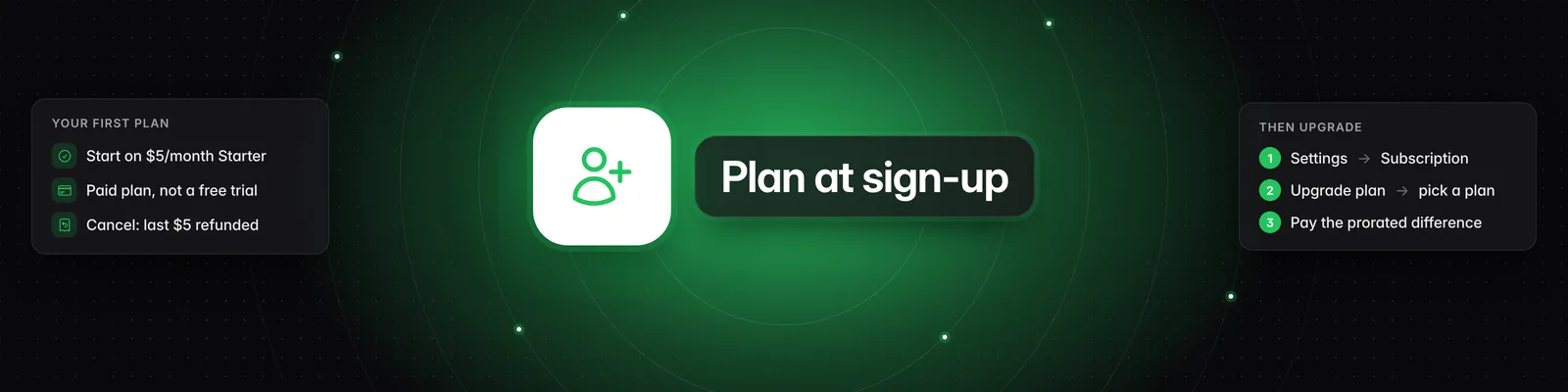
- Upgrades from Starter: the first charge after upgrading can be a different amount, because it's adjusted for the time left in the billing period.
- Credit boosts: these invoices are described as "Sandcastles credit boost", followed by the number of credits bought. They're one-off purchases, separate from the subscription. See How do I buy more credits?.
Annual plans renew automatically
Annual plans are billed once a year and renew automatically until you cancel. If you see a large charge about a year after signing up, it's likely an annual renewal. To check, go to Settings > Subscription: Interval shows Year, and Next billing date shows the next charge.
Find the account the charge belongs to
Each email address is a separate Sandcastles account with its own subscription. The receipt is sent to the email on the account that was charged.
- Search all your inboxes for a receipt from Sandcastles and note the email address it was sent to.
- Sign in to Sandcastles with that email. If you didn't find a receipt, sign in with each email you might have used.
- Go to Settings > Subscription and check Tier, Status and Next billing date.
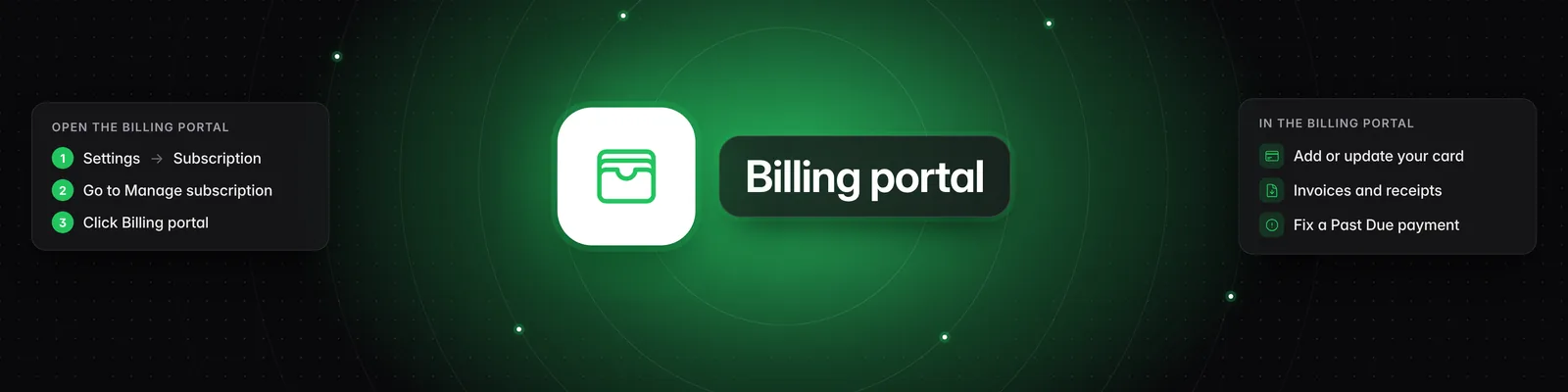
- To see past charges and download receipts, click Billing portal. See How do I update my payment method or download invoices?.
You can see which email you're signed in with under Settings > Profile.
Stop future charges
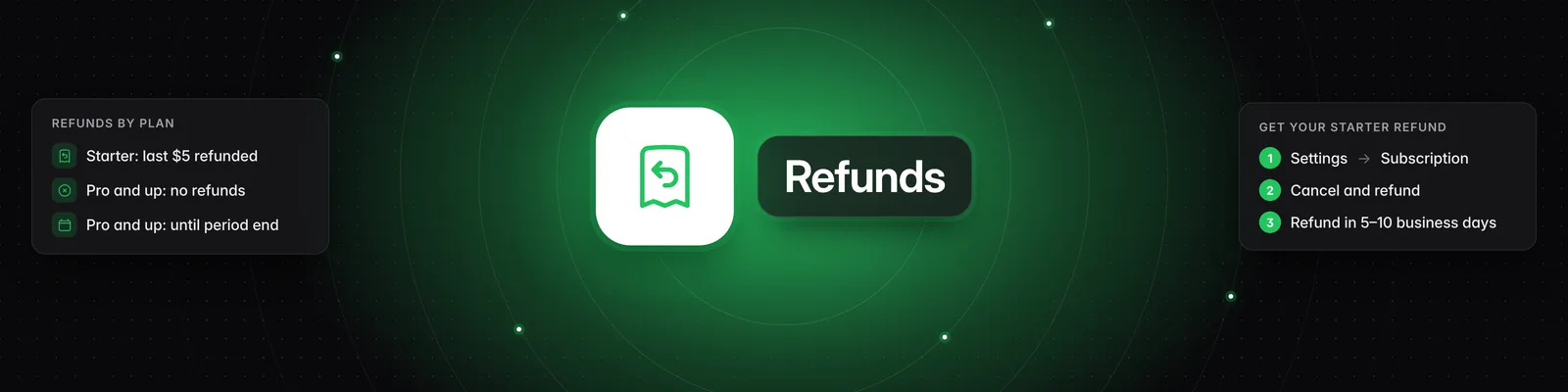
Cancel from Settings > Subscription > Cancel subscription. On Starter, the button reads Cancel and refund subscription, and your most recent $5 payment is refunded automatically to your original card. On Pro, Visionary and Titan, you keep access until the end of the period you paid for and won't be charged again. For the full steps, see How do I cancel my subscription?.
If you already cancelled and were still charged, see Why was I charged after I cancelled?. For what can be refunded, see Can I get a refund?.
Still can't find it?
Email us with:
- The receipt, if you have one
- The date and amount of the charge
- The last 4 digits of the card that was charged
If you have any questions, please reach out to support@sandcastles.ai.