How to use the Sandcastles API
Using the Sandcastles API
The Sandcastles API lets you bring your Sandcastles research data into your own tools and scripts. API access is included with the Titan plan only.
Which plan includes the API?
- The API is available on the Titan plan. Starter, Pro and Visionary don't include it.
- On other plans, the Generate API key button in Settings > Connectors is greyed out and shows "API access requires the Titan plan." Click See plans to upgrade.
Generate your API key
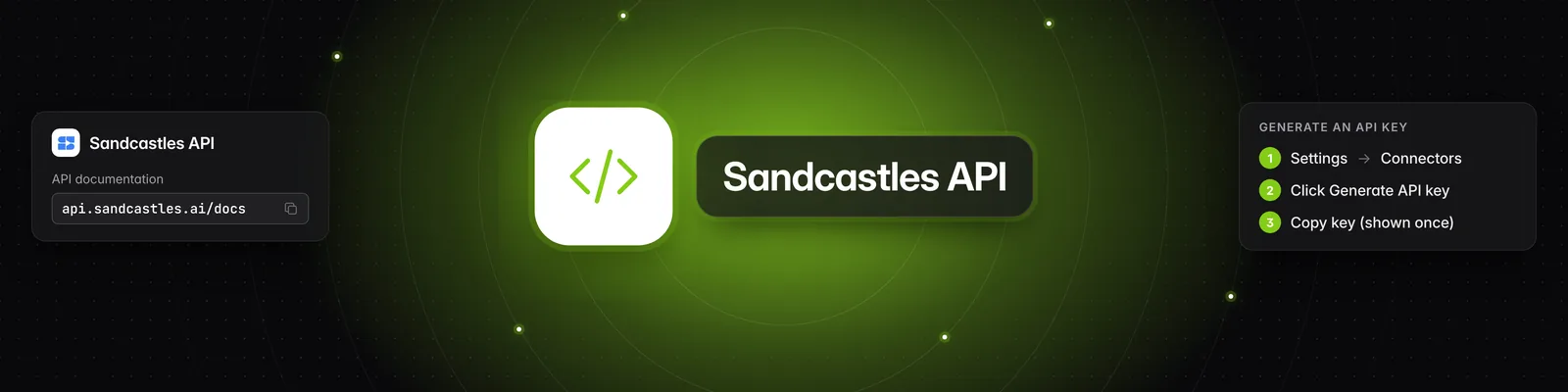
- Go to Settings > Connectors.
- In the API section, click Generate API key.
- Enter a name for your key (for example, "My Project API Key") and click Generate.
- Click Copy to clipboard and store the key somewhere safe. This is the only time the full key will be shown.
- Click Done.
The API section then shows the start of your key, its name and when it was last used.
Replace or delete your key
You can have one active API key at a time. To get a new key, for example if you lost yours:
- Go to Settings > Connectors.
- In the API section, click Regenerate, then click Regenerate again to confirm.
- Copy the new key and click Done.
Your old key stops working immediately, so update any apps that use it. The new key keeps the same name.
To remove your key without replacing it, click Delete and confirm. This can't be undone.
Make your first request
Send requests to https://api.sandcastles.ai/v1 with your key as a Bearer token in the Authorization header. For example, to list your workspaces:
curl -H "Authorization: Bearer YOUR_API_KEY" https://api.sandcastles.ai/v1/workspace/list
- Documentation: https://api.sandcastles.ai/docs lists every endpoint with its request and response format. You can also click View documentation → in the API section.
- Code samples: Click Download code sample in the API section and choose Python (.py), Node.js (.js) or Bash (.sh). Replace
sk_live_REPLACE_MEin the file with your key.
With the API you can list and switch workspaces, search videos and channels, analyze videos and read their analysis, manage your Watchlist, projects and automation rules, and check your remaining credits.
Does the API cost credits?
The API uses the same credit balance as the app.
- Analyzing a video costs 1 credit. It's free if the video is already in your library in that workspace.
- Everything else is free, including searching, reading video details, listing workspaces, and managing your Watchlist, projects and automation rules. Your plan's Watchlist limits still apply.
- Automation rules you create through the API use credits when they analyze videos, the same as automations created in the app.
Workspaces and guest access
Each request runs in your active workspace, which is the workspace you last switched to.
The API isn't available in workspaces where you're a guest. If your active workspace is one you were invited to as a guest, requests fail with "API is not available in guest workspaces. Switch to one of your own workspaces in the webapp first." Switch to one of your own workspaces in Sandcastles, then try again.
Sandcastles MCP
MCP stands for Model Context Protocol. The Sandcastles MCP lets you use Sandcastles inside chatbots like Claude and ChatGPT. You connect it by signing in with your Sandcastles account, so it doesn't need an API key. The MCP URL, https://mcp.sandcastles.ai/, is in Settings > Connectors > MCP. Under Setup Guides, click the button for your assistant, or see How to set up the Sandcastles MCP in any AI assistant. For Claude, you can also click Install from Marketplace > Claude.
Troubleshooting
- "You already have an active key. Use Regenerate to rotate it." You can only have one key. Use Regenerate to replace it.
- Your key stopped working: Check that the key wasn't regenerated or deleted, that you're still on the Titan plan, and that your active workspace isn't one where you're a guest.
Related articles
- What are the differences between the Starter, Pro, Visionary, and Titan plans?
- How does the credit system work?
- How to set up the Sandcastles MCP in Claude
- What settings can I change in Sandcastles?
If you have any questions, please reach out to support@sandcastles.ai.