How to work with your ideas and scripts through the Sandcastles MCP
Your ideas and scripts in your AI assistant
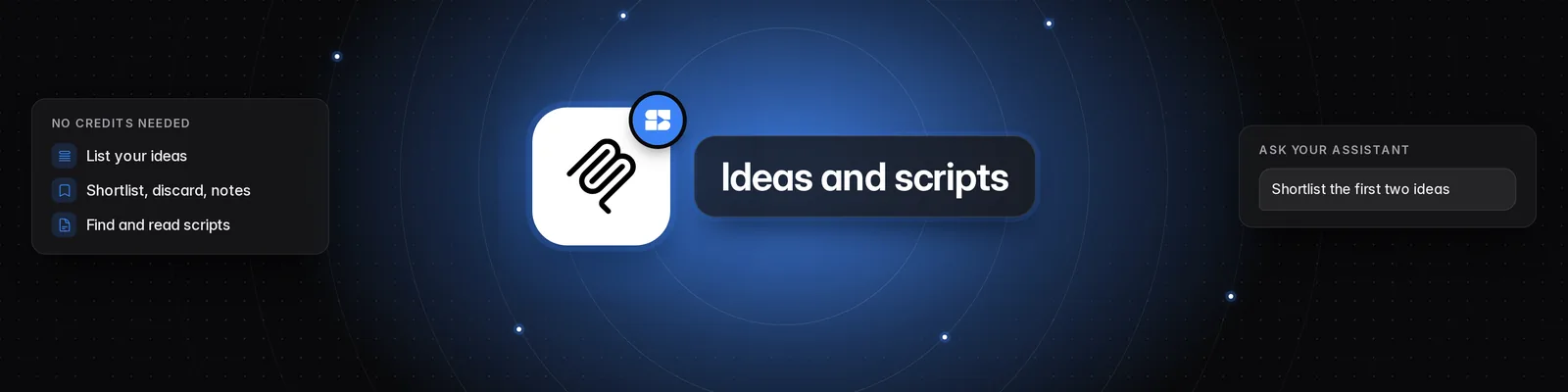
Once Sandcastles is connected, you can ask your AI assistant to show your ideas, shortlist or discard them, add notes, and find and read your scripts. Just ask in plain words. There's no slash command for this, and it doesn't use credits.
What you need
- An active Pro, Visionary or Titan plan. Without one, you'll see "Your Sandcastles plan doesn't include MCP access."
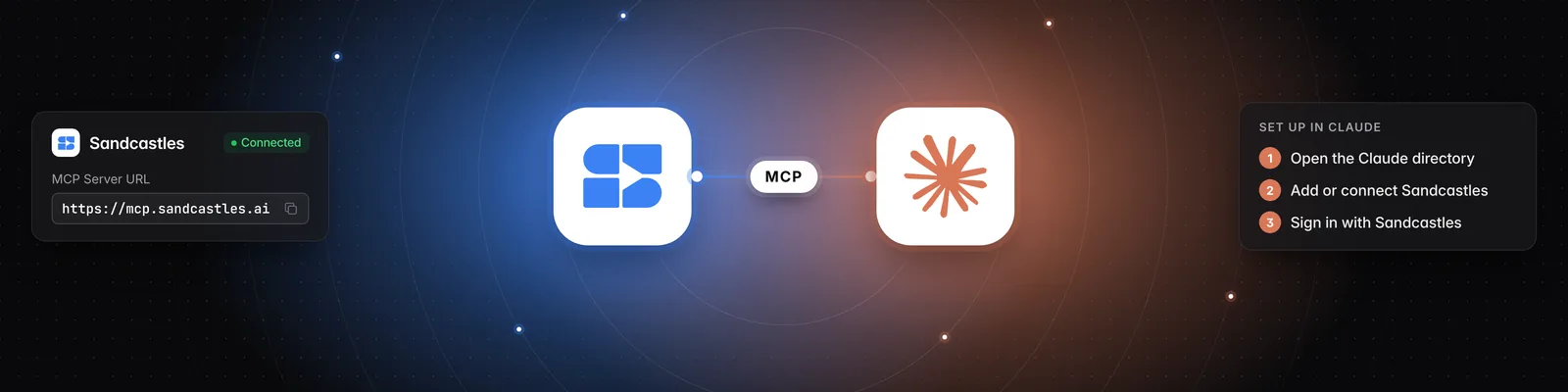
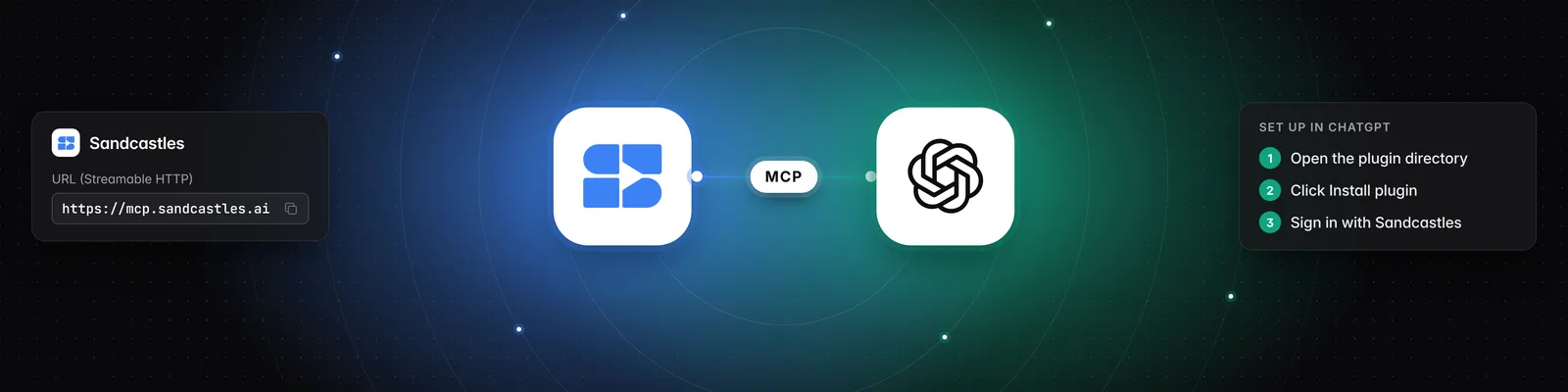
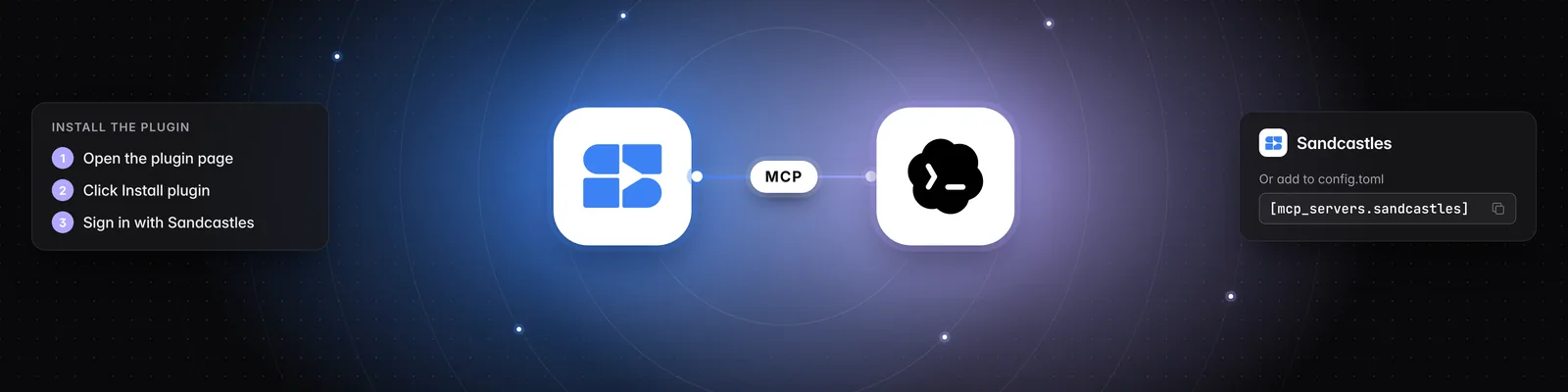
- Sandcastles connected to your assistant. See How to set up the Sandcastles MCP in any AI assistant or How to set up the Sandcastles MCP in Claude.
See your ideas
Your assistant reads the same ideas you see in the Ideas tab. Try:
- "What's in my ideas Inbox?"
- "Show my Shortlist."
- "Which ideas did I save this week?"
- "Show my discarded ideas."
- "Find my ideas about morning routines."
For each idea, your assistant can see the video and its channel, views, outlier score, engagement rate, hook and format, your notes, and the ways to personalize it for your content.
- By default, your assistant gets your Inbox and Shortlist together, just like the app. Ask for your discarded ideas by name.
- It can sort by when you saved the idea, when the video was posted, views, outlier score or engagement rate.
- Searching matches an idea's topic.
- A video you just analyzed shows up once its analysis finishes.
Shortlist, discard or add notes
Ask your assistant to change one idea or several at once (up to 100 per request). For example:
- "Shortlist the first two ideas."
- "Discard the idea about protein shakes."
- "Move that one back to my Inbox."
- "Add a note to this idea: film it in the gym."
Changes are saved to your Ideas tab.
- You can move an idea between Inbox, Shortlist and discarded in any direction. This includes bringing a discarded idea back.
- A new note replaces the idea's current notes. To add to them, ask your assistant to keep what's already there.
- Your assistant should check with you before discarding ideas or replacing notes, unless you've clearly asked it to.
Find and read your scripts
Your assistant can see the scripts in your Scripts tab, newest first. Try:
- "What scripts have I written?"
- "Find my script about cold plunges."
- "Read me my latest script."
- "Which hook did I pick for that script?"
When it opens a script, your assistant gets the topic, the script text, the hooks written for it (and which one you chose), the research, what you asked for when you started it, and the video it was based on.
Your assistant can read and discuss your scripts, and suggest rewrites in the chat, but it can't change them in Sandcastles. To edit a script, open it in the Scripts tab. See How to use the Scripts tab.
Which workspace it uses
Your assistant works in your active workspace: the one you last had open in Sandcastles. It only sees that workspace's ideas and scripts. To use another one, ask "Switch my Sandcastles workspace to Client A". See How to use the Workspaces feature.
Important notes
- Listing ideas, changing ideas, listing scripts and reading scripts are all free. See Does using the Sandcastles MCP cost credits?.
- If you're a guest in someone else's workspace, your assistant can show its ideas and scripts, but it can't shortlist, discard or add notes to ideas. You'll see "Guests can't change this workspace's ideas."
- To turn a new video into an idea, ask your assistant to analyze it. That uses 1 credit.
- If something isn't working, see Why isn't the Sandcastles MCP working?.
Related articles
- How to use the Ideas tab
- How to use the Scripts tab
- How to set up the Sandcastles MCP in any AI assistant
- Does using the Sandcastles MCP cost credits?
If you have any questions, please reach out to support@sandcastles.ai.