I paid, so why does Sandcastles still ask me to upgrade?
Your plan isn't showing after you paid
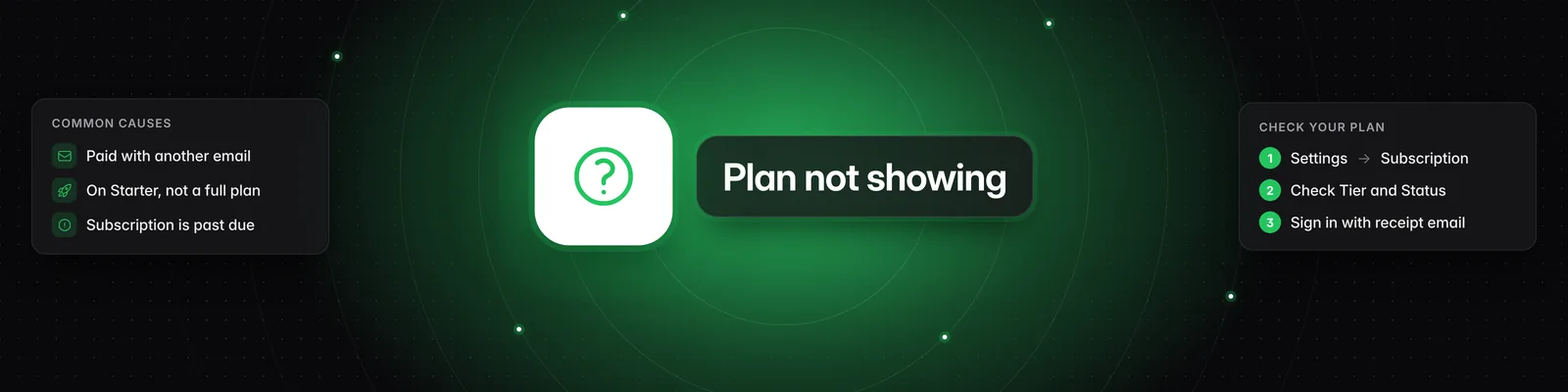
Usually the plan is on a different Sandcastles account, because it was bought under another email. It can also mean you're on the $5 Starter plan rather than a full plan, or your subscription is past due. Start by checking your Subscription page.
Check your Subscription page
- Click Settings in the left sidebar. The Subscription tab opens.
- Look at these fields:
- Tier: your plan, for example Starter, Pro, Visionary or Titan.
- Status: Active when your plan is working.
- Credit reset date: when your monthly credits reset next.
- Interval: Month or Year.
- Next billing date: when you'll be charged next.
If you see "You're currently on the free tier of Sandcastles. Ready to upgrade?" with a Choose a plan button, this account has no subscription. Your plan is most likely on another account.
You paid with a different email
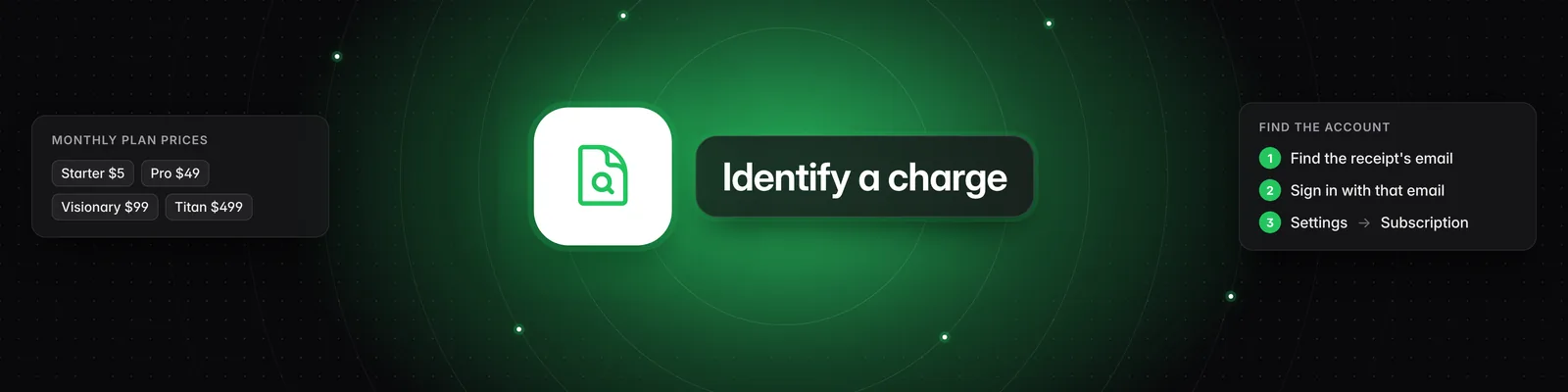
Each email is its own Sandcastles account, and a subscription belongs to the account you were signed in to when you bought it.
- Check which email address your receipt was sent to.
- Go to Settings > Profile to see the Email you're signed in with.
- If they're different, go to Settings and click Sign out.
- Sign in to Sandcastles with the email on your receipt. Your plan will be there.
You can't change the email on an account, and subscriptions can't be moved from one account to another. See Can I change the email on my Sandcastles account?. If you bought a plan on the wrong account, contact support and we'll help you sort it out.
You're on the Starter plan
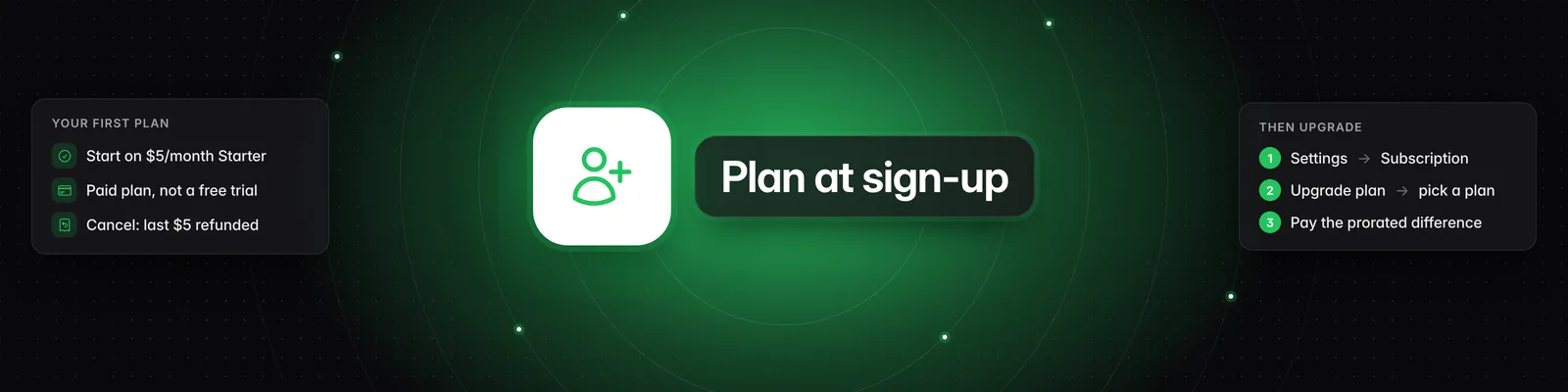
Starter is the $5/month plan offered when you sign up. If Tier shows Starter, you haven't bought a full plan yet. The sidebar also shows "You're on the Starter plan" or "You've used all of your Starter credits".
To upgrade:
- Go to Settings > Subscription and click Upgrade plan.
- Select Pro, Visionary or Titan. To pay yearly, turn on the switch next to Save 20% with annual billing!
- Tick I understand Sandcastles will charge my card immediately, and that my subscription will renew automatically until I cancel.
- Click Buy followed by the plan name, for example Buy Pro plan.
Your card is charged right away and your new plan starts immediately. For more, see How do I upgrade, downgrade or change my plan?.
Your subscription is past due
If your last payment failed, Status shows Past Due and Tier is empty. Your plan's features are locked until the payment goes through. When you click Upgrade plan or Upgrade now, you'll see "Your subscription is past due, please open the billing portal to update your payment information."
- Click Open billing portal in that message, or go to Settings > Subscription and click Billing portal.
- Update your card and pay the outstanding invoice.
See How do I update my payment method or download invoices?.
Your credits after upgrading
- Upgrading from Starter: you get the new plan's full monthly credits right away. Unused Starter credits don't carry over.
- Upgrading from Pro, Visionary or Titan mid-cycle: you only get a share of the extra credits, based on how much of your billing period is left. If you'd used all your credits before upgrading, your balance may still be low.
- Your balance can take a few moments to update after you pay. Refresh the page if it still shows your old balance.
Your balance is shown at the top of the Subscription page, above "remaining balance in your account". See How does the credit system work?.
Still looks wrong?
Email us and include:
- Your receipt, or the date and amount of the charge
- The email address the receipt was sent to
- The email address you sign in to Sandcastles with
If you have any questions, please reach out to support@sandcastles.ai.