Why can't I sign in to Sandcastles?
Signing in to Sandcastles
Most sign-in problems come from using a different sign-in method or email than the one you signed up with. Sign in exactly the way you did the first time, for example with the same email address or with Google.
How sign-in works
- Opening Sandcastles while you're signed out takes you to the Sandcastles sign-in page.
- Your account belongs to the email address you signed up with, and to the sign-in method you first used with it.
- Once you're in, you stay signed in on that browser. If you haven't used Sandcastles there for 30 days, or you clear your cookies, you'll need to sign in again.
- To sign out, go to Settings and click Sign out.
My sign-in email or code doesn't arrive
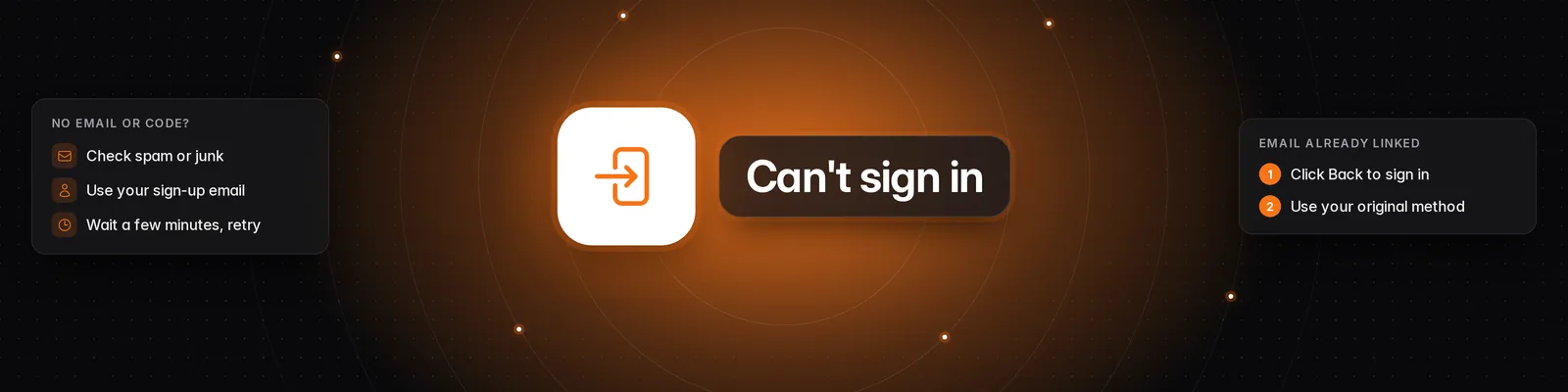
- Check your spam or junk folder.
- Make sure you typed the email address you signed up with, with no typos.
- Wait a few minutes, then try signing in again.
- If you signed up with Google, sign in with Google instead of your email address.
If the inbox you signed up with no longer exists, you can't receive sign-in emails there. If you used Google with that address, try signing in with Google. Otherwise, email support and tell us which email addresses you may have used. We can help you find your account.
"This email is already linked to another sign-in."
You see this when you've signed in to Sandcastles before with a different method, for example Google, and now try another one with the same email.
- Click Back to sign in.
- Sign in with the method you used before, for example Google.
You'll be back in your existing account, with all your data. If you're not sure which method you used, try each one with the same email address, or contact support.
Can I change my email?
No. The email on your account can't be changed. To use a different email, create a new account with it. See Can I change the email on my Sandcastles account?.
Deleted accounts
If you deleted your account, you can't sign in to it again. You also can't create a new account with the same email address. This can't be undone.
I can't sign in, but I need to cancel
Email support@sandcastles.ai from the email address on your Sandcastles account and ask us to cancel. Writing from that address lets us find your account. If you no longer have access to that inbox, tell us which email addresses you may have signed up with.
If you can sign in but see a Pick a plan pop-up, your subscription may be on a different account. See How do I cancel my subscription? and I paid, so why does Sandcastles still ask me to upgrade?.
Troubleshooting
- Sent straight back to the sign-in page? Wait a few minutes and try again. If it keeps happening, contact support.
- Signing up with a temporary email address? New accounts can't be created with disposable email addresses. Use a permanent one.
- Signed in but your plan or data is missing? You're probably in a different account. Go to Settings > Profile to check the Email you're signed in with.
- Signed out unexpectedly? Sign in again with the same method as before.
For what to include when you write to us, see How do I contact support if I have other questions?.
If you have any questions, please reach out to support@sandcastles.ai.