How to set up the Sandcastles MCP in any AI assistant
Connecting Sandcastles to any AI assistant
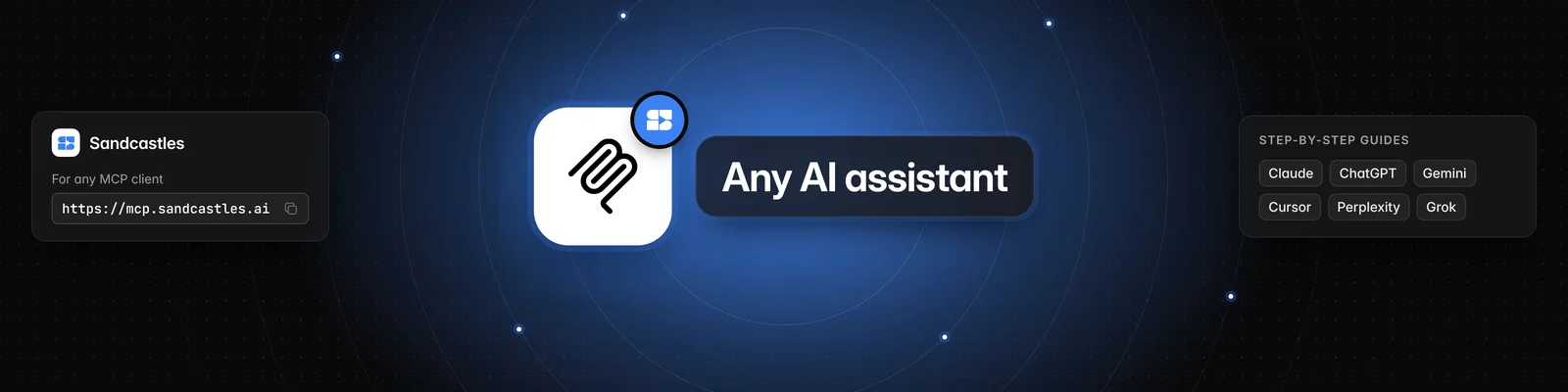
Sandcastles works with any AI assistant that supports MCP. Pick your assistant below for step-by-step instructions, or follow the manual steps if yours isn't listed.
Setup guides for each assistant
- How to set up the Sandcastles MCP in Claude (also covers Claude Code and Claude Cowork)
- How to set up the Sandcastles MCP in ChatGPT
- How to set up the Sandcastles MCP in Codex
- How to set up the Sandcastles MCP in Grok
- How to set up the Sandcastles MCP in Meta Muse
- How to set up the Sandcastles MCP in Hermes Agent
- How to set up the Sandcastles MCP in Perplexity
- How to set up the Sandcastles MCP in OpenClaw
- How to set up the Sandcastles MCP in Google Antigravity
- How to set up the Sandcastles MCP in Grok Bot
- How to set up the Sandcastles MCP in Gemini
- How to set up the Sandcastles MCP in Replit
- How to set up the Sandcastles MCP in Cursor
Manual setup for any other assistant
-
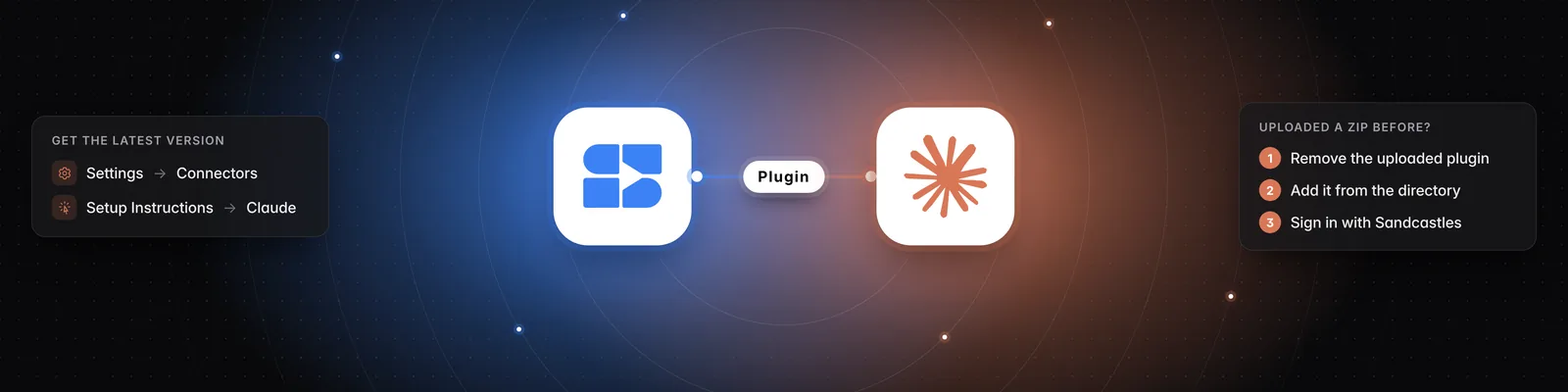
Open Sandcastles and go to Settings > Connectors.
-
On the MCP card, hover over the URL and click Copy. The URL is:
https://mcp.sandcastles.ai/ -
In your assistant, open its MCP, connectors or integrations settings.
-
Add a custom or remote MCP server (some assistants call it a connector).
-
Enter
Sandcastlesas the name and paste the URL. -
If your assistant asks for a connection type, choose Streamable HTTP (or HTTP). If it asks how to sign in, choose OAuth.
-
Save the server.
-
Sign in with your Sandcastles account when the Sandcastles sign-in page opens, and approve the connection.
You don't need a client ID or an API key. Your assistant registers itself with Sandcastles when you sign in.
Important notes
- Plans: The MCP needs a Pro, Visionary or Titan plan. On the Starter plan, the MCP card shows a See plans button instead of the URL.
- Plan error: If your plan doesn't include the MCP, your assistant will report "Your Sandcastles plan doesn't include MCP access." when it tries to use Sandcastles.
- Credits: Analyzing a video that isn't in your current workspace yet uses 1 credit. Searching videos and getting channel recaps are free. If you run out, you'll see "You don't have enough credits to perform this action."
- Workspaces: Your assistant works in the workspace you're currently in on Sandcastles. You can ask it to list your workspaces or switch to another one. Switching from your assistant also switches the workspace you see the next time you open Sandcastles.
Related articles
- How to set up the Sandcastles MCP in Claude
- How to set up the Sandcastles MCP in ChatGPT
- Does using the Sandcastles MCP cost credits?
If you have any questions, please reach out to support@sandcastles.ai.